
- Company: HeyGen
- Platforms: Web, Mac, Windows
- Updated on: December 30, 2025
- Status: Unverified
- Company: HeyGen
- Updated At: December 30, 2025
- Editor Rating: 4.6
- Platform: Web, Mac, Windows
HeyGen is an innovative AI tool that simplifies video creation by transforming text and images into engaging videos effortlessly.
- Generator, Editor
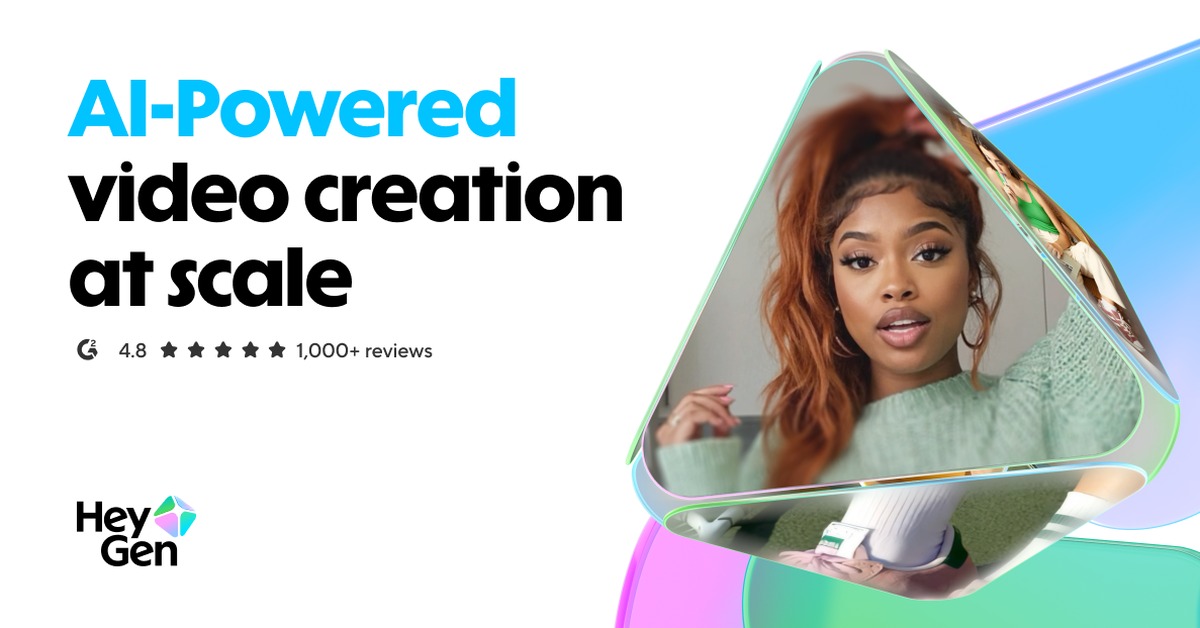
Overview of HeyGen
HeyGen is a cutting-edge AI video generation tool designed to streamline the video creation process for users of all skill levels. By leveraging advanced algorithms, HeyGen allows users to convert text, images, and audio into captivating videos, making it an essential tool for marketers, educators, and content creators. The platform addresses common challenges in video production, such as time constraints and technical expertise, by providing an intuitive interface and powerful automation features. With unique capabilities like customizable templates and AI-driven editing suggestions, HeyGen empowers users to produce high-quality videos quickly and efficiently. Practical use cases include creating promotional videos, educational content, and social media posts. The realistic benefits of using HeyGen include saving time, reducing production costs, and enhancing audience engagement through visually appealing content.
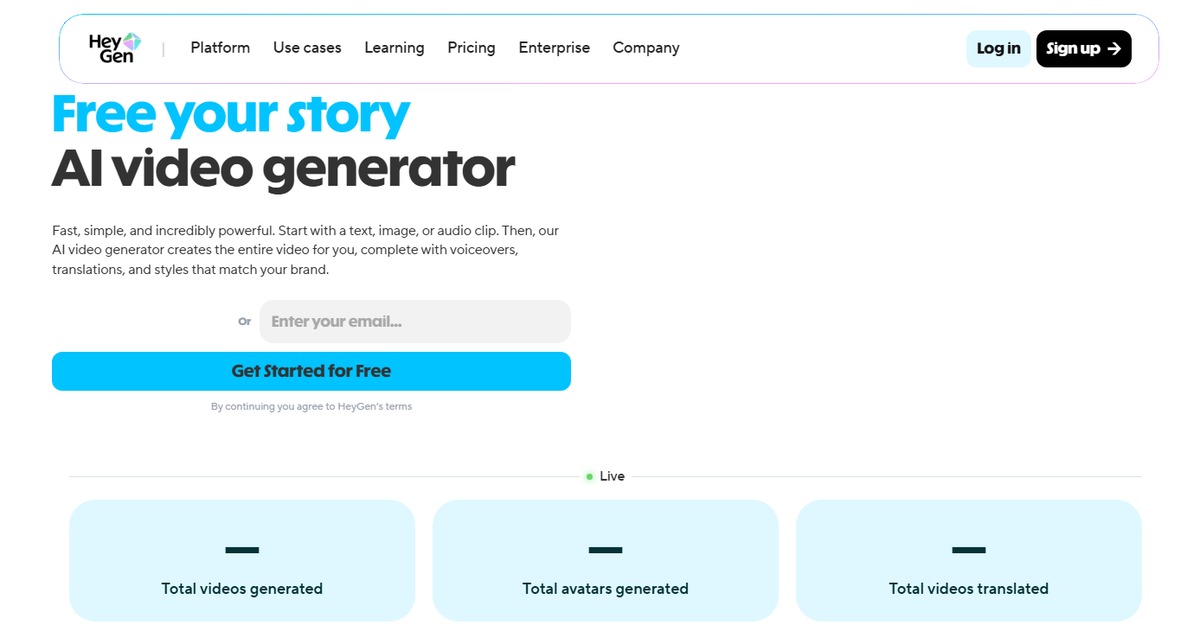
Key Features
- AI-Powered Video Generation: Quickly transform text and images into videos using advanced AI algorithms.
- Customizable Templates: Choose from a variety of templates to match your brand and style.
- User-Friendly Interface: An intuitive design that simplifies the video creation process for everyone.
- High-Quality Exports: Produce videos in various resolutions, ensuring quality for all platforms.
- Collaboration Tools: Work with team members seamlessly on video projects with shared access.
Pros & Cons
Pros.
- Efficient video creation process that saves time and effort.
- Wide range of templates that cater to different industries and purposes.
- AI suggestions enhance creativity and improve video quality.
- Flexible pricing plans that accommodate different user needs.
- Strong customer support with resources and tutorials available.
Cons.
- Some advanced features may require a higher-tier subscription.
- Limited customization options in the free version.
- Occasional rendering delays during peak usage times.
- Learning curve for users unfamiliar with video editing tools.
- Integration options may be limited compared to competitors.
How to Use (Quick Start)
- Sign up for an account on the HeyGen website.
- Select the type of video you want to create.
- Upload your images or input text and audio.
- Choose a template that fits your style.
- Customize the video elements as needed.
- Preview the video and make any final adjustments.
- Export the video in your desired format.
- Share or download your finished video.
FAQs of HeyGen
What types of videos can I create with HeyGen?
You can create promotional videos, educational content, social media posts, and more.
Is there a free trial available?
Yes, HeyGen offers a free plan with basic features.
Can I use my own images and audio in the videos?
Absolutely! You can upload your own images and audio files.
What platforms does HeyGen support?
HeyGen is available on web, mac, and windows.
Are there any limitations on video length?
Video length limitations depend on the pricing plan you choose.
How does the AI improve video quality?
The AI provides editing suggestions and optimizes video elements for better engagement.
Can I collaborate with others on video projects?
Yes, HeyGen includes collaboration tools for team projects.
Related AI Tools
No results found.