
- Company: Kapwing
- Platforms: Web, Mac, Windows
- Updated on: December 30, 2025
- Status: Unverified
- Company: Kapwing
- Updated At: December 30, 2025
- Editor Rating: 4.6
- Platform: Web, Mac, Windows
Kapwing AI is an intuitive video editing tool designed for creators looking to enhance their content effortlessly.
- Generator, Editor
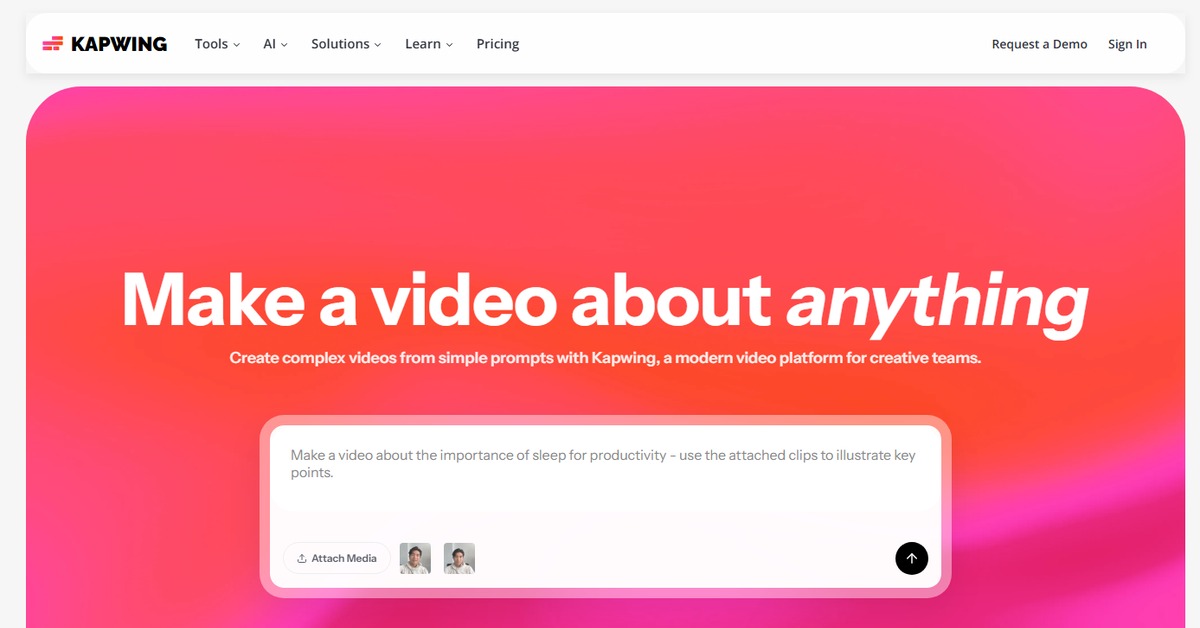
Overview of Kapwing AI
Kapwing AI stands out as a versatile video editing tool that caters to a wide range of users, from social media managers to content creators. It simplifies the video editing process, allowing users to create engaging content without the steep learning curve typically associated with traditional editing software. The platform addresses common challenges such as time constraints and technical barriers, making it accessible for anyone looking to produce high-quality videos. Unique capabilities include real-time collaboration, a user-friendly interface, and a library of templates and assets that streamline the creative process. Practical use cases range from creating promotional videos to editing social media clips, ensuring that users can effectively communicate their messages. The realistic benefits include saving time, enhancing creativity, and producing professional-grade content with ease.
Key Features
- Real-time Collaboration: Work with team members simultaneously on projects, enhancing productivity.
- User-Friendly Interface: Designed for ease of use, making video editing accessible to all skill levels.
- Template Library: Access a wide range of templates to kickstart your projects quickly.
- Multi-Format Support: Edit and export videos in various formats suitable for different platforms.
- Cloud-Based Storage: Save your projects in the cloud, allowing access from anywhere and on any device.
Pros & Cons
Pros.
- Flexible pricing options cater to different user needs, from casual creators to professionals.
- The platform's intuitive design reduces the learning curve, making it easy for beginners.
- Real-time collaboration features are ideal for teams working on shared projects.
- A rich library of templates and assets accelerates the content creation process.
- Cloud storage ensures that projects are accessible from any device, enhancing convenience.
Cons.
- Some advanced features may require a paid subscription, limiting functionality for free users.
- Performance can vary depending on internet speed, affecting editing experience.
- Limited offline capabilities may hinder users who prefer to work without an internet connection.
- The platform may not support all video formats, which could be a drawback for some users.
- Occasional bugs or glitches reported by users can disrupt the editing process.
How to Use (Quick Start)
- Visit the Kapwing website and create an account.
- Select the type of project you want to start (video, audio, or image).
- Upload your media files or choose from the library.
- Utilize the editing tools to trim, cut, or add effects.
- Incorporate text, images, or audio as needed.
- Preview your project to ensure it meets your expectations.
- Export your final product in the desired format.
- Share your content directly to social media or download it for later use.
FAQs of Kapwing AI
What types of media can I edit with Kapwing AI?
You can edit videos, audio files, images, and text.
Is there a free version of Kapwing AI?
Yes, Kapwing offers a free version with basic features.
Can I collaborate with others on projects?
Yes, Kapwing allows real-time collaboration with team members.
What formats can I export my projects in?
You can export your projects in various formats suitable for different platforms.
Do I need to download software to use Kapwing?
No, Kapwing is a cloud-based tool that runs in your web browser.
Are there any limitations to the free version?
The free version has limited features and may include watermarks.
How can I contact customer support?
You can reach customer support through the Kapwing website's help center.
Related AI Tools
No results found.