
- Company: HubSpot
- Platforms: Web, Web Browser
- Updated on: January 2, 2026
- Status: Unverified
- Company: HubSpot
- Updated At: January 2, 2026
- Editor Rating: 4.6
- Platform: Web, Web Browser
HubSpot AI offers powerful data analysis and reporting tools to enhance business insights and decision-making.
- Assistant, Automation, Framework
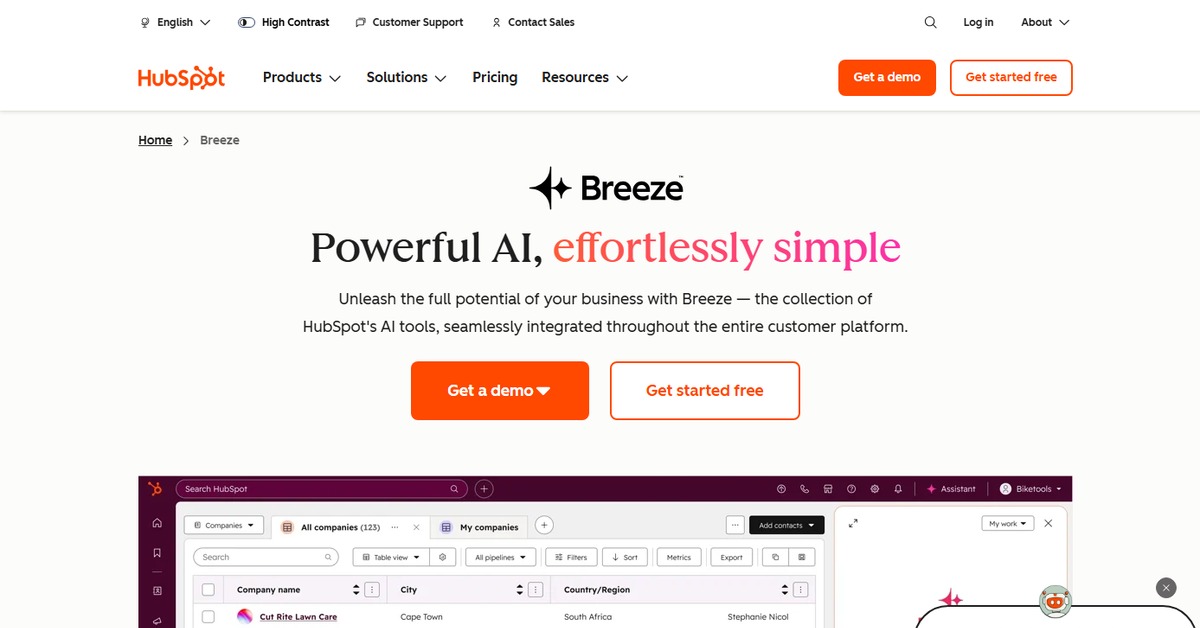
Overview of HubSpot AI
HubSpot AI is a robust analytics framework designed to empower businesses with actionable insights derived from their data. By integrating seamlessly with various data inputs such as CSV files, documents, and APIs, it enables users to conduct comprehensive analyses and generate detailed reports. This tool is crucial for organizations looking to leverage data for strategic decision-making, as it addresses common challenges like data overload and the need for real-time insights. HubSpot AI is particularly beneficial for marketers, sales teams, and business analysts who require a reliable way to interpret complex datasets. Its unique capabilities include advanced data visualization, customizable reporting features, and an intuitive user interface that simplifies the analysis process. Practical use cases range from tracking marketing campaign performance to analyzing customer behavior patterns, ultimately leading to informed business strategies and improved operational efficiency.

Key Features
- Comprehensive Data Analysis: HubSpot AI allows users to analyze large datasets efficiently, providing insights that drive business decisions.
- Customizable Reporting: Users can create tailored reports that meet specific business needs, enhancing the relevance of the insights generated.
- Real-time Insights: The tool offers real-time data processing, ensuring that users have access to the latest information for timely decision-making.
- User-friendly Interface: HubSpot AI features an intuitive design that simplifies the data analysis process, making it accessible for users of all skill levels.
- Integration Capabilities: The tool easily integrates with various platforms, allowing for seamless data import and export.
Pros & Cons
Pros.
- Robust analytics capabilities that cater to various business needs.
- Flexible pricing plans that accommodate different budget levels.
- Strong integration options with popular tools like WordPress and Zapier.
- User-friendly design that minimizes the learning curve for new users.
- Real-time data processing that enhances decision-making speed.
Cons.
- Some advanced features may require a learning curve for new users.
- Limited free version may not provide enough functionality for larger organizations.
- Occasional performance issues with very large datasets.
- Customization options may be overwhelming for users unfamiliar with data analysis.
- Support response times can vary depending on the query.
How to Use (Quick Start)
- Sign up for a HubSpot account.
- Navigate to the AI tools section.
- Select the type of data input you wish to analyze.
- Upload your CSV or document, or connect via API.
- Choose the analysis type you need.
- Generate reports and insights based on your data.
- Review and customize your reports as necessary.
- Export or share your findings with your team.
FAQs of HubSpot AI
What types of data can I analyze with HubSpot AI?
You can analyze data from CSV files, documents, and APIs.
Is there a free version of HubSpot AI?
Yes, HubSpot AI offers a free version with basic features.
How does HubSpot AI integrate with other tools?
It integrates with various platforms like WordPress and Zapier for seamless data handling.
Can I customize my reports in HubSpot AI?
Absolutely, HubSpot AI allows for extensive customization of reports.
What industries can benefit from HubSpot AI?
HubSpot AI is beneficial for marketing, sales, and data analysis across various industries.
How often is the data updated in HubSpot AI?
Data is processed in real-time, providing the latest insights.
What support options are available for HubSpot AI users?
HubSpot provides various support options, including documentation and customer service.
Related AI Tools
No results found.