
- Company: SocialBee
- Platforms: Web, Web Browser
- Updated on: December 31, 2025
- Status: Unverified
- Company: SocialBee
- Updated At: December 31, 2025
- Editor Rating: 4.6
- Platform: Web, Web Browser
SocialBee AI is an innovative tool designed to streamline social media management, offering advanced features for content scheduling and analytics.
- Assistant, Automation
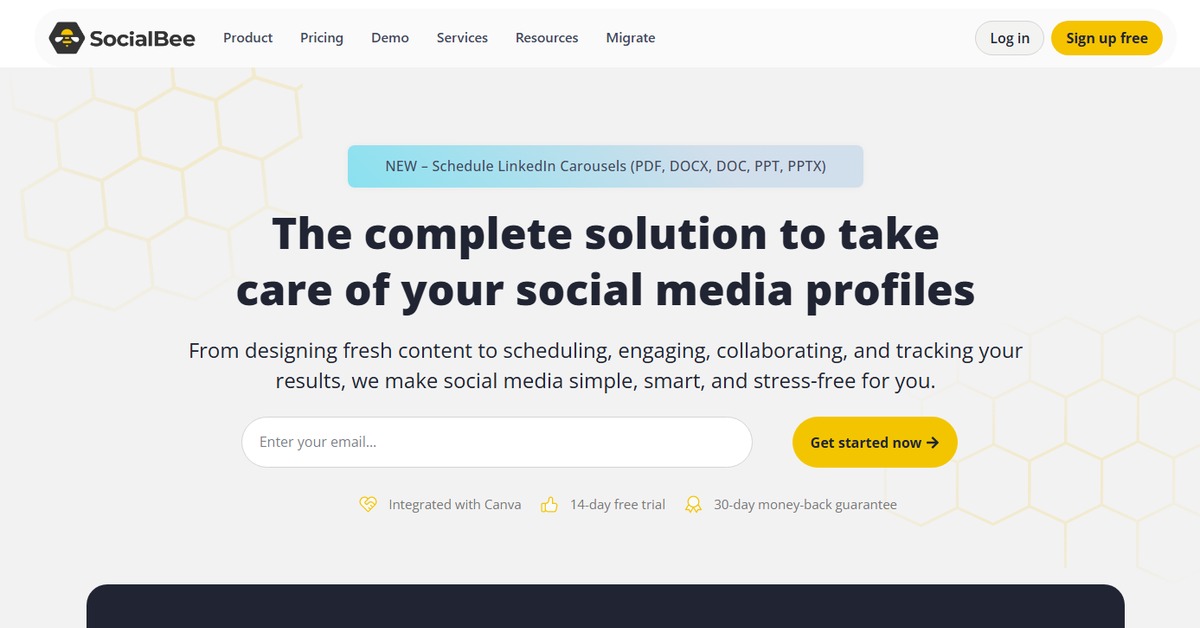
Overview of SocialBee AI
SocialBee AI is a powerful social media management tool that empowers users to efficiently manage their online presence. With its robust features, it allows for seamless content scheduling, analytics tracking, and social media engagement. This tool is essential for businesses, marketers, and content creators looking to optimize their social media strategies. SocialBee AI addresses common challenges such as time management and content planning by providing a user-friendly interface and automation capabilities. Its unique approach combines AI-driven insights with practical scheduling tools, making it easier for users to maintain a consistent online presence. Whether you’re a small business owner or a social media manager, SocialBee AI offers practical use cases that enhance productivity and engagement. The realistic benefits include saving time, improving content quality, and gaining valuable insights into audience behavior, ultimately leading to better social media performance.
Key Features
- Content Scheduling: Plan and automate your posts across various social media platforms.
- Analytics Tracking: Gain insights into post performance and audience engagement.
- Content Categories: Organize your content for better management and scheduling.
- Multi-Platform Support: Manage multiple social media accounts from one dashboard.
- AI-Driven Insights: Leverage AI to optimize your content strategy and improve engagement.
Pros & Cons
Pros.
- User-friendly interface that simplifies social media management.
- Comprehensive analytics that provide actionable insights.
- Flexible scheduling options to accommodate various posting strategies.
- Strong integration capabilities with popular platforms.
- Affordable pricing plans that cater to different user needs.
Cons.
- Some advanced features may require a higher-tier subscription.
- Initial setup can be time-consuming for new users.
- Limited customization options for certain templates.
- Analytics may not be as in-depth as some dedicated analytics tools.
- Support response times can vary depending on the volume of inquiries.
How to Use (Quick Start)
- Sign up for an account on the SocialBee website.
- Choose a pricing plan that suits your needs.
- Connect your social media accounts.
- Create and organize your content categories.
- Schedule your posts using the calendar feature.
- Utilize analytics to track engagement and performance.
- Adjust your strategy based on insights gained.
FAQs of SocialBee AI
What is SocialBee AI used for?
SocialBee AI is used for managing social media accounts, scheduling posts, and analyzing engagement.
Is there a free version of SocialBee AI?
Yes, SocialBee AI offers a free plan with basic features.
Can I integrate SocialBee AI with other tools?
Yes, SocialBee AI integrates with platforms like WordPress and Zapier.
How does SocialBee AI help with content planning?
It allows users to categorize content and schedule posts in advance.
What types of analytics does SocialBee AI provide?
It provides insights into post performance, audience engagement, and growth metrics.
Is SocialBee AI suitable for small businesses?
Yes, it is designed to cater to businesses of all sizes, including small businesses.
How can I cancel my SocialBee AI subscription?
You can cancel your subscription through your account settings on the SocialBee website.
Related AI Tools
No results found.