
- Company: Google Cloud
- Platforms: Web, Mac, Windows
- Updated on: March 7, 2026
- Status: Unverified
- Company: Google Cloud
- Updated At: March 7, 2026
- Editor Rating: 4.6
- Platform: Web, Mac, Windows
Document AI by Google Cloud automates document processing, providing insights and analysis to streamline workflows.
- Automation
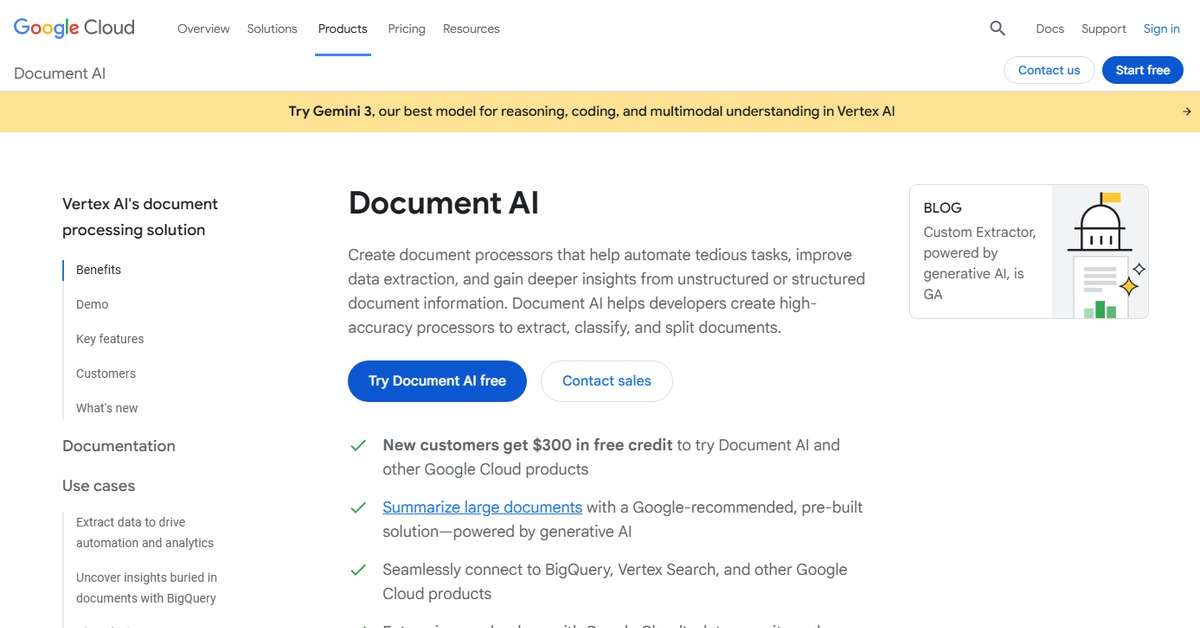
Overview of Document AI
Document AI is a powerful tool developed by Google Cloud that leverages artificial intelligence to automate and enhance the processing of documents. It is designed to help businesses and individuals efficiently extract valuable information from various document types, significantly reducing the time and effort required for manual data entry and analysis. This tool is particularly beneficial for sectors that handle large volumes of paperwork, such as finance, legal, and healthcare, where accuracy and speed are paramount. With its unique capabilities in natural language processing and machine learning, Document AI can analyze text, extract key data points, and generate comprehensive reports. Users can integrate this tool into their existing workflows, making it a versatile solution for enhancing productivity and ensuring data accuracy. The practical applications of Document AI are vast, ranging from automating invoice processing to streamlining contract analysis, ultimately leading to improved operational efficiency and reduced costs.
Key Features
- Natural Language Processing: Document AI uses advanced NLP techniques to understand and extract relevant information from documents.
- Data Extraction: The tool can automatically identify and extract key data points from various document formats, saving time and reducing errors.
- Customizable Workflows: Users can tailor the document processing workflows to fit their specific business needs and requirements.
- Comprehensive Reporting: Document AI generates detailed reports that provide insights into the data extracted, helping users make informed decisions.
- Integration Capabilities: The tool can easily integrate with other applications and platforms, enhancing its functionality and usability.
Pros & Cons
Pros.
- High Accuracy: The AI algorithms ensure that data extraction is highly accurate, minimizing manual corrections.
- Time-Saving: Automating document processing significantly reduces the time spent on manual data entry.
- Scalability: Suitable for businesses of all sizes, Document AI can handle varying volumes of documents efficiently.
- User-Friendly Interface: The platform is designed to be intuitive, making it accessible for users with varying technical skills.
- Strong Support: Google Cloud offers robust customer support and resources to assist users in maximizing the tool's potential.
Cons.
- Learning Curve: New users may require time to fully understand and utilize all features effectively.
- Cost Considerations: Advanced features may come at a higher price point, which could be a barrier for smaller businesses.
- Limited Offline Functionality: The tool primarily operates online, which may not suit all users.
- Dependence on Internet: Users must have a reliable internet connection for optimal performance.
- Complexity for Simple Tasks: For basic document processing needs, the tool may be more complex than necessary.
How to Use (Quick Start)
- Visit the Document AI website and sign up for an account.
- Choose the appropriate plan based on your needs.
- Upload your documents or provide URLs for analysis.
- Select the specific features you want to use for processing.
- Review the generated analysis and reports.
- Integrate the insights into your workflow.
- Utilize the API for advanced automation.
- Monitor and adjust settings as needed for optimal performance.
FAQs of Document AI
What types of documents can Document AI process?
Document AI can process various document types, including invoices, contracts, and forms.
Is there a free trial available for Document AI?
Yes, Document AI offers a free trial for users to explore its features before committing.
How does Document AI ensure data security?
Google Cloud implements robust security measures to protect user data, including encryption and access controls.
Can Document AI be integrated with other software?
Yes, Document AI supports integration with various applications, enhancing its functionality.
What industries benefit the most from Document AI?
Industries such as finance, healthcare, and legal can greatly benefit from the automation and accuracy of Document AI.
How accurate is the data extraction process?
Document AI utilizes advanced AI algorithms, ensuring high accuracy in data extraction.
What support options are available for Document AI users?
Google Cloud provides comprehensive support resources, including documentation and customer service.
Related AI Tools
No results found.