
- Company: Chopcast
- Platforms: Web, Mac, Windows
- Updated on: February 4, 2026
- Status: Unverified
- Company: Chopcast
- Updated At: February 4, 2026
- Editor Rating: 4.6
- Platform: Web, Mac, Windows
Chopcast is an AI-driven video editing tool designed to streamline the video creation process for content creators and marketers.
- Generator, Assistant, Editor
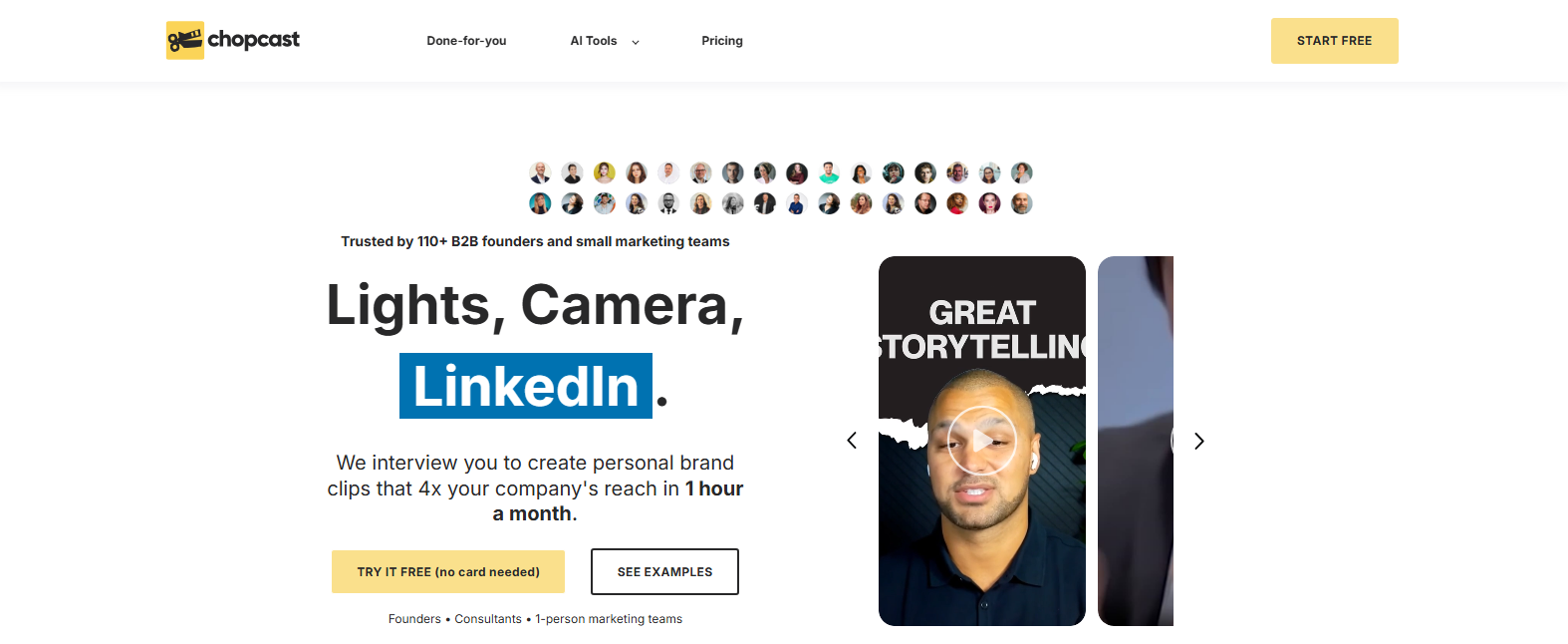
Overview of Chopcast
Chopcast revolutionizes the video editing landscape by leveraging artificial intelligence to simplify and enhance the video creation process. This tool is particularly valuable for content creators, marketers, and businesses looking to produce high-quality video content without the steep learning curve typically associated with traditional editing software. By automating tedious tasks and providing intuitive editing features, Chopcast addresses common pain points such as time consumption and technical complexity. Its unique capabilities include automatic scene detection, smart audio adjustments, and customizable templates, making it an ideal choice for users who want to create engaging videos quickly. Whether you’re a social media manager needing to churn out content regularly or a small business owner looking to enhance your marketing efforts, Chopcast offers practical solutions that can significantly improve your workflow and output quality.
Key Features
- AI-Powered Editing: Automates tedious tasks like scene detection and audio leveling.
- Customizable Templates: Offers a variety of templates to streamline the editing process.
- Multi-Platform Support: Available on web, mac, and windows for versatile access.
- Collaboration Tools: Enables team collaboration for seamless project management.
- Analytics Integration: Provides insights on video performance to inform future content strategies.
Pros & Cons
Pros.
- User-friendly interface that caters to both beginners and experienced editors.
- AI features significantly reduce editing time, allowing for quicker turnaround.
- Flexible pricing plans make it accessible for various budgets.
- Strong integration options with popular platforms like WordPress and Zapier.
- Regular updates and improvements based on user feedback enhance functionality.
Cons.
- Some advanced features may require a learning curve for new users.
- Limited offline capabilities may hinder users with unstable internet.
- Free plan has restrictions that may not meet the needs of professional users.
- Occasional bugs reported in the software that may disrupt workflow.
- Not all video formats are supported, which could limit usability.
How to Use (Quick Start)
- Visit the Chopcast website and create an account.
- Log in to your dashboard.
- Upload your video files or select from existing projects.
- Utilize AI features for automatic editing suggestions.
- Customize your video with text overlays, transitions, and effects.
- Preview your edits and make adjustments as needed.
- Export your final video in the desired format.
- Share your video directly to social media or download it for later use.
FAQs of Chopcast
What types of files can I upload to Chopcast?
Chopcast supports various file types including video, audio, images, and text.
Is there a free trial available?
Yes, Chopcast offers a free plan with basic features.
Can I collaborate with my team on projects?
Absolutely, Chopcast includes collaboration tools for team projects.
What platforms does Chopcast support?
Chopcast is available on web, mac, and windows.
How does the AI feature work?
The AI analyzes your video content to suggest edits and enhancements.
Are there any limitations on the free plan?
Yes, the free plan has limited features and export options.
Can I integrate Chopcast with other tools?
Yes, Chopcast integrates with platforms like WordPress and Zapier.
Related AI Tools
No results found.