
- Company: Predis.ai
- Platforms: Web, Mac, Windows
- Updated on: December 29, 2025
- Status: Unverified
- Company: Predis.ai
- Updated At: December 29, 2025
- Editor Rating: 4.6
- Platform: Web, Mac, Windows
Predis AI is an innovative tool designed to streamline video and image content creation, making it accessible for everyone.
- Generator, Editor
Overview of Predis AI
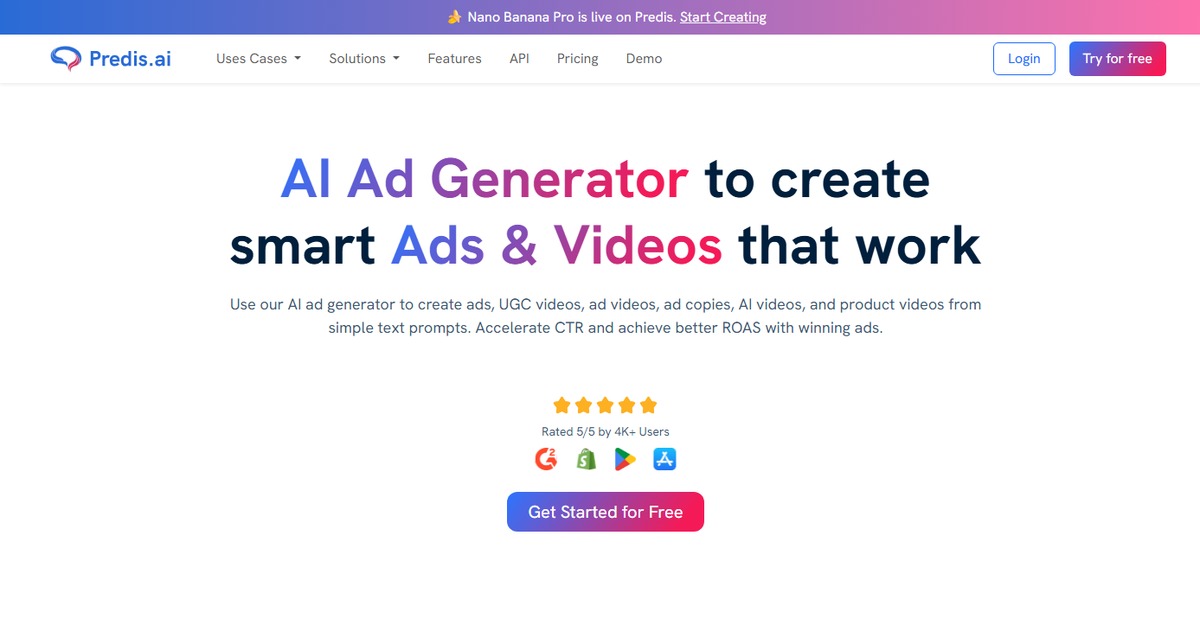
Predis AI is a cutting-edge platform that leverages artificial intelligence to simplify the process of creating engaging video and image content. It caters to marketers, content creators, and businesses looking to enhance their online presence through visually appealing media. The tool addresses common challenges such as time constraints and the need for high-quality visuals. With its unique capabilities, Predis AI offers automated video generation, image editing, and audio enhancements, allowing users to produce professional-grade content without extensive technical skills. The platform is particularly beneficial for social media managers and digital marketers who require quick turnaround times for content. Its intuitive interface and robust features enable users to create captivating visuals that resonate with their target audience, ultimately driving engagement and conversions.
Key Features
- Automated Video Generation: Quickly create videos from text or images using AI technology.
- Image Editing Tools: Enhance your visuals with a variety of editing options.
- Audio Integration: Add background music or voiceovers to your videos effortlessly.
- User-Friendly Interface: Designed for ease of use, making it accessible for all skill levels.
- Social Media Optimization: Tailored features to help you create content that performs well on various platforms.
Pros & Cons
Pros.
- Time-saving automation that allows for rapid content production.
- High-quality output that meets professional standards.
- Flexible pricing options that cater to different user needs.
- Strong integration capabilities with popular tools like WordPress and Zapier.
- Regular updates and improvements based on user feedback.
Cons.
- Some advanced features may require a paid subscription.
- Limited customization options compared to fully manual editing tools.
- Initial learning curve for users unfamiliar with AI tools.
- Occasional glitches reported during high-demand periods.
- Output quality can vary depending on input quality.
How to Use (Quick Start)
- Visit the Predis AI website and sign up for an account.
- Choose your desired input type (text, image, or video).
- Utilize the AI tools to generate or edit your content.
- Preview your creations to ensure quality.
- Make any necessary adjustments using the editing features.
- Export your final product in your preferred format.
- Share your content directly to social media or download it for later use.
FAQs of Predis AI
What types of content can I create with Predis AI?
You can create videos, images, and audio content using Predis AI.
Is there a free trial available?
Yes, Predis AI offers a free plan with basic features.
Can I integrate Predis AI with other tools?
Yes, it integrates with platforms like WordPress and Zapier.
What are the pricing options for Predis AI?
Predis AI offers a freemium model along with a paid plan for advanced features.
How user-friendly is the platform?
Predis AI is designed to be intuitive, making it accessible for users of all skill levels.
Can I share my creations directly on social media?
Yes, you can share your content directly to various social media platforms.
What support options are available for users?
Predis AI provides support through its website and user community.
Related AI Tools
No results found.