
- Company: Avoma
- Platforms: Web
- Updated on: February 3, 2026
- Status: Unverified
- Company: Avoma
- Updated At: February 3, 2026
- Editor Rating: 4.6
- Platform: Web
Avoma is an AI-powered meeting assistant that streamlines note-taking, transcription, and analytics to enhance productivity in meetings.
- Analyzer, Assistant
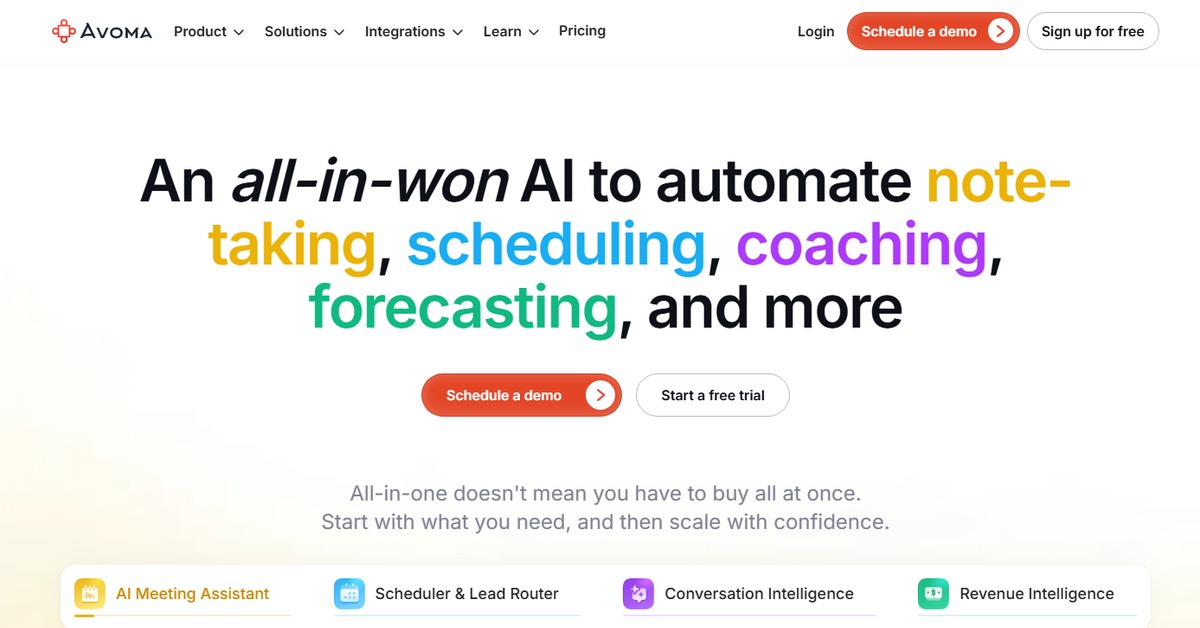
Overview of Avoma
Avoma is an innovative AI-powered meeting assistant designed to revolutionize the way professionals manage their meetings. By automating note-taking, transcription, and providing insightful analytics, Avoma addresses common challenges faced in meetings, such as information overload and lack of actionable insights. This tool is ideal for professionals, teams, and organizations looking to optimize their meeting efficiency and productivity. Avoma stands out with its unique ability to integrate seamlessly with various platforms, ensuring that users can access their meeting data wherever they are. Its practical use cases include generating meeting summaries, tracking action items, and analyzing team performance. With Avoma, users can expect to save time, enhance collaboration, and make informed decisions based on comprehensive meeting insights.
Key Features
- Automated Transcription: Avoma provides real-time transcription of meetings, ensuring that no important detail is missed.
- Intelligent Note-Taking: The tool automatically captures key points and action items, allowing users to focus on the discussion.
- Analytics Dashboard: Users can analyze meeting data to identify trends, team performance, and areas for improvement.
- Integrations: Avoma seamlessly integrates with popular tools like Google Calendar, Slack, and Microsoft Teams, enhancing workflow.
- Searchable Meeting History: Users can easily search past meetings and notes, making it simple to retrieve information when needed.
Pros & Cons
Pros.
- Saves time by automating note-taking and transcription, allowing users to focus on discussions.
- Provides valuable insights through analytics, helping teams improve their meeting effectiveness.
- User-friendly interface that simplifies the process of managing meeting data.
- Strong integration capabilities with various tools, enhancing overall productivity.
- Offers a freemium model, allowing users to explore basic features without commitment.
Cons.
- Advanced features are locked behind the Pro plan, which may limit functionality for free users.
- Some users may experience inaccuracies in transcription, particularly with technical jargon.
- Limited customization options for meeting templates and notes.
- The learning curve may be steep for users unfamiliar with AI tools.
- Occasional delays in processing meeting data during peak usage times.
How to Use (Quick Start)
- Sign up for an Avoma account on the website.
- Integrate your calendar to sync meetings automatically.
- Join a meeting via the provided link or dial-in number.
- Allow Avoma to record and transcribe the meeting.
- Review the generated notes and action items post-meeting.
- Utilize analytics to assess meeting effectiveness and team performance.
- Share insights with team members for improved collaboration.
FAQs of Avoma
What is Avoma used for?
Avoma is used for automating meeting management tasks such as note-taking, transcription, and providing analytics.
Is there a free version of Avoma?
Yes, Avoma offers a freemium model with basic features available for free.
How does Avoma integrate with other tools?
Avoma integrates with various platforms like Google Calendar, Slack, and Microsoft Teams to streamline workflows.
Can I access past meeting notes?
Yes, Avoma allows users to search and access past meeting notes and transcripts.
What types of analytics does Avoma provide?
Avoma provides insights into meeting effectiveness, team performance, and trends over time.
Is Avoma suitable for large teams?
Yes, Avoma is designed to cater to teams of all sizes, providing features that enhance collaboration.
How secure is my data with Avoma?
Avoma employs industry-standard security measures to ensure the safety and confidentiality of user data.
Related AI Tools
No results found.