
- Company: ArchiStar
- Platforms: Web, Web Browser
- Updated on: December 25, 2025
- Status: Unverified
- Company: ArchiStar
- Updated At: December 25, 2025
- Editor Rating: 4.6
- Platform: Web, Web Browser
ArchiStar is an innovative AI tool that streamlines architectural design, offering unique features for professionals in the field.
- Analyzer
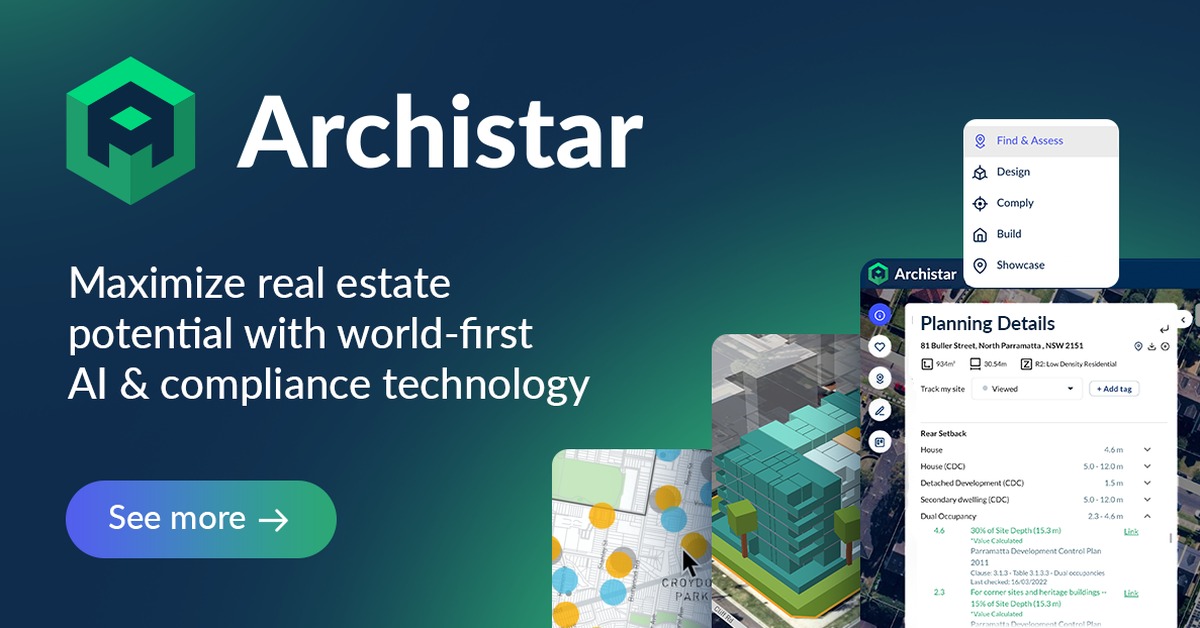
Overview of ArchiStar
ArchiStar is a cutting-edge AI-powered tool designed specifically for architects and urban planners. It leverages advanced algorithms to assist users in creating efficient architectural designs and urban layouts. This tool is essential for professionals seeking to optimize their design processes, reduce time spent on planning, and enhance creativity. ArchiStar addresses common challenges faced in architectural design, such as balancing aesthetics with functionality and adhering to regulatory requirements. Its unique capabilities include automated site analysis, 3D modeling, and real-time collaboration features. The tool is particularly beneficial for architects, urban planners, and real estate developers looking to innovate and streamline their workflows. By utilizing ArchiStar, users can expect improved design accuracy, faster project turnaround times, and enhanced collaboration among team members, ultimately leading to more successful project outcomes.
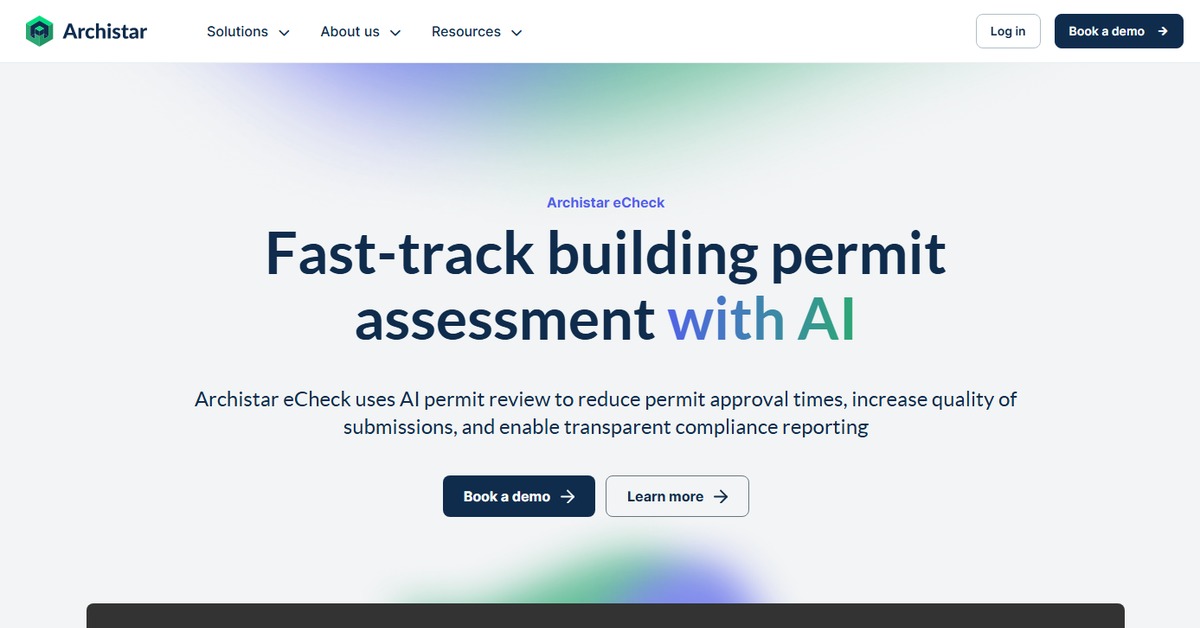
Key Features
- Automated Site Analysis: Quickly assess site conditions and constraints to inform design decisions.
- 3D Modeling: Create detailed 3D representations of designs for better visualization.
- Real-Time Collaboration: Work with team members seamlessly, sharing updates and feedback instantly.
- Regulatory Compliance Checks: Ensure designs meet local regulations and standards automatically.
- Customizable Templates: Access a variety of templates tailored to different project types.
Pros & Cons
Pros.
- Streamlines the design process, saving time and resources.
- Enhances creativity by providing innovative design suggestions.
- Facilitates collaboration among team members, improving project outcomes.
- Offers comprehensive site analysis tools, reducing the need for manual assessments.
- User-friendly interface that accommodates both beginners and experienced professionals.
Cons.
- Some advanced features may require a learning curve for new users.
- Limited offline capabilities, relying heavily on internet access.
- Certain features may be restricted in the free version.
- Performance can vary based on the complexity of the design.
- Integration with other software may require additional setup.
How to Use (Quick Start)
- Visit the ArchiStar website and sign up for an account.
- Choose a project type and input relevant parameters.
- Utilize the site analysis feature to assess the location.
- Generate initial design concepts using the AI tools.
- Refine designs based on feedback and analysis.
- Collaborate with team members in real-time.
- Export final designs in preferred formats.
FAQs of ArchiStar
What types of projects can I use ArchiStar for?
ArchiStar is suitable for various architectural projects including residential, commercial, and urban planning.
Is there a mobile version of ArchiStar?
Currently, ArchiStar is primarily web-based, with no dedicated mobile app.
Can I collaborate with others on my projects?
Yes, ArchiStar offers real-time collaboration features for team projects.
What are the system requirements for using ArchiStar?
ArchiStar is web-based, so it requires a modern browser and a stable internet connection.
Are there any tutorials available for new users?
Yes, ArchiStar provides a range of tutorials and resources to help new users get started.
How does the pricing work for ArchiStar?
ArchiStar offers a freemium model, with basic features available for free and advanced features in the Pro version.
Can I export my designs to other software?
Yes, ArchiStar allows users to export designs in various formats compatible with other design software.
Related AI Tools
No results found.