
- Company: Edpuzzle
- Platforms: Web, Mac, Windows
- Updated on: January 24, 2026
- Status: Unverified
- Company: Edpuzzle
- Updated At: January 24, 2026
- Editor Rating: 4.5
- Platform: Web, Mac, Windows
Edpuzzle AI transforms traditional video lessons into interactive experiences, fostering student engagement and understanding.
- Generator, Analyzer, Assistant
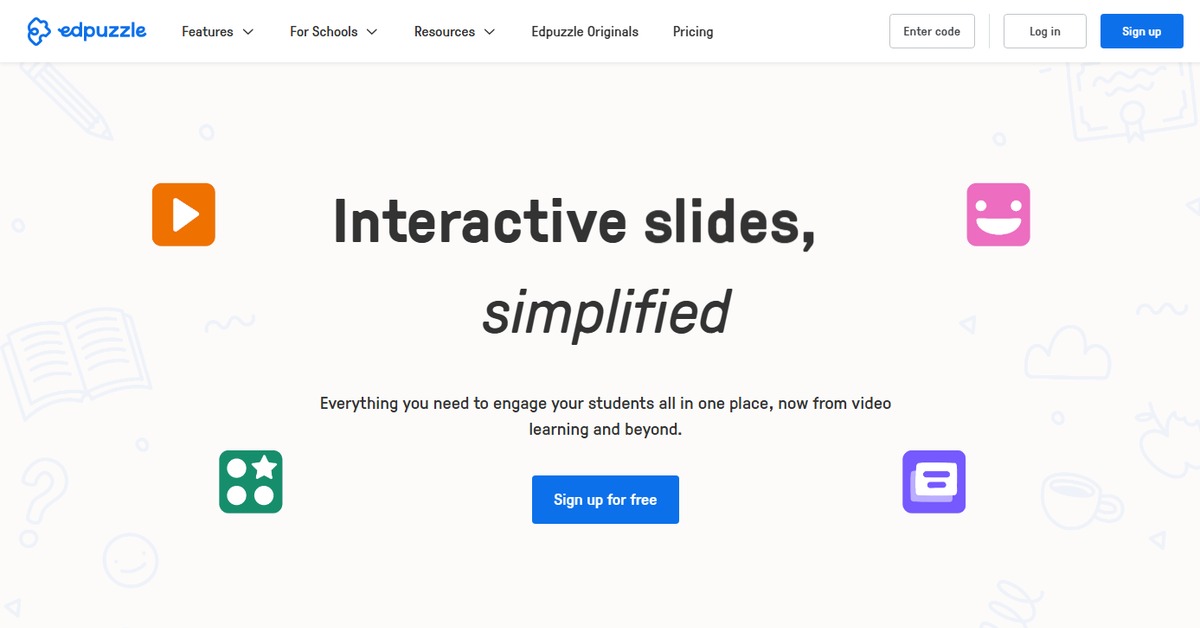
Overview of Edpuzzle AI
Edpuzzle AI is a powerful tool designed to revolutionize the way educators create and deliver video content. By allowing teachers to embed questions, notes, and audio tracks into videos, it transforms passive viewing into an interactive learning experience. This tool is essential for educators looking to enhance student engagement and comprehension. Edpuzzle addresses common challenges in education, such as maintaining student attention and assessing understanding in real-time. It is particularly beneficial for teachers in K-12 and higher education who want to leverage multimedia in their teaching. Unique capabilities include analytics that provide insights into student performance and engagement levels. Practical use cases range from flipping the classroom to providing supplementary materials for diverse learning styles. Ultimately, Edpuzzle AI helps educators create a more dynamic and effective learning environment.
Key Features
- Interactive Video Creation: Embed questions and notes directly into videos to engage students.
- Real-Time Analytics: Track student progress and engagement metrics to tailor your teaching.
- Integration with Learning Management Systems: Seamlessly connect with platforms like Google Classroom and Canvas.
- Customizable Content: Modify videos to fit your curriculum and teaching style.
- Collaborative Tools: Work with colleagues to create and share content easily.
Pros & Cons
Pros.
- Enhances student engagement through interactive content.
- Provides valuable insights into student performance and understanding.
- Flexible pricing options cater to various educational needs.
- User-friendly interface makes video creation accessible for all educators.
- Strong community support and resources for teachers.
Cons.
- Some advanced features are only available in the paid plan.
- Limited offline capabilities may hinder use in certain environments.
- Initial setup may require time to familiarize with all features.
- Not all video formats are supported for upload.
- Analytics may be overwhelming for users not familiar with data interpretation.
How to Use (Quick Start)
- Sign up for an Edpuzzle account.
- Upload your video or choose one from the library.
- Embed questions and notes at relevant points in the video.
- Customize the video settings according to your needs.
- Share the video with your students via a link or classroom integration.
- Monitor student engagement and performance through analytics.
- Adjust your teaching strategies based on the insights gained.
FAQs of Edpuzzle AI
What types of videos can I upload to Edpuzzle?
You can upload various video formats, including MP4 and MOV, or use videos from platforms like YouTube.
Is there a limit to the number of videos I can create?
There is no limit to the number of videos you can create on Edpuzzle.
Can I use Edpuzzle for live classes?
Edpuzzle is primarily designed for asynchronous learning, but you can use it in live classes for interactive discussions.
How does Edpuzzle handle student data privacy?
Edpuzzle complies with educational data privacy laws and takes student data protection seriously.
What support resources are available for teachers?
Edpuzzle offers a variety of resources, including tutorials, webinars, and a community forum.
Can I collaborate with other teachers on Edpuzzle?
Yes, Edpuzzle allows for collaboration, enabling teachers to share and edit content together.
Is there a mobile app for Edpuzzle?
Yes, Edpuzzle has a mobile app available for both iOS and Android devices.
Related AI Tools
No results found.