
- Company: Speechnotes
- Platforms: Web
- Updated on: January 22, 2026
- Status: Unverified
- Company: Speechnotes
- Updated At: January 22, 2026
- Editor Rating: 4.6
- Platform: Web
Speechnotes is an innovative speech recognition tool designed to convert speech into text effortlessly, making note-taking and transcription easy and efficient.
- Assistant
Overview of Speechnotes
Speechnotes is a cutting-edge speech recognition tool that transforms spoken words into written text with remarkable accuracy. This tool is essential for anyone who needs to capture thoughts quickly, whether for personal note-taking, professional transcription, or content creation. By utilizing advanced AI algorithms, Speechnotes addresses common challenges such as the time-consuming nature of manual transcription and the difficulty of capturing fleeting ideas. It is particularly beneficial for students, professionals, and content creators who require a reliable method to document their thoughts or meetings. The tool’s unique capabilities include real-time transcription, voice command functionality, and easy integration with various platforms. Users can leverage Speechnotes for practical applications like drafting articles, creating meeting notes, or even composing speeches, ultimately enhancing productivity and organization in their daily tasks.
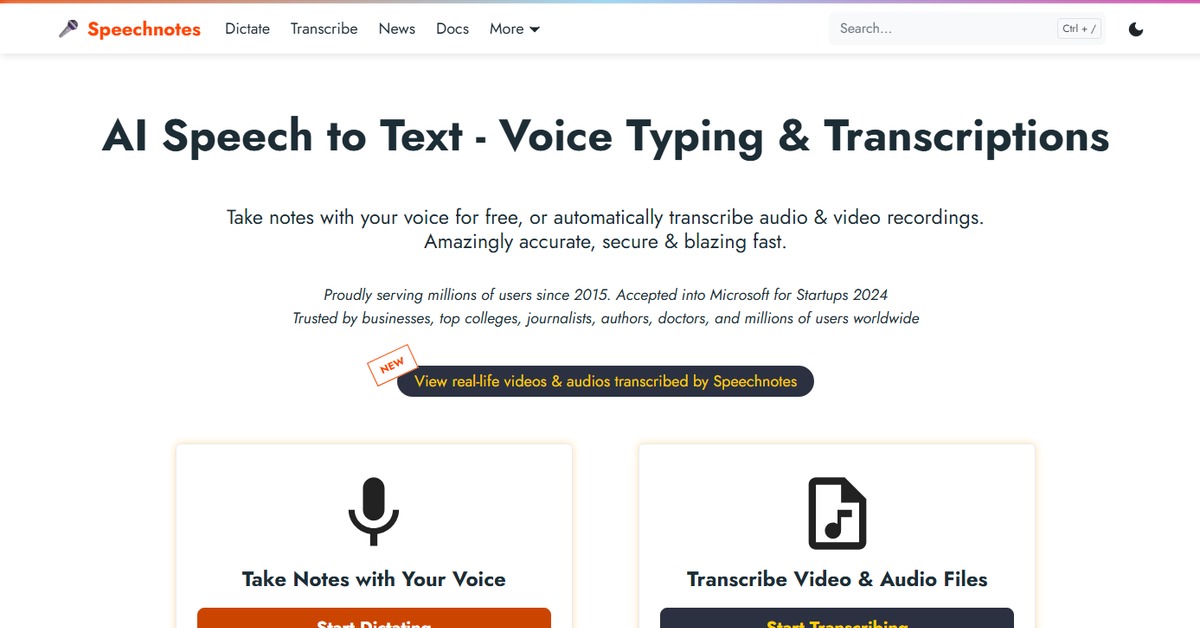
Key Features
- Real-time transcription: Speechnotes provides instant text conversion as you speak, allowing for immediate note-taking.
- Voice commands: Users can control the application using voice commands, enhancing the hands-free experience.
- Multi-language support: The tool supports various languages, making it accessible to a global audience.
- Cloud storage integration: Easily save and access your notes across devices with cloud storage options.
- User-friendly interface: The intuitive design ensures that users can navigate the tool effortlessly.
Pros & Cons
Pros.
- High accuracy in transcription, reducing the need for extensive editing.
- Flexible usage across different devices, enhancing accessibility.
- Free version available, allowing users to try before committing to a paid plan.
- Regular updates and improvements based on user feedback.
- Strong community support and resources for troubleshooting.
Cons.
- Limited advanced features in the free version may restrict some users.
- Occasional inaccuracies in noisy environments, affecting transcription quality.
- Dependence on internet connectivity for optimal performance.
- Voice recognition may struggle with heavy accents or dialects.
- Some users may find the interface less customizable than desired.
How to Use (Quick Start)
- Visit the Speechnotes website.
- Click on the ‘Try Tool’ button to access the application.
- Choose your preferred language and settings.
- Click the microphone icon to start recording your speech.
- Speak clearly and at a steady pace for optimal transcription.
- Review the transcribed text and make any necessary edits.
- Save or export your notes as needed.
FAQs of Speechnotes
What is Speechnotes used for?
Speechnotes is primarily used for converting speech into text, making it ideal for note-taking, transcription, and content creation.
Is Speechnotes free to use?
Yes, Speechnotes offers a free version with basic features, along with a pro version that includes advanced functionalities.
Can I use Speechnotes offline?
Speechnotes requires an internet connection for optimal performance, as it relies on cloud-based processing.
What languages does Speechnotes support?
Speechnotes supports multiple languages, allowing users from different regions to utilize the tool effectively.
How accurate is the transcription?
The transcription accuracy is generally high, but it may vary based on factors like background noise and speech clarity.
Can I save my notes?
Yes, users can save their notes directly within the application or export them to various formats.
Is there a mobile version of Speechnotes?
Currently, Speechnotes is primarily web-based, but it can be accessed on mobile devices through a browser.
Related AI Tools
No results found.