
- Company: Readability
- Platforms: Web, Web Browser
- Updated on: January 22, 2026
- Status: Unverified
- Company: Readability
- Updated At: January 22, 2026
- Editor Rating: 4.6
- Platform: Web, Web Browser
Readability Tutor is an AI-driven platform that enhances reading skills through detailed analysis and insightful reports, making it ideal for learners and educators alike.
- Analyzer, Assistant
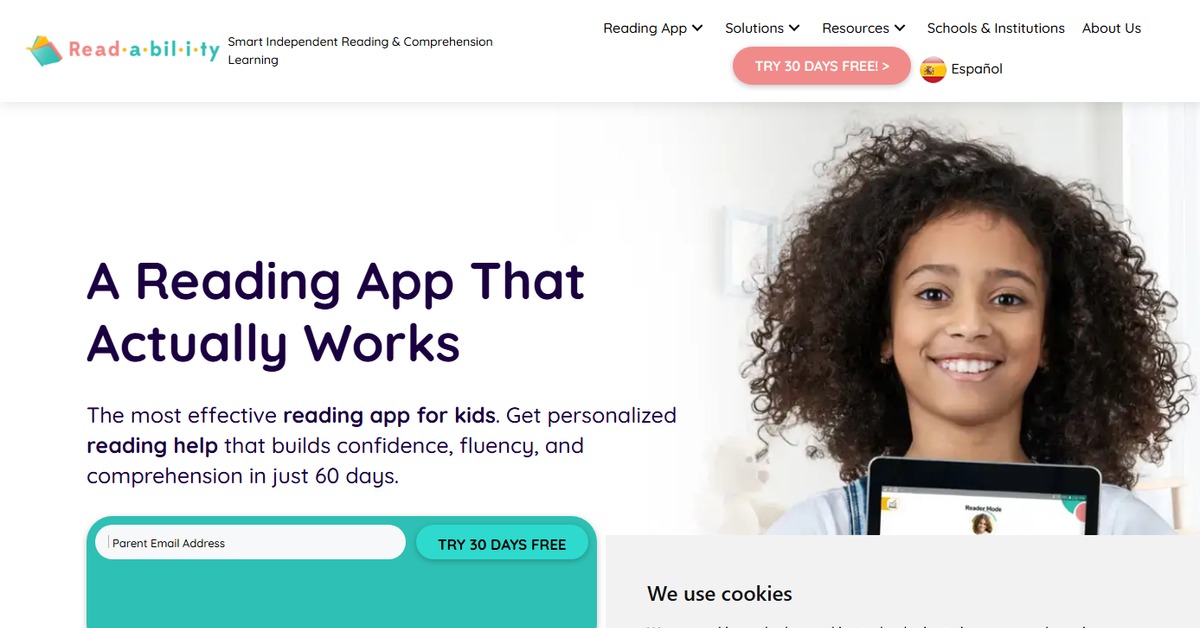
Overview of Readability Tutor
Readability Tutor is an innovative AI tool designed to improve reading skills by providing detailed analysis and insights into various texts. This platform is particularly valuable for educators, students, and anyone looking to enhance their reading comprehension. By analyzing documents, CSV files, and API inputs, Readability Tutor identifies key areas for improvement and generates comprehensive reports that highlight strengths and weaknesses. Its unique capabilities include customizable analysis metrics and an intuitive interface that makes it accessible for users of all skill levels. Practical use cases range from classroom settings to individual learning plans, ensuring that users can effectively track their progress and achieve their reading goals. Ultimately, Readability Tutor empowers users to become more proficient readers, fostering a deeper understanding of texts and enhancing overall literacy skills.
Key Features
- Comprehensive Text Analysis - Offers in-depth analysis of reading materials to identify comprehension levels.
- Customizable Metrics - Users can tailor the analysis parameters to focus on specific reading skills.
- Detailed Reporting - Generates reports that highlight strengths and areas for improvement.
- User-Friendly Interface - Designed for ease of use, making it accessible for all ages.
- Integration Capabilities - Seamlessly integrates with platforms like WordPress and Zapier for enhanced functionality.
Pros & Cons
Pros.
- Provides actionable insights that help users improve their reading skills effectively.
- Flexible pricing plans cater to different user needs, from casual learners to educators.
- The platform's intuitive design allows users to navigate easily without technical expertise.
- Customizable features enable users to focus on specific areas of reading comprehension.
- Regular updates and improvements keep the tool relevant and effective for users.
Cons.
- Advanced features may require a subscription, limiting access to some users.
- The initial learning curve can be steep for users unfamiliar with similar tools.
- Some users may find the analysis metrics overwhelming without proper guidance.
- Limited offline capabilities may restrict usage in certain environments.
- The tool may not cover all types of reading materials, focusing primarily on structured texts.
How to Use (Quick Start)
- Visit the Readability Tutor website and sign up for an account.
- Select the type of input you want to analyze (CSV, document, or API).
- Upload your text or data file.
- Choose the analysis metrics you wish to apply.
- Run the analysis to generate insights.
- Review the detailed report provided by the tool.
- Implement the suggested improvements in your reading practice.
- Track your progress over time using the platform’s reporting features.
FAQs of Readability Tutor
What types of files can I upload to Readability Tutor?
You can upload CSV files, documents, and connect via API for analysis.
Is there a free trial available?
Yes, Readability Tutor offers a free plan with basic features.
How does the analysis process work?
The tool analyzes the uploaded text based on customizable metrics and generates a report.
Can I track my progress over time?
Yes, the platform allows you to track improvements through detailed reports.
Is Readability Tutor suitable for educators?
Absolutely, it is designed to assist both students and educators in enhancing reading skills.
What are the subscription options?
There are flexible subscription plans available, including a free basic plan and a paid Pro plan.
Does Readability Tutor integrate with other tools?
Yes, it integrates with platforms like WordPress and Zapier for added functionality.
Related AI Tools
No results found.