
- Company: Sentry
- Platforms: Web, Web Browser
- Updated on: January 19, 2026
- Status: Unverified
- Company: Sentry
- Updated At: January 19, 2026
- Editor Rating: 4.6
- Platform: Web, Web Browser
Sentry AI offers robust error tracking and performance monitoring, empowering developers to enhance application reliability.
- Analyzer, Agent
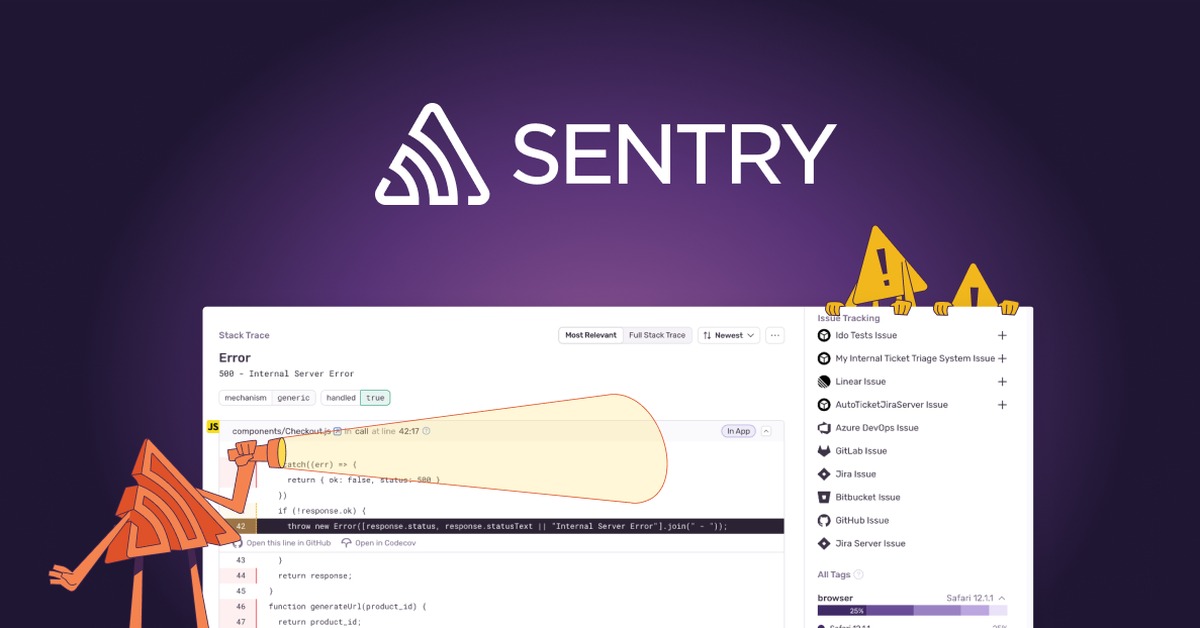
Overview of Sentry AI
Sentry AI is a powerful tool designed for developers and teams seeking to monitor application performance and track errors in real-time. It addresses critical issues such as application downtime and performance bottlenecks, which can significantly impact user experience and business outcomes. By providing detailed insights into errors and performance metrics, Sentry AI helps teams quickly identify and resolve issues, ensuring smoother application operation. Its unique capabilities include real-time error tracking, performance monitoring, and integration with various development tools, making it an essential asset for software development teams. Practical use cases include monitoring web applications, mobile apps, and backend services, allowing teams to maintain high reliability and performance standards. The realistic benefits of using Sentry AI include reduced downtime, improved user satisfaction, and enhanced team productivity.
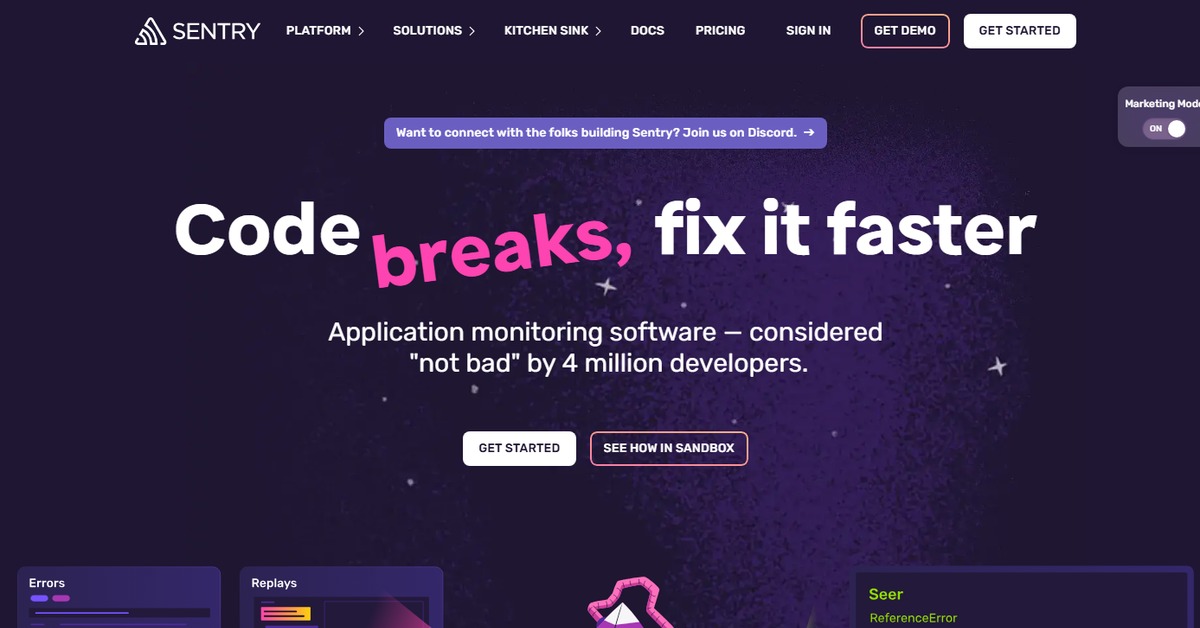
Key Features
- Real-time error tracking: Instantly capture and report errors as they occur, allowing teams to respond quickly.
- Performance monitoring: Analyze application performance metrics to identify bottlenecks and optimize user experience.
- Detailed reporting: Generate comprehensive reports that provide insights into error frequency, impact, and resolution.
- Integrations: Seamlessly connect with popular development tools like GitHub, Slack, and Jira for enhanced workflow.
- Customizable alerts: Set up notifications for critical issues to ensure your team is always informed.
Pros & Cons
Pros.
- Comprehensive insights into application performance and error tracking.
- User-friendly interface that simplifies monitoring and reporting.
- Strong integration capabilities with various development tools.
- Real-time data allows for immediate response to issues.
- Flexible pricing plans cater to different team sizes and needs.
Cons.
- Advanced features may require a higher-tier subscription.
- Initial setup can be complex for larger applications.
- Some users may find the volume of data overwhelming without proper filtering.
- Limited offline capabilities; relies on internet connectivity.
- Customization options may require additional configuration time.
How to Use (Quick Start)
- Sign up for an account on the Sentry website.
- Integrate Sentry with your application using the provided SDKs.
- Configure your project settings to tailor the monitoring to your needs.
- Set up alerts to notify your team of critical issues.
- Monitor real-time performance and error data through the Sentry dashboard.
- Analyze reports and insights to identify trends and recurring issues.
- Utilize integrations with tools like Slack and Jira for streamlined communication.
- Iterate on your application based on insights gained from Sentry.
FAQs of Sentry AI
What types of applications can Sentry monitor?
Sentry can monitor web applications, mobile apps, and backend services across various platforms.
Is there a free version of Sentry AI?
Yes, Sentry offers a free plan with basic features suitable for small projects.
How does Sentry integrate with other tools?
Sentry provides integrations with popular tools like GitHub, Slack, and Jira to enhance your workflow.
Can I customize alerts in Sentry?
Yes, you can set up customizable alerts to notify your team of critical issues.
What kind of reports does Sentry generate?
Sentry generates detailed reports on error frequency, performance metrics, and resolution times.
Is Sentry suitable for large teams?
Yes, Sentry's flexible pricing and advanced features make it suitable for teams of all sizes.
How can I get support for Sentry?
Support is available through the Sentry website, including documentation and customer service.
Related AI Tools
No results found.