
- Company: ABBYY
- Platforms: Web
- Updated on: March 7, 2026
- Status: Unverified
- Company: ABBYY
- Updated At: March 7, 2026
- Editor Rating: 4.6
- Platform: Web
ABBYY is a leading document processing tool that utilizes advanced OCR technology to streamline data extraction and management.
- Analyzer, Assistant
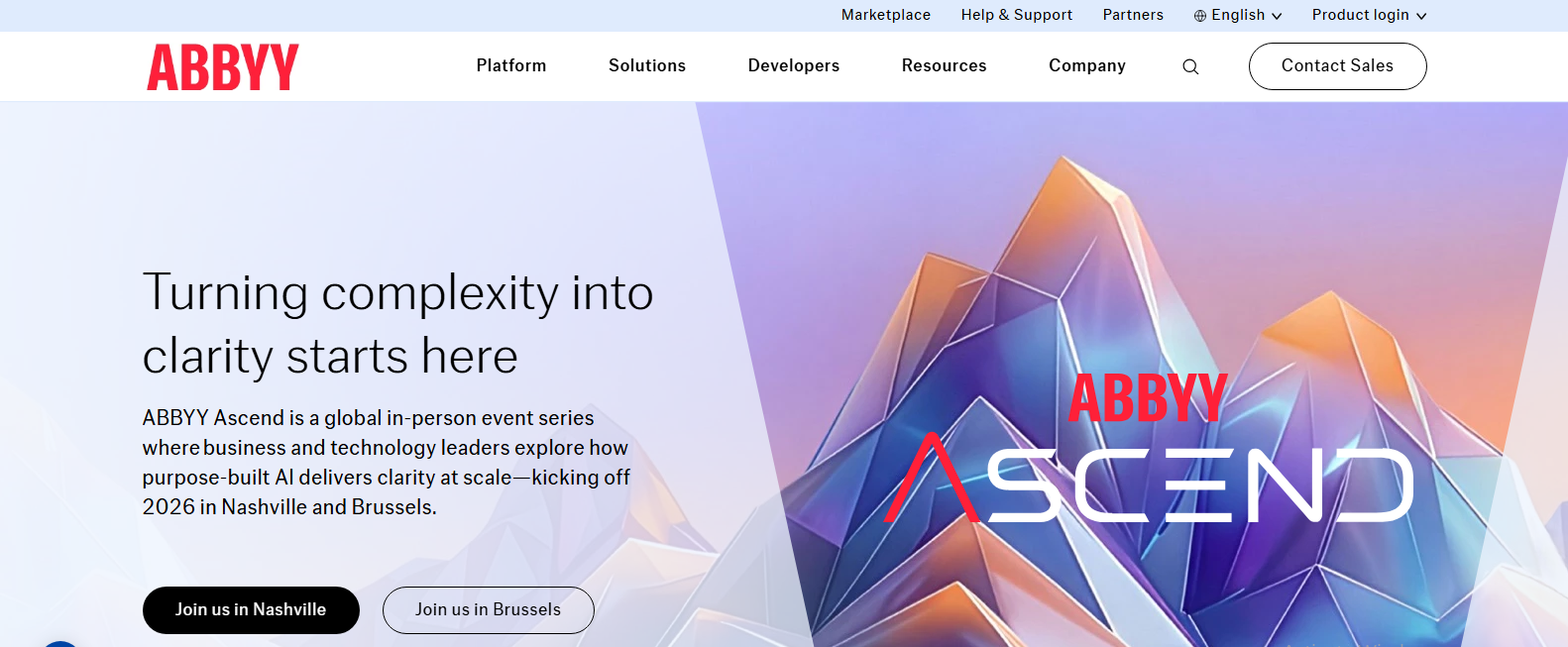
Overview of ABBYY
ABBYY is a sophisticated document processing tool designed to enhance productivity through advanced Optical Character Recognition (OCR) technology. It transforms physical documents into editable, searchable formats, making it invaluable for businesses that handle large volumes of paperwork. By automating data extraction, ABBYY significantly reduces manual entry errors and saves time, allowing teams to focus on more strategic tasks. This tool is particularly beneficial for industries such as finance, healthcare, and legal, where accuracy and efficiency are paramount. With unique capabilities like intelligent data capture and integration with various platforms, ABBYY stands out as a versatile solution for document management. Its user-friendly interface and robust features cater to both small businesses and large enterprises, ensuring that users can easily navigate and leverage its capabilities for improved workflow and productivity.

Key Features
- Advanced OCR Technology: ABBYY utilizes cutting-edge OCR technology to accurately convert scanned documents into editable formats.
- Data Extraction: The tool can intelligently extract data from forms and tables, minimizing manual entry.
- Multi-language Support: ABBYY supports multiple languages, making it suitable for global businesses.
- Integration Capabilities: Seamlessly integrates with popular applications like WordPress and Zapier for enhanced functionality.
- User-friendly Interface: Designed for ease of use, allowing users to navigate and utilize features without extensive training.
Pros & Cons
Pros.
- High accuracy in text recognition, reducing errors in data entry.
- Flexible pricing plans cater to different business sizes and needs.
- Robust integration options enhance workflow efficiency.
- Supports a wide range of document formats, increasing versatility.
- Regular updates and improvements ensure the tool remains competitive and effective.
Cons.
- Some advanced features may require a steep learning curve for new users.
- Limited free version may not suffice for larger organizations.
- Performance can vary based on document quality and complexity.
- Occasional issues with formatting in converted documents.
- Customer support response times can be slow during peak periods.
How to Use (Quick Start)
- Visit the ABBYY website and sign up for an account.
- Choose the appropriate plan that fits your needs.
- Upload the documents you wish to process.
- Select the desired output format for your documents.
- Utilize the OCR features to extract text and data.
- Review and edit the extracted information as needed.
- Download or export the processed documents.
FAQs of ABBYY
What is ABBYY used for?
ABBYY is primarily used for document processing and OCR, allowing users to convert scanned documents into editable formats.
Is there a free version of ABBYY?
Yes, ABBYY offers a free version with basic features, suitable for small tasks.
Can ABBYY handle multiple languages?
Absolutely, ABBYY supports multiple languages, making it a great choice for international users.
How does ABBYY integrate with other tools?
ABBYY integrates with various applications like WordPress and Zapier, enhancing its functionality.
What types of documents can ABBYY process?
ABBYY can process a wide range of documents, including PDFs, images, and scanned files.
Is ABBYY suitable for large enterprises?
Yes, ABBYY is designed to cater to both small businesses and large enterprises with its scalable features.
How accurate is ABBYY's OCR technology?
ABBYY's OCR technology is highly accurate, significantly reducing manual entry errors.
Related AI Tools
No results found.