
- Company: Airtable
- Platforms: Web, Chrome Extension, VS Code
- Updated on: December 30, 2025
- Status: Unverified
- Company: Airtable
- Updated At: December 30, 2025
- Editor Rating: 4.6
- Platform: Web, Chrome Extension, VS Code
Airtable AI enhances productivity through intelligent automation, making workflow management seamless and efficient.
- Framework
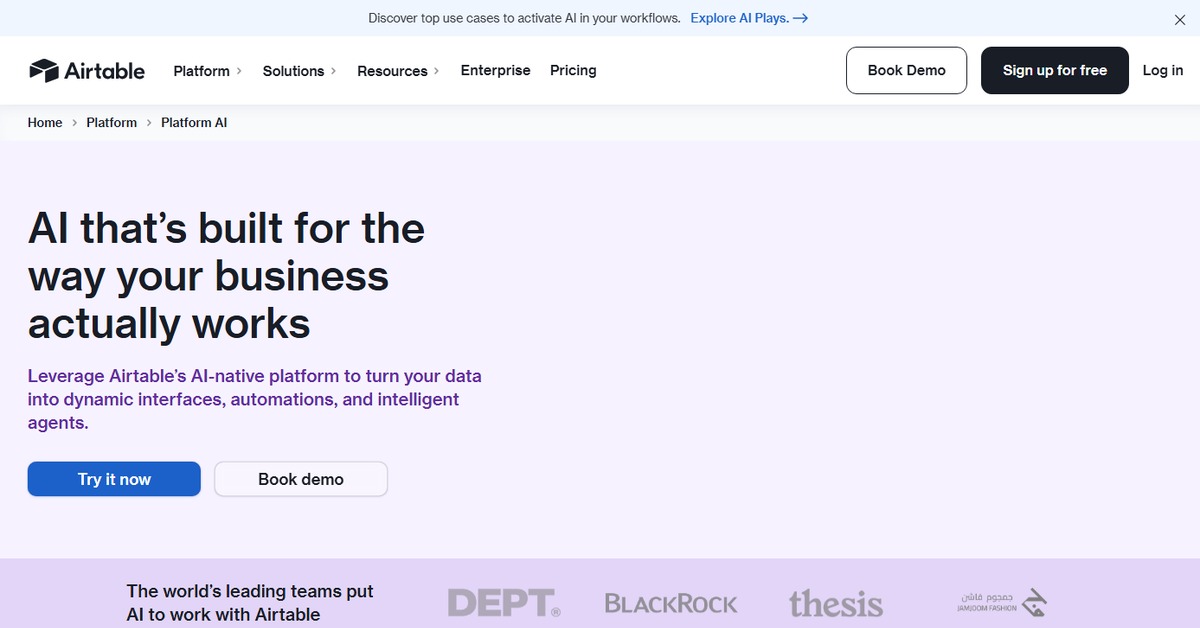
Overview of Airtable AI
Airtable AI is an innovative tool designed to streamline workflows by leveraging artificial intelligence to automate repetitive tasks and enhance data management. It matters because it addresses common challenges faced by teams, such as inefficient processes and data silos, allowing users to focus on more strategic initiatives. This tool is ideal for project managers, marketers, and teams looking to optimize their operations. Unique capabilities include customizable templates, AI-driven insights, and real-time collaboration features. The approach combines user-friendly interfaces with powerful backend automation, making it accessible for both technical and non-technical users. Practical use cases include automating report generation, managing project timelines, and analyzing data trends. The realistic benefits include increased efficiency, reduced manual errors, and improved team collaboration.
Key Features
- Customizable Templates: Tailor workflows to fit your specific needs with a variety of templates.
- AI-Driven Insights: Gain actionable insights from your data to make informed decisions.
- Real-Time Collaboration: Work simultaneously with team members, enhancing productivity.
- Automation Tools: Streamline repetitive tasks, allowing teams to focus on high-value work.
- Integration Capabilities: Connect with other tools like WordPress and Zapier for enhanced functionality.
Pros & Cons
Pros.
- Highly customizable, allowing users to adapt the tool to their specific workflows.
- AI features significantly reduce the time spent on repetitive tasks.
- Strong collaboration tools facilitate teamwork and communication.
- User-friendly interface makes it accessible for all skill levels.
- Robust integration options enhance its utility across various platforms.
Cons.
- Some advanced features may require a learning curve for new users.
- Pricing for premium features may be a barrier for small teams.
- Limited offline capabilities could hinder work in low-connectivity areas.
- Customization options can be overwhelming for users unfamiliar with the platform.
- Occasional performance lags with large datasets.
How to Use (Quick Start)
- Sign up for an Airtable account.
- Choose a template or create a new base.
- Input your data or import from existing sources.
- Utilize AI features to automate tasks.
- Collaborate with team members in real-time.
- Analyze results and adjust workflows as needed.
FAQs of Airtable AI
What is Airtable AI used for?
Airtable AI is used for automating workflows, managing data, and enhancing team collaboration through intelligent features.
Is there a free version of Airtable AI?
Yes, Airtable AI offers a free version with basic features suitable for small projects.
Can I integrate Airtable AI with other tools?
Yes, Airtable AI integrates with various tools like WordPress and Zapier.
How does the AI feature work in Airtable AI?
The AI feature analyzes data patterns to provide insights and automate repetitive tasks.
Who can benefit from using Airtable AI?
Project managers, marketers, and teams looking to optimize their workflows can benefit from Airtable AI.
What are the pricing plans for Airtable AI?
Airtable AI offers a free plan and a paid Pro plan with advanced features.
Is Airtable AI suitable for large teams?
Yes, Airtable AI is designed to accommodate teams of various sizes, providing collaborative features.
Related AI Tools
No results found.