
- Company: BlueWillow
- Platforms: Web, Web Browser, Figma
- Updated on: December 30, 2025
- Status: Unverified
- Company: BlueWillow
- Updated At: December 30, 2025
- Editor Rating: 4.6
- Platform: Web, Web Browser, Figma
BlueWillow is an AI-powered design tool that streamlines the creative process by generating images and documents based on user prompts.
- Generator, Editor
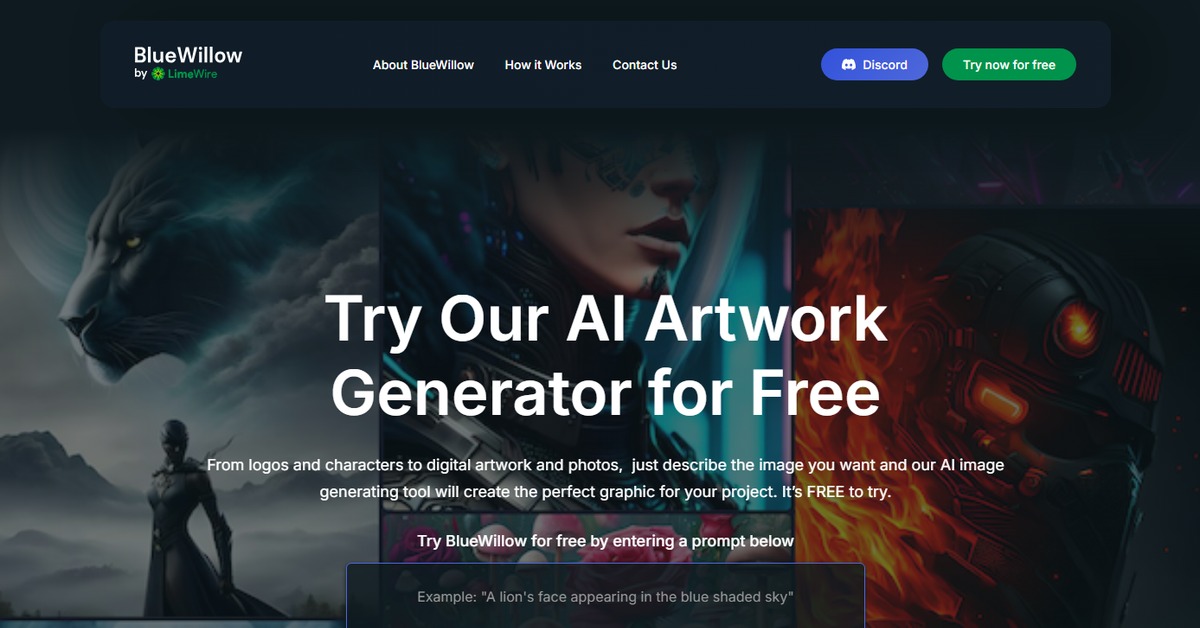
Overview of BlueWillow
BlueWillow stands out as a robust AI design tool that empowers users to create stunning visuals and documents effortlessly. By leveraging advanced algorithms, it transforms simple text prompts into intricate images, making it a valuable asset for designers, marketers, and content creators alike. The tool addresses common challenges in the design process, such as time constraints and creative blocks, by providing instant visual outputs that can be further refined. Its intuitive interface caters to both beginners and seasoned professionals, ensuring accessibility while maintaining a high level of functionality. BlueWillow’s unique capabilities include customizable templates and integration with popular platforms like Figma, enhancing collaborative efforts. Practical use cases range from generating marketing materials to creating unique artwork, ultimately saving time and boosting productivity. The realistic benefits of using BlueWillow include improved creative workflows and the ability to produce high-quality designs without extensive technical skills.
Key Features
- Image Generation: Create unique images from text prompts, allowing for endless creative possibilities.
- Document Creation: Generate professional documents quickly, suitable for various business needs.
- Customizable Templates: Access a library of templates that can be tailored to fit specific projects.
- Integration with Figma: Seamlessly collaborate with teams using Figma for enhanced design workflows.
- User-Friendly Interface: Navigate the tool easily, making it accessible for users of all skill levels.
Pros & Cons
Pros.
- Versatile Outputs: BlueWillow can produce both images and documents, catering to diverse creative needs.
- Time Efficiency: The tool significantly reduces the time required for design tasks, allowing for quicker project turnaround.
- High-Quality Results: Outputs are professional-grade, suitable for both personal and commercial use.
- Strong Community Support: Users benefit from an active community and resources for troubleshooting and inspiration.
- Regular Updates: The tool is continually improved with new features and enhancements based on user feedback.
Cons.
- Learning Curve: New users may require time to familiarize themselves with all features and functionalities.
- Limited Free Features: The free version may not include all advanced options available in the paid plan.
- Dependence on Prompts: The quality of outputs can vary based on the specificity and clarity of user prompts.
- Occasional Bugs: Users may encounter minor technical issues that require patience to resolve.
- Integration Limitations: While it integrates with popular platforms, some users may find additional integrations lacking.
How to Use (Quick Start)
- Visit the BlueWillow website and sign up for an account.
- Choose your desired pricing plan.
- Access the design editor from your dashboard.
- Input your text prompt or upload an image.
- Customize your design using available tools and templates.
- Generate the output in your preferred format.
- Download or share your created document or image.
- Utilize integrations to streamline your workflow further.
FAQs of BlueWillow
What is BlueWillow used for?
BlueWillow is primarily used for generating images and documents based on user prompts, making it ideal for designers and content creators.
Is there a free version of BlueWillow?
Yes, BlueWillow offers a free version with basic features, allowing users to explore its capabilities.
Can I integrate BlueWillow with other tools?
Yes, BlueWillow integrates with platforms like WordPress and Zapier, enhancing its functionality.
How does the image generation work?
Users input text prompts, and BlueWillow's AI algorithms generate corresponding images based on those prompts.
What types of documents can I create with BlueWillow?
You can create various documents, including marketing materials, reports, and creative content.
Is BlueWillow suitable for beginners?
Absolutely, BlueWillow features a user-friendly interface that caters to users of all skill levels.
What are the pricing plans for BlueWillow?
BlueWillow offers a free plan and a Pro plan priced at $10, which includes advanced features and support.
Related AI Tools
No results found.