
- Company: ChartHop
- Platforms: Web, Web Browser
- Updated on: December 28, 2025
- Status: Unverified
- Company: ChartHop
- Updated At: December 28, 2025
- Editor Rating: 4.6
- Platform: Web, Web Browser
ChartHop AI offers powerful data analytics and reporting tools to help organizations make informed decisions based on insights derived from their data.
- Analyzer, Assistant
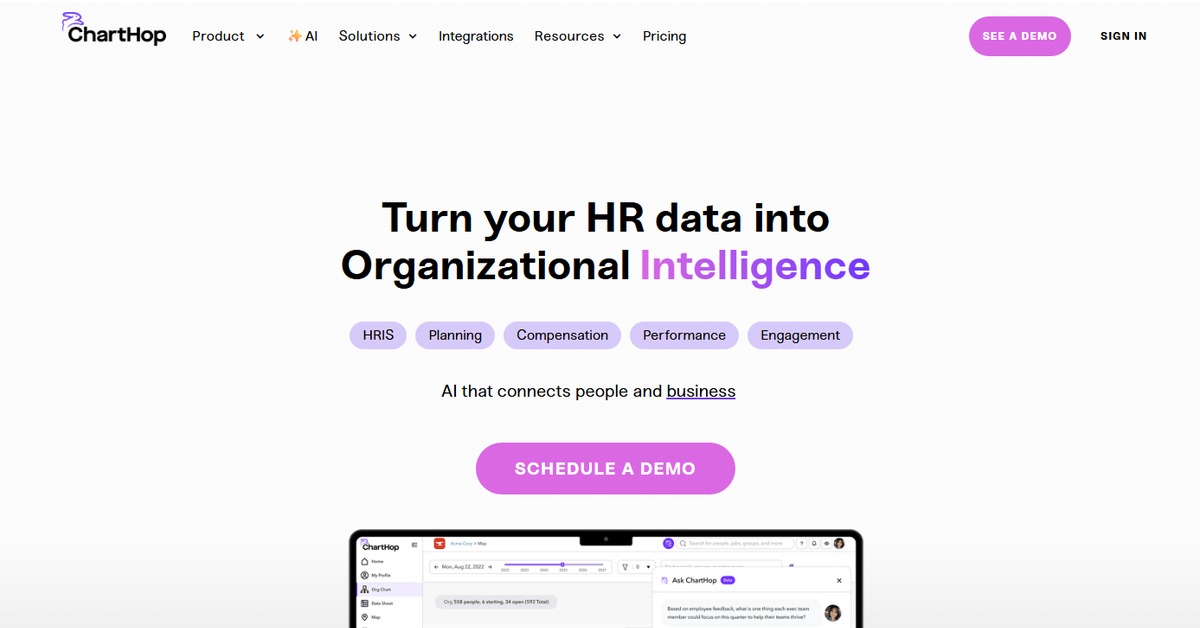
Overview of ChartHop AI
ChartHop AI is a sophisticated analytics platform designed to empower organizations with deep insights derived from their data. By integrating seamlessly with various data sources, including CSV files, documents, and APIs, it provides users with the ability to analyze complex datasets and generate comprehensive reports. This tool is particularly valuable for data analysts, business intelligence professionals, and decision-makers who require actionable insights to drive strategic initiatives. ChartHop AI stands out with its user-friendly interface, enabling users to visualize data trends and patterns effectively. Its unique capabilities include customizable dashboards and advanced analytics features that streamline the decision-making process. Practical use cases range from performance tracking to financial forecasting, allowing businesses to leverage their data for competitive advantage. Ultimately, ChartHop AI transforms raw data into meaningful insights, fostering a data-driven culture within organizations.
Key Features
- Data Integration: Effortlessly connect to various data sources, including CSV files, documents, and APIs, to gather all necessary information for analysis.
- Custom Dashboards: Create personalized dashboards that display the most relevant metrics and KPIs for your organization, allowing for quick insights.
- Advanced Analytics: Utilize sophisticated analytical tools to uncover trends, patterns, and anomalies within your data.
- Collaboration Tools: Share insights and reports with team members easily, fostering a collaborative environment for data-driven decision-making.
- Automated Reporting: Set up automated reports that deliver insights directly to your inbox or team, saving time and ensuring timely access to critical information.
Pros & Cons
Pros.
- Comprehensive data integration capabilities that support various file formats and APIs.
- User-friendly interface that simplifies complex data analysis tasks.
- Robust reporting features that allow for automated insights delivery.
- Customizable dashboards that cater to specific business needs and metrics.
- Strong collaboration features that enhance team communication around data insights.
Cons.
- Some advanced features may require a learning curve for new users.
- Pricing may be higher compared to basic analytics tools.
- Limited offline functionality, as it primarily operates through web platforms.
- Customization options may be overwhelming for users unfamiliar with data analytics.
- Support response times can vary based on the subscription plan.
How to Use (Quick Start)
- Sign up for a ChartHop account on their website.
- Choose a pricing plan that suits your needs.
- Upload your data files in CSV or document format.
- Connect to APIs for real-time data integration.
- Utilize the dashboard to visualize your data.
- Generate reports based on your analysis.
- Share insights with your team or stakeholders.
- Continuously refine your data inputs for improved analytics.
FAQs of ChartHop AI
What types of data can I upload to ChartHop AI?
You can upload data in CSV format, documents, and connect via APIs for real-time data integration.
Is there a free trial available for ChartHop AI?
Yes, ChartHop offers a free plan with basic features to help you get started.
Can I customize my dashboards in ChartHop AI?
Absolutely! You can create custom dashboards tailored to your specific metrics and KPIs.
What industries can benefit from using ChartHop AI?
ChartHop AI is suitable for various industries, including finance, healthcare, marketing, and technology.
How does ChartHop AI ensure data security?
ChartHop AI employs industry-standard security measures, including encryption and secure access protocols.
Can I share reports generated by ChartHop AI with my team?
Yes, you can easily share reports and insights with your team members directly through the platform.
What support options are available for ChartHop AI users?
Support options include email assistance, a knowledge base, and community forums, with priority support for Pro users.
Related AI Tools
No results found.