
- Company: Chisel
- Platforms: Web, Web Browser, Mac, Windows
- Updated on: December 27, 2025
- Status: Unverified
- Company: Chisel
- Updated At: December 27, 2025
- Editor Rating: 4.6
- Platform: Web, Web Browser, Mac, Windows
Chisel AI is an automation tool designed to enhance productivity by analyzing code and documents, providing insightful reports.
- Analyzer, Assistant
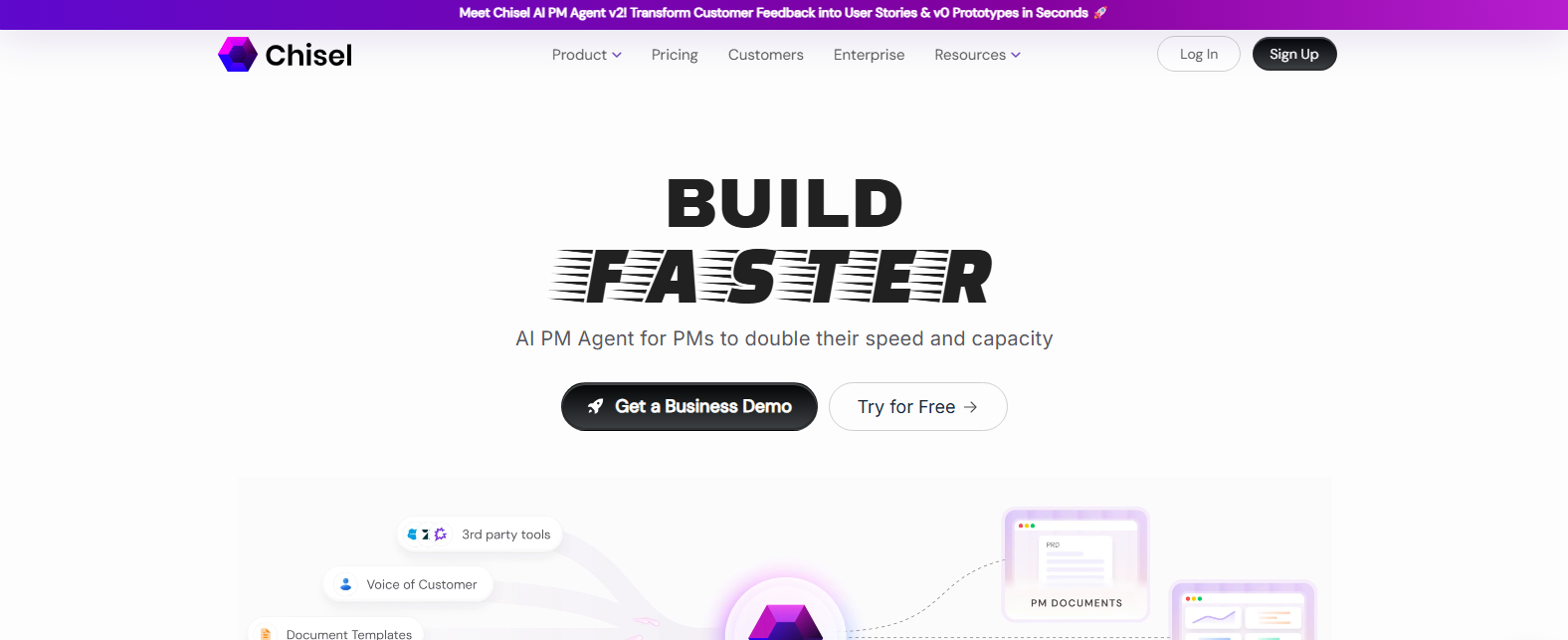
Overview of Chisel AI
Chisel AI is a cutting-edge automation tool that empowers users to streamline their workflows by analyzing code, documents, and web content. This tool is particularly valuable for developers, project managers, and content creators who seek to optimize their processes and enhance productivity. By automating the analysis and reporting of various inputs, Chisel AI addresses common challenges such as time-consuming manual reviews and the need for accurate insights. Its unique capabilities include advanced algorithms that provide in-depth analysis and generate comprehensive reports tailored to user needs. Practical use cases range from code optimization to document review, making it an essential tool for teams looking to improve efficiency. With its user-friendly interface and robust features, Chisel AI offers realistic benefits, including time savings, improved accuracy, and enhanced collaboration among team members.
Key Features
- Comprehensive Analysis: Chisel AI provides in-depth analysis of code and documents, helping users identify issues and optimize performance.
- Custom Reporting: Generate tailored reports that meet specific project requirements, enhancing clarity and communication.
- User-Friendly Interface: The intuitive design allows users to navigate easily, making it accessible for both technical and non-technical users.
- Integration Capabilities: Seamlessly integrates with popular platforms like WordPress and Zapier, enhancing workflow automation.
- Flexible Pricing Plans: Offers a free trial and subscription options, catering to various user needs and budgets.
Pros & Cons
Pros.
- Highly effective in automating repetitive tasks, saving time and reducing human error.
- Offers detailed insights that can significantly improve project outcomes.
- The ability to customize reports makes it suitable for diverse industries and use cases.
- Strong integration options enhance its functionality and adaptability.
- Regular updates and improvements based on user feedback ensure the tool remains relevant and effective.
Cons.
- Some advanced features may require a learning curve for new users.
- The free plan has limited features, which may not suffice for larger projects.
- Occasional performance lags during peak usage times.
- Integration with certain tools may require additional configuration.
- Limited customer support options for free-tier users.
How to Use (Quick Start)
- Visit the Chisel AI website and sign up for an account.
- Log in to your dashboard.
- Select the type of input you want to analyze (code, document, or URL).
- Upload your file or paste the URL.
- Choose the analysis type you require.
- Click on the ‘Analyze’ button to start the process.
- Review the generated report for insights and recommendations.
- Utilize the insights to improve your project or document.
FAQs of Chisel AI
What types of inputs does Chisel AI support?
Chisel AI supports code, documents, and URLs as input types.
Is there a free trial available for Chisel AI?
Yes, Chisel AI offers a free trial that allows users to explore basic features.
Can I integrate Chisel AI with other tools?
Yes, Chisel AI integrates with platforms like WordPress and Zapier.
What kind of reports can I generate with Chisel AI?
You can generate comprehensive analysis reports tailored to your specific needs.
Who can benefit from using Chisel AI?
Developers, project managers, and content creators can all benefit from using Chisel AI.
What are the pricing options for Chisel AI?
Chisel AI offers a free plan and a Pro plan at $29 per month.
Is Chisel AI suitable for non-technical users?
Yes, Chisel AI's user-friendly interface makes it accessible for both technical and non-technical users.
Related AI Tools
No results found.