
- Company: DreamBox
- Platforms: Web
- Updated on: January 22, 2026
- Status: Unverified
- Company: DreamBox
- Updated At: January 22, 2026
- Editor Rating: 4.7
- Platform: Web
DreamBox is a cutting-edge learning platform that personalizes education to meet individual student needs.
- Generator, Analyzer, Assistant
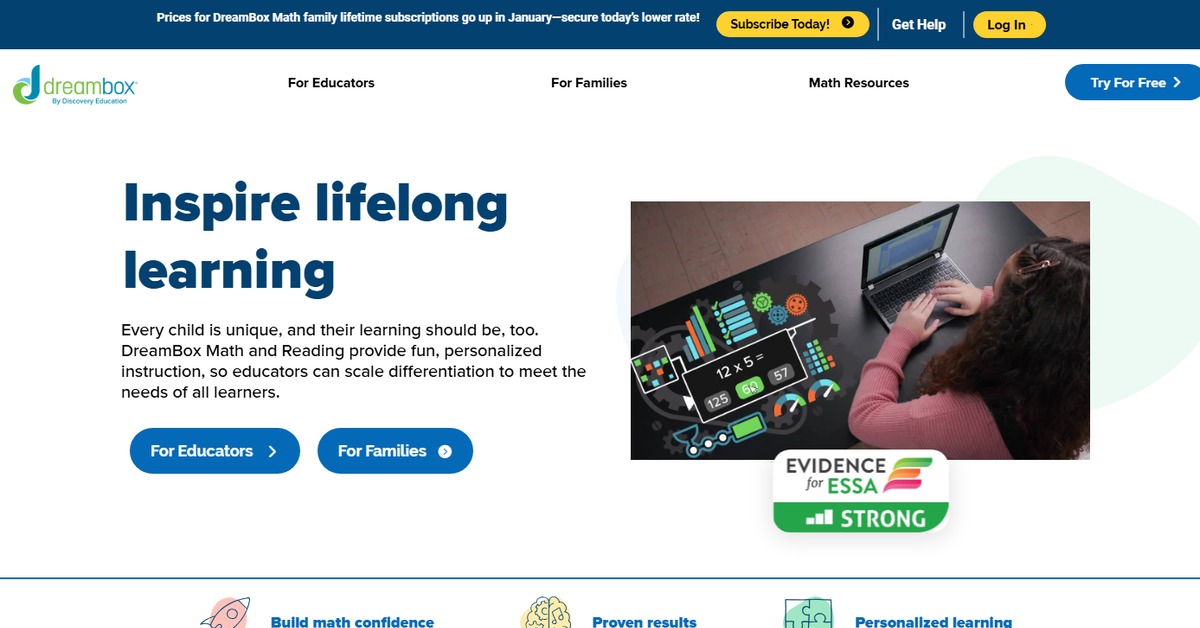
Overview of DreamBox
DreamBox is an innovative educational platform designed to provide personalized learning experiences for students of all ages. By leveraging adaptive learning technology, DreamBox tailors its curriculum to meet the unique needs of each learner, making it a valuable tool for educators and parents alike. The platform addresses common challenges in education, such as varied learning paces and styles, ensuring that every student can thrive. With features that include real-time analytics, interactive lessons, and engaging content, DreamBox not only enhances learning outcomes but also fosters a love for education. It is particularly beneficial for teachers looking to support diverse classrooms and for parents seeking to supplement their children’s education at home. The unique capability of DreamBox lies in its ability to adapt in real-time, providing immediate feedback and adjusting difficulty levels based on student performance. This approach not only helps in mastering concepts but also builds confidence in learners. Practical use cases range from classroom integration to home tutoring, making it a versatile solution for modern education needs.
Key Features
- Adaptive Learning Technology: DreamBox uses advanced algorithms to personalize learning experiences, adjusting content in real-time based on student performance.
- Interactive Lessons: Engaging and interactive content keeps students motivated and enhances their learning experience.
- Real-Time Analytics: Teachers and parents can access detailed reports on student progress, allowing for informed decision-making.
- Comprehensive Curriculum: Covers a wide range of subjects and grade levels, making it suitable for diverse educational needs.
- Flexible Learning Paths: Students can learn at their own pace, ensuring mastery of concepts before progressing.
Pros & Cons
Pros.
- Highly personalized learning experience that adapts to individual student needs.
- Engaging and interactive content that keeps students interested.
- Robust analytics tools for tracking progress and identifying areas for improvement.
- Wide range of subjects and grade levels covered, suitable for various educational contexts.
- User-friendly interface that is easy to navigate for both students and educators.
Cons.
- Some users may find the initial setup process a bit complex.
- Limited offline capabilities may restrict use in areas with poor internet access.
- The free version may lack some advanced features available in the paid plan.
- Not all subjects may be covered in depth, depending on the grade level.
- Requires a subscription for full access to all features and content.
How to Use (Quick Start)
- Visit the DreamBox website and create an account.
- Select the appropriate plan based on your needs.
- Log in to your account and explore the dashboard.
- Choose a subject area to focus on.
- Engage with interactive lessons tailored to your learning level.
- Track progress through the analytics provided.
- Adjust learning paths as needed based on performance.
- Utilize additional resources and support available on the platform.
FAQs of DreamBox
What age group is DreamBox suitable for?
DreamBox is designed for students of all ages, from early learners to high school students.
Can DreamBox be used in classrooms?
Yes, DreamBox is ideal for classroom settings and can be integrated into existing curricula.
Is there a mobile app for DreamBox?
Currently, DreamBox is primarily web-based, but it is accessible on various devices.
How does DreamBox personalize learning?
DreamBox uses adaptive algorithms to adjust lessons based on individual student performance.
What subjects does DreamBox cover?
DreamBox offers a comprehensive curriculum that includes math and other subjects.
Is there a free trial available?
Yes, DreamBox offers a free plan with basic features for new users.
How can parents track their child's progress?
Parents can access detailed analytics reports through their DreamBox account.
Related AI Tools
No results found.