
- Company: Fellow
- Platforms: Web
- Updated on: January 21, 2026
- Status: Unverified
- Company: Fellow
- Updated At: January 21, 2026
- Editor Rating: 4.6
- Platform: Web
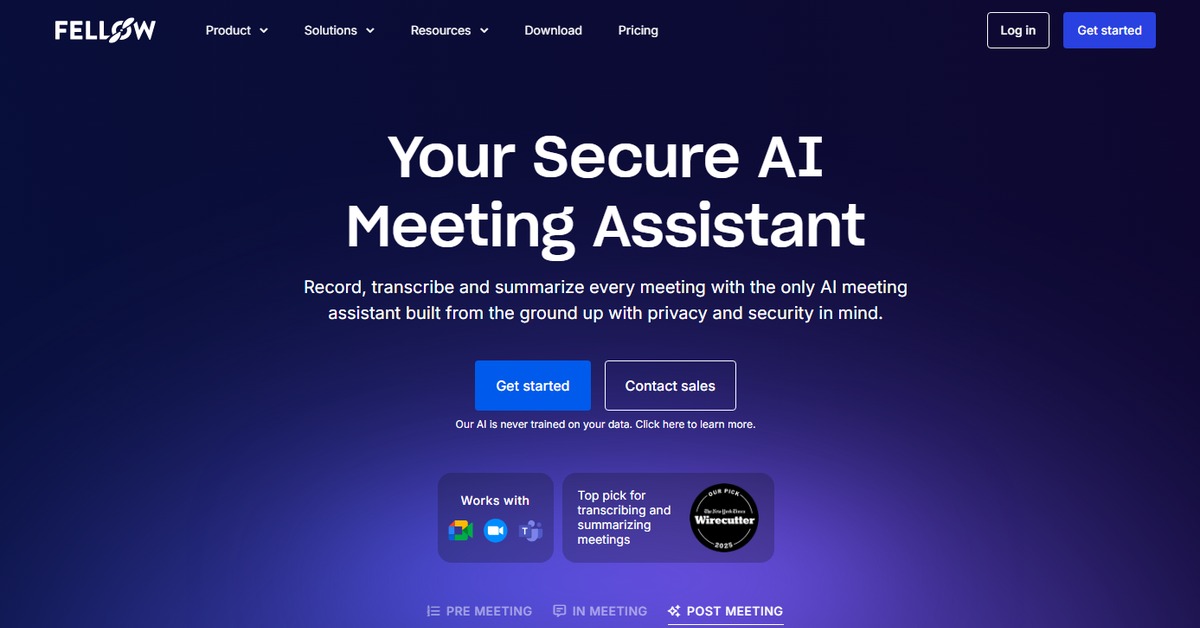
Fellow AI enhances your meeting experience with collaborative tools for note-taking and task management.
- Analyzer, Assistant

Overview of Fellow AI
Fellow AI is an innovative tool designed to streamline the meeting experience by providing collaborative features that enhance note-taking, task management, and overall meeting productivity. In today’s fast-paced work environment, effective collaboration is essential, and Fellow AI addresses this need by allowing teams to create, share, and manage meeting agendas and notes seamlessly. This tool is particularly valuable for professionals who frequently engage in meetings and require a structured approach to capturing insights and action items. With unique capabilities such as real-time collaboration, integration with popular platforms, and insightful analytics, Fellow AI empowers teams to stay organized and focused. The practical use cases range from improving team communication to ensuring accountability through clear action items, ultimately leading to more productive meetings. By adopting Fellow AI, users can expect to enhance their meeting efficiency and foster a culture of collaboration within their teams.
Key Features
- Real-time Collaboration: Allows multiple users to edit and contribute to meeting notes simultaneously.
- Task Management: Assign and track action items directly within the meeting notes.
- Integration Capabilities: Connects seamlessly with tools like WordPress and Zapier.
- Meeting Analytics: Provides insights on meeting effectiveness and participant engagement.
- Customizable Templates: Offers various templates for different types of meetings.
Pros & Cons
Pros.
- Enhances meeting productivity by providing structured agendas and notes.
- Facilitates better team collaboration with real-time editing features.
- Offers valuable analytics to improve future meetings.
- Integrates well with other popular tools, enhancing workflow.
- User-friendly interface that simplifies the meeting management process.
Cons.
- Some advanced features may require a paid subscription.
- Limited offline functionality; requires internet access for full features.
- Initial setup may take time for new users.
- Not all integrations are available on the free plan.
- May not suit very large teams due to potential editing conflicts.
How to Use (Quick Start)
- Visit the Fellow AI website and sign up for an account.
- Log in to your dashboard.
- Create a new meeting agenda by selecting the ‘New Meeting’ option.
- Add participants and set the meeting time.
- During the meeting, take notes in real-time and assign action items.
- Share the meeting notes with participants after the meeting.
- Review analytics to track meeting effectiveness.
- Integrate with other tools like WordPress or Zapier for enhanced functionality.
FAQs of Fellow AI
What is Fellow AI used for?
Fellow AI is used for managing meetings, taking collaborative notes, and tracking action items.
Is there a free version of Fellow AI?
Yes, Fellow AI offers a free version with basic features.
Can I integrate Fellow AI with other tools?
Yes, Fellow AI integrates with various tools like WordPress and Zapier.
How does real-time collaboration work?
Multiple users can edit the same document simultaneously, allowing for dynamic note-taking.
What analytics does Fellow AI provide?
Fellow AI provides insights on meeting effectiveness and participant engagement.
Is Fellow AI suitable for remote teams?
Yes, Fellow AI is designed to enhance collaboration for both in-office and remote teams.
How do I upgrade to the Pro version?
You can upgrade to the Pro version through your account settings on the Fellow AI website.
Related AI Tools
No results found.