
- Company: Gamma
- Platforms: Web, Web Browser, Figma
- Updated on: December 28, 2025
- Status: Unverified
- Company: Gamma
- Updated At: December 28, 2025
- Editor Rating: 4.6
- Platform: Web, Web Browser, Figma
Gamma AI is a versatile tool designed for seamless design and content creation, offering advanced features for professionals.
- Generator, Assistant, Editor
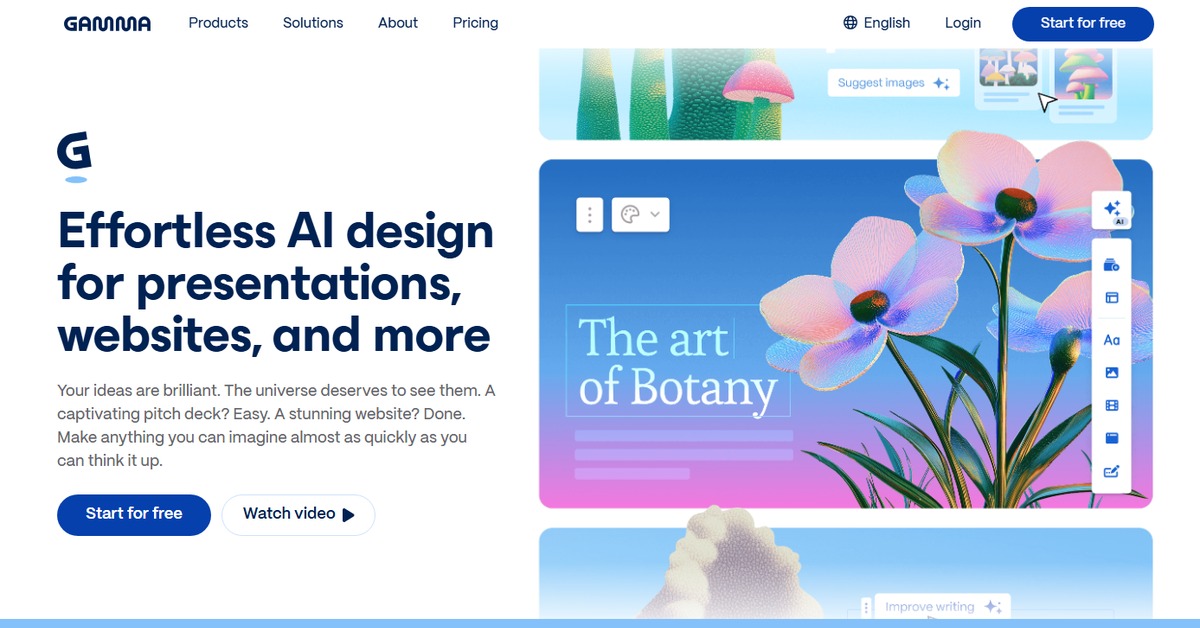
Overview of Gamma AI
Gamma AI is a cutting-edge design tool that leverages artificial intelligence to streamline the creative process. It empowers users to generate stunning visuals and engaging content effortlessly. By addressing common challenges faced by designers and content creators, Gamma AI simplifies workflows, enhances productivity, and fosters creativity. Ideal for graphic designers, marketers, and content creators, this tool stands out with its unique capabilities, such as real-time collaboration and customizable templates. Users can expect practical benefits like reduced design time and improved output quality, making it an essential asset in any creative toolkit.
Key Features
- Real-time collaboration: Work with team members simultaneously, enhancing creativity and productivity.
- Customizable templates: Choose from a variety of templates tailored for different design needs.
- AI-powered suggestions: Receive intelligent design suggestions based on your inputs.
- Multi-format output: Export designs in various formats including images, documents, and code.
- User-friendly interface: Navigate easily through the platform with intuitive design tools.
Pros & Cons
Pros.
- Highly versatile, catering to both design and content creation needs.
- Offers a freemium model, allowing users to explore basic features without commitment.
- Real-time collaboration features facilitate teamwork and brainstorming.
- AI-driven suggestions enhance creativity and reduce design time.
- Customizable templates save time and provide a professional touch.
Cons.
- Advanced features are locked behind the paid plan, which may deter some users.
- The learning curve for new users can be steep due to the extensive features.
- Limited offline capabilities, requiring internet access for full functionality.
- Some users may find the AI suggestions not always aligned with their vision.
- Occasional performance lags during peak usage times.
How to Use (Quick Start)
- Visit the Gamma AI website and sign up for an account.
- Choose between the free or pro plan based on your needs.
- Log in to your dashboard and select the type of project you want to start.
- Upload images or input text prompts to begin your design.
- Utilize the editing tools to customize your output.
- Preview your work and make any necessary adjustments.
- Download your final product in the desired format.
- Share your designs directly to social media or export them for further use.
FAQs of Gamma AI
What types of inputs can I use with Gamma AI?
You can use image, text, and prompt inputs to create your designs.
Is there a free version of Gamma AI?
Yes, Gamma AI offers a free plan with basic features.
Can I collaborate with others on my projects?
Absolutely! Gamma AI supports real-time collaboration.
What formats can I export my designs in?
You can export your designs as images, documents, or code.
Is Gamma AI suitable for beginners?
While it has a user-friendly interface, beginners may need some time to get accustomed to all features.
Are there any integrations available?
Yes, Gamma AI integrates with platforms like WordPress and Zapier.
How does the pricing work for the Pro version?
The Pro version is priced at $20 and includes advanced features and priority support.
Related AI Tools
No results found.