
- Company: Honeycomb
- Platforms: Web, Web Browser
- Updated on: January 19, 2026
- Status: Unverified
- Company: Honeycomb
- Updated At: January 19, 2026
- Editor Rating: 4.6
- Platform: Web, Web Browser
Honeycomb AI offers a robust framework for analytics, enabling users to turn complex data into actionable insights effortlessly.
- Framework
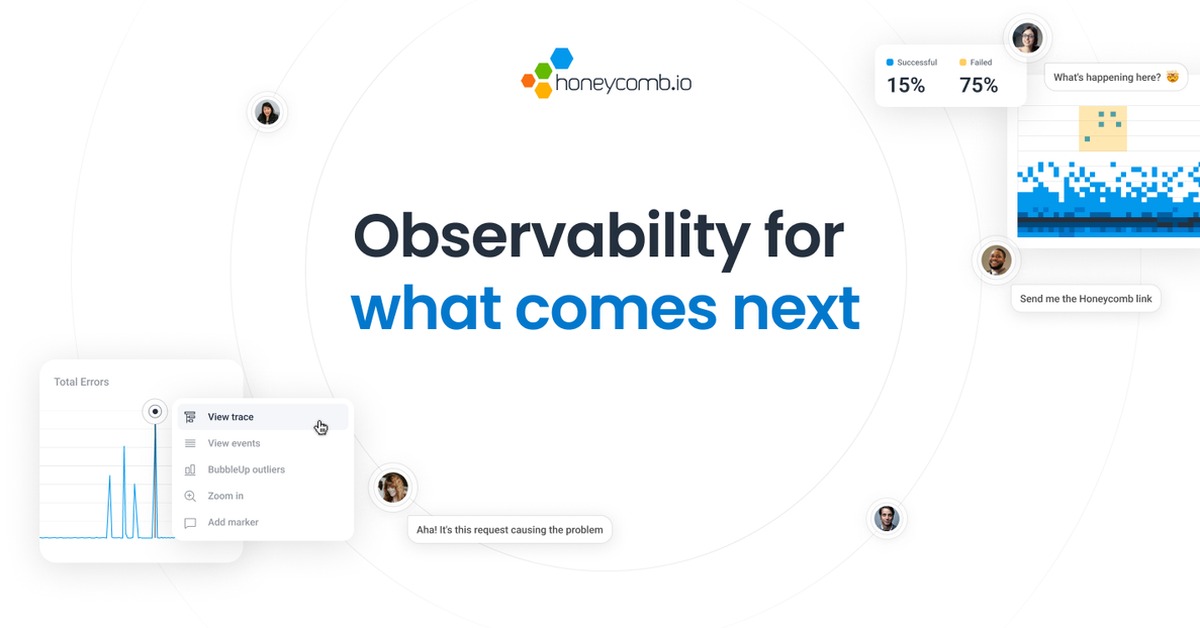
Overview of Honeycomb AI
Honeycomb AI is an advanced analytics framework designed to empower organizations by transforming raw data into meaningful insights. This tool is particularly valuable for data analysts, business intelligence teams, and decision-makers who need to make data-driven decisions quickly and effectively. By providing a user-friendly interface and powerful analytical capabilities, Honeycomb AI addresses common challenges such as data overload and the difficulty of extracting actionable insights from complex datasets. Its unique capabilities include real-time data processing, customizable reporting features, and seamless integration with various data sources. Practical use cases range from generating comprehensive reports to uncovering trends and patterns in data, ultimately leading to more informed business strategies. The framework’s approach combines intuitive design with powerful analytics, making it an essential tool for any organization looking to leverage data for competitive advantage.
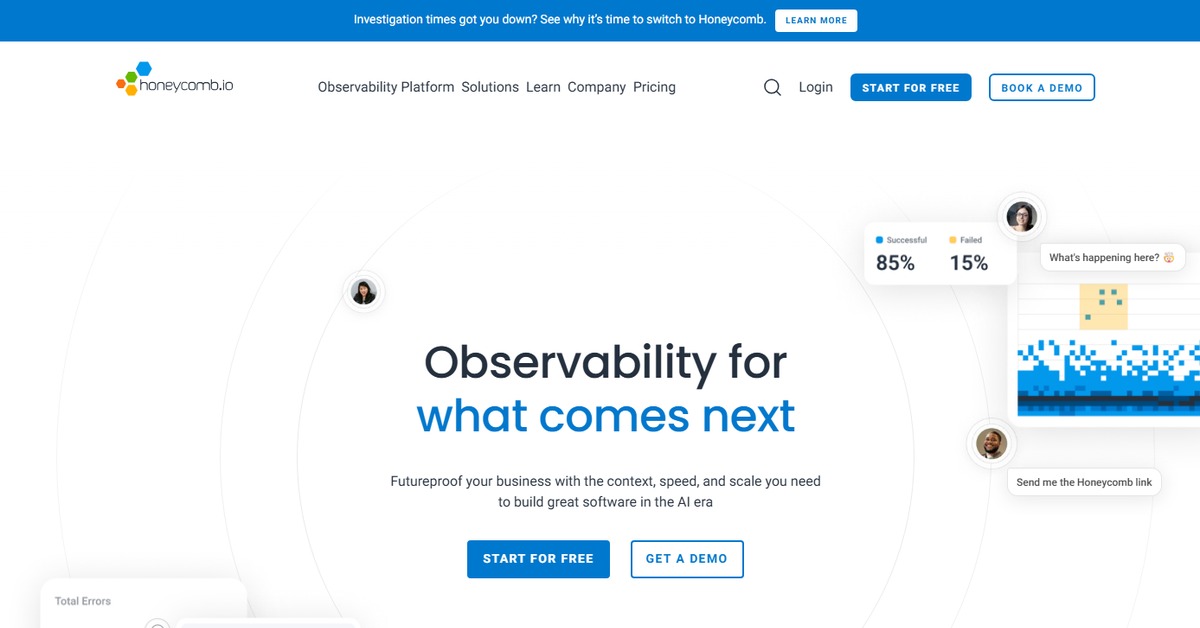
Key Features
- Real-time Data Processing: Honeycomb AI processes data in real-time, allowing users to gain insights as data flows in.
- Customizable Reporting: Users can create tailored reports that focus on specific metrics and KPIs relevant to their business.
- Seamless Integrations: The tool integrates effortlessly with various platforms, enabling users to connect their existing data sources.
- User-friendly Interface: The intuitive design allows users of all skill levels to navigate and utilize the tool effectively.
- Advanced Analytics Capabilities: Honeycomb AI offers sophisticated analytical tools, including trend analysis and predictive modeling.
Pros & Cons
Pros.
- Highly customizable reporting features that cater to specific business needs.
- Real-time insights that help organizations make timely decisions.
- Strong integration capabilities with popular data sources and platforms.
- User-friendly interface that simplifies complex data analysis.
- Robust support and resources available for users.
Cons.
- Pricing may be a barrier for smaller organizations.
- Some advanced features may require a learning curve.
- Limited offline capabilities, as it primarily operates online.
- Integration with niche data sources may not be supported.
- Initial setup can be time-consuming depending on data complexity.
How to Use (Quick Start)
- Sign up for an account on the Honeycomb website.
- Log in to your dashboard.
- Upload your CSV or document files.
- Connect to your data sources via API if needed.
- Select the type of analysis you wish to perform.
- Customize your report settings.
- Generate insights and download your reports.
- Share your findings with your team.
FAQs of Honeycomb AI
What types of data can I input into Honeycomb AI?
You can input data through CSV files, documents, and APIs.
Is there a free trial available for Honeycomb AI?
Yes, Honeycomb AI offers a free plan with basic features.
Can I generate reports with Honeycomb AI?
Absolutely, Honeycomb AI allows you to create customizable reports based on your data analysis.
What platforms does Honeycomb AI support?
Honeycomb AI is available on web and browser platforms.
How does Honeycomb AI handle data security?
Honeycomb AI employs industry-standard security measures to protect your data.
Is customer support available for users?
Yes, Honeycomb AI provides customer support for all users, including priority support for Pro plan subscribers.
Can I integrate Honeycomb AI with other tools?
Yes, Honeycomb AI integrates with various platforms such as WordPress and Zapier.
Related AI Tools
No results found.