
- Company: Keploy
- Platforms: Web, Chrome Extension, VS Code
- Updated on: January 20, 2026
- Status: Unverified
- Company: Keploy
- Updated At: January 20, 2026
- Editor Rating: 4.6
- Platform: Web, Chrome Extension, VS Code
Keploy AI is an innovative testing framework designed to streamline the development process through automated testing and intelligent analysis.
- Analyzer, Automation, Framework
Overview of Keploy AI
Keploy AI is a cutting-edge testing framework that empowers developers to automate their testing processes, ensuring high-quality software delivery. By leveraging advanced AI capabilities, Keploy simplifies the creation, execution, and analysis of tests, which is crucial in today’s fast-paced development environments. It addresses common challenges such as time-consuming manual testing and the complexity of maintaining test cases. Keploy is tailored for developers, QA engineers, and teams looking to enhance their testing efficiency. Its unique capabilities include intelligent test case generation, real-time feedback, and seamless integration with popular development platforms. Practical use cases range from API testing to end-to-end testing scenarios, providing developers with realistic benefits such as reduced time-to-market and improved software reliability.
Key Features
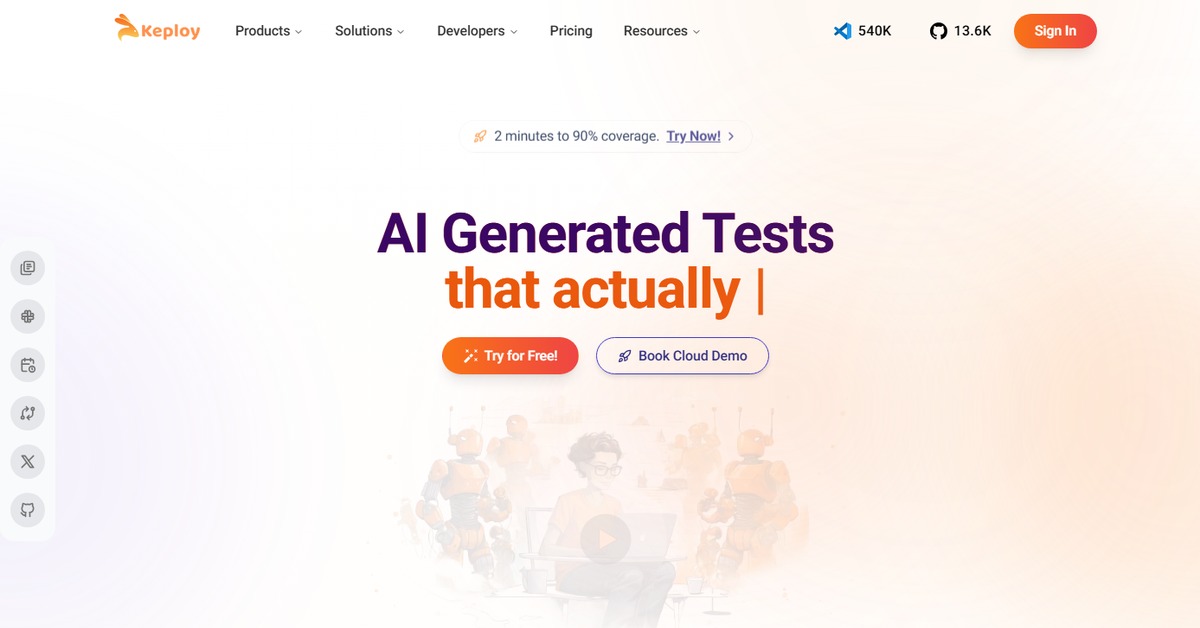
- Automated Test Generation: Automatically generate test cases from your codebase, saving time and reducing manual effort.
- Real-Time Feedback: Get immediate insights on code quality and potential issues during the development process.
- Seamless Integration: Easily integrate with popular tools like VSCode and Chrome for a smooth workflow.
- Comprehensive Reporting: Access detailed reports and analytics to understand test coverage and performance.
- User-Friendly Interface: Navigate through a clean and intuitive interface designed for developers of all skill levels.
Pros & Cons
Pros.
- Saves time by automating repetitive testing tasks, allowing developers to focus on coding.
- Enhances code quality through intelligent analysis and real-time feedback.
- Flexible pricing plans cater to both individual developers and larger teams.
- Strong community support and extensive documentation help users maximize the tool's potential.
- Integrates well with existing development tools, making it easy to adopt into current workflows.
Cons.
- Some advanced features may require a learning curve for new users.
- Limited features in the free plan may not suffice for larger projects.
- Performance can vary based on the complexity of the code being tested.
- Occasional bugs reported in the integration with specific IDEs.
- May not cover all edge cases in automated test generation.
How to Use (Quick Start)
- Visit the Keploy website and sign up for an account.
- Choose your preferred pricing plan.
- Integrate Keploy with your development environment (e.g., VSCode).
- Upload your code or documentation for analysis.
- Utilize the AI features to generate test cases.
- Run the tests and review the generated reports.
- Refine your tests based on the insights provided.
- Repeat the process as needed for continuous integration.
FAQs of Keploy AI
What is Keploy AI used for?
Keploy AI is used for automating testing processes, generating test cases, and providing insights into code quality.
Is there a free version of Keploy AI?
Yes, Keploy offers a free version with basic features suitable for individual developers.
Can Keploy AI integrate with other tools?
Yes, Keploy integrates with various tools like WordPress and Zapier for enhanced functionality.
What types of tests can I run with Keploy AI?
You can run API tests, unit tests, and end-to-end tests using Keploy AI.
How does Keploy AI generate test cases?
Keploy AI uses advanced algorithms to analyze your code and automatically generate relevant test cases.
What platforms does Keploy AI support?
Keploy AI supports web, Chrome, and VSCode platforms.
Is customer support available for Keploy AI users?
Yes, Keploy provides customer support, especially for Pro plan users.
Related AI Tools
No results found.