
- Company: Krisp
- Platforms: Web, Web Browser, iOS, Android
- Updated on: December 24, 2025
- Status: Unverified
- Company: Krisp
- Updated At: December 24, 2025
- Editor Rating: 4.6
- Platform: Web, Web Browser, iOS, Android
Krisp AI is an innovative tool designed to enhance audio quality by removing background noise during calls and recordings.
- Assistant
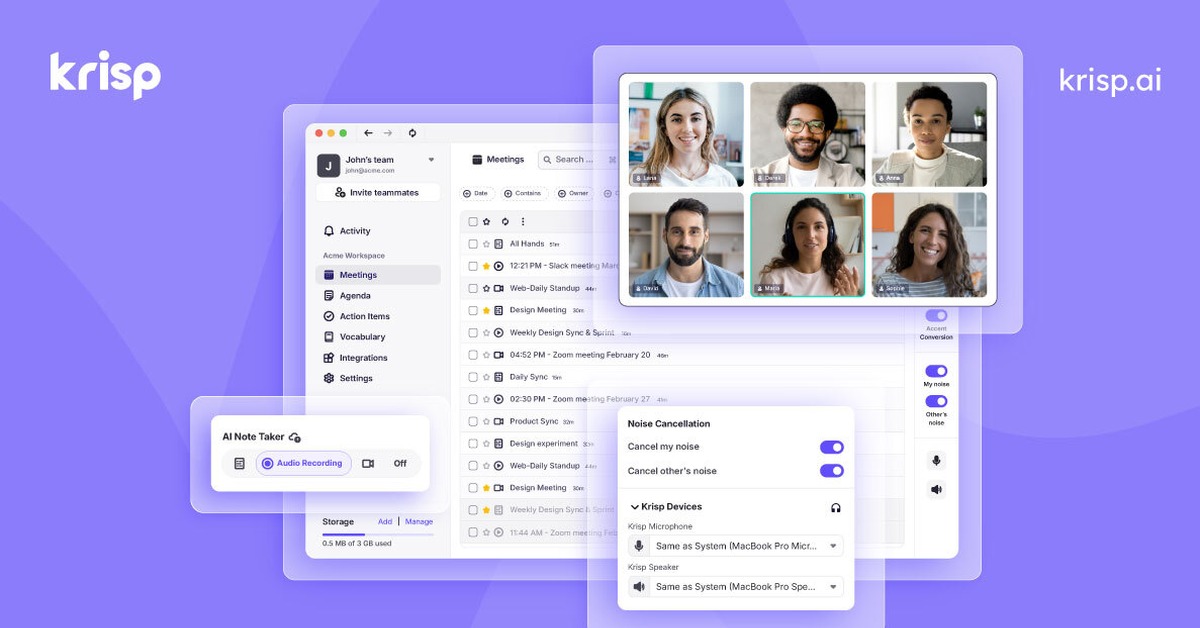
Overview of Krisp AI
Krisp AI stands out as a cutting-edge solution for anyone seeking to improve their audio experience during calls or recordings. By utilizing advanced noise-cancellation technology, Krisp effectively eliminates unwanted background sounds, allowing for clearer communication. This tool is particularly valuable for remote workers, podcasters, and anyone involved in virtual meetings. Krisp not only enhances audio quality but also contributes to a more professional and distraction-free environment. Its unique capabilities include real-time noise suppression and compatibility with various communication platforms, making it a versatile choice for users. The practical applications of Krisp are vast, from improving remote work productivity to elevating podcast audio quality. Users can expect significant benefits, including reduced distractions and enhanced clarity in their communications.
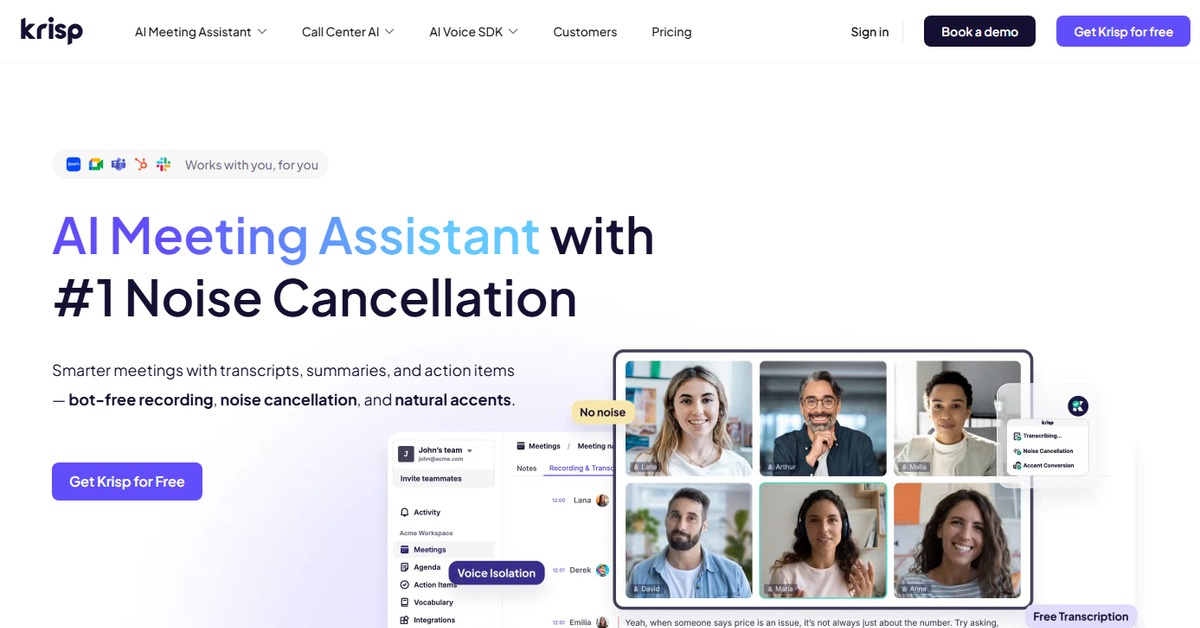
Key Features
- Real-time Noise Cancellation: Krisp removes background noise in real-time, ensuring clear audio during calls.
- Compatibility: Works seamlessly with popular communication tools like Zoom, Skype, and Microsoft Teams.
- User-Friendly Interface: The application is easy to navigate, making it accessible for users of all technical levels.
- Multiple Device Support: Available on various platforms including web, iOS, and Android.
- Customizable Settings: Users can adjust noise cancellation levels to suit different environments.
Pros & Cons
Pros.
- Highly effective at eliminating background noise, enhancing audio clarity.
- Compatible with a wide range of communication platforms, increasing versatility.
- User-friendly design allows for quick setup and ease of use.
- Offers a free plan, making it accessible for casual users.
- Regular updates and improvements based on user feedback.
Cons.
- The free version has limited features compared to the Pro plan.
- May require a learning curve for users unfamiliar with audio settings.
- Performance can vary based on device specifications.
- Some users report occasional latency during high-demand usage.
- Limited offline functionality; requires internet for full features.
How to Use (Quick Start)
- Visit the Krisp website and create an account.
- Download and install the Krisp application on your device.
- Open the application and select your audio input and output devices.
- Choose the noise cancellation settings that suit your needs.
- Start your call or recording using your preferred communication platform.
- Enjoy crystal-clear audio without background noise.
- Adjust settings as necessary for optimal performance.
FAQs of Krisp AI
What is Krisp AI used for?
Krisp AI is primarily used for noise cancellation during calls and recordings, enhancing audio quality.
Is Krisp AI free to use?
Krisp offers a freemium model, with basic features available for free and advanced features in the Pro plan.
Which platforms does Krisp support?
Krisp is available on web, iOS, and Android platforms.
Can I use Krisp with Zoom?
Yes, Krisp is compatible with Zoom and many other popular communication tools.
How does Krisp AI work?
Krisp uses advanced algorithms to filter out background noise in real-time during audio input.
Are there any limitations to the free version?
The free version has limited features and may restrict usage time compared to the Pro version.
What are the system requirements for Krisp?
Krisp requires a modern device with a stable internet connection for optimal performance.
Related AI Tools
No results found.