
- Company: Lavender
- Platforms: Web, Web Browser
- Updated on: January 2, 2026
- Status: Unverified
- Company: Lavender
- Updated At: January 2, 2026
- Editor Rating: 4.7
- Platform: Web, Web Browser
Lavender AI streamlines email communication, providing features that enhance clarity and engagement.
- Analyzer, Assistant
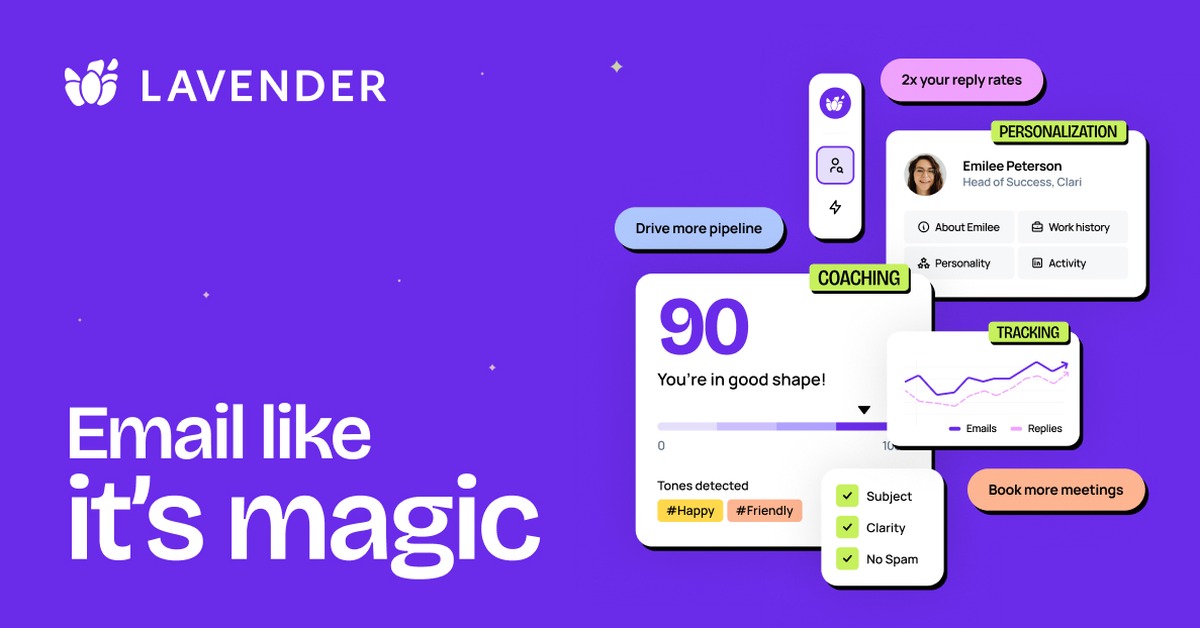
Overview of Lavender AI
Lavender AI is an innovative tool designed to optimize email communication for professionals and teams. It leverages advanced AI technology to analyze and improve the effectiveness of your emails, ensuring that your messages are clear, engaging, and impactful. This tool is particularly valuable for sales teams, marketers, and anyone who relies on email as a primary communication channel. By identifying key areas for improvement, Lavender AI helps users craft messages that resonate with their audience, ultimately leading to higher engagement rates and better responses. Its unique capabilities include real-time feedback on tone and structure, making it easier to adapt your writing style to suit different recipients. The practical use cases for Lavender AI range from drafting sales pitches to refining internal communications, showcasing its versatility and effectiveness in various contexts. With its user-friendly interface and actionable insights, Lavender AI empowers users to communicate more effectively and confidently.
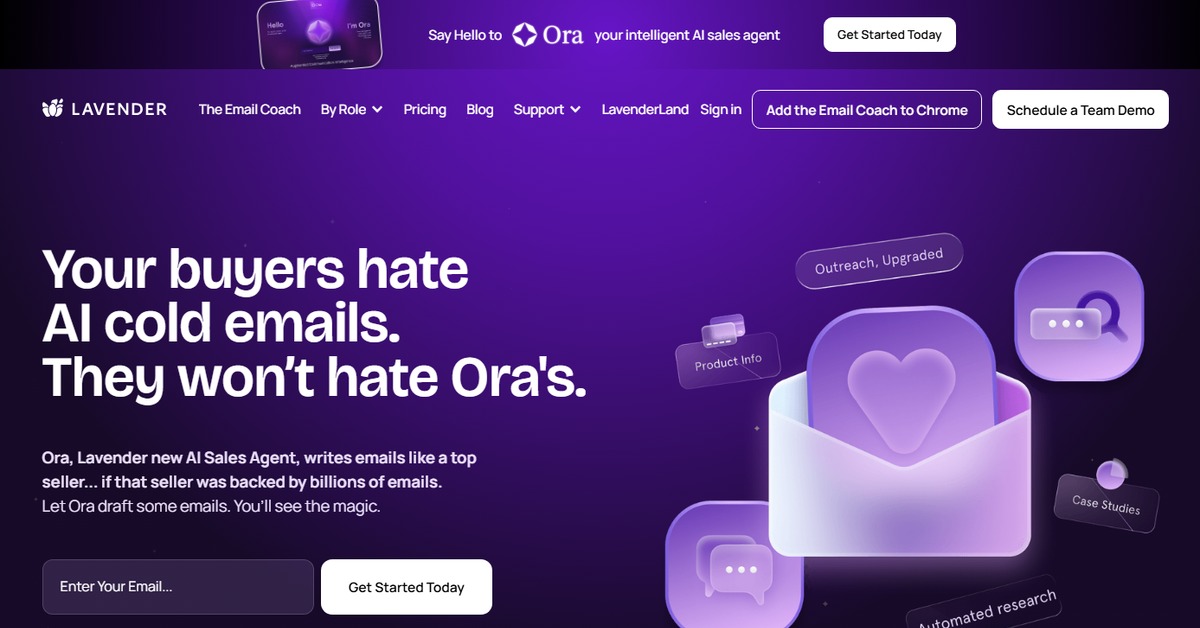
Key Features
- Real-time Feedback: Receive instant suggestions on tone, clarity, and engagement to enhance your email effectiveness.
- AI-Powered Analysis: Leverage advanced algorithms to analyze your writing style and suggest improvements.
- Customizable Templates: Access a library of templates tailored for various communication needs.
- Integration Capabilities: Seamlessly integrate with popular platforms like WordPress and Zapier for enhanced functionality.
- User-Friendly Interface: Enjoy an intuitive design that makes it easy to navigate and utilize the tool effectively.
Pros & Cons
Pros.
- Enhances email clarity and engagement, leading to improved communication outcomes.
- Offers actionable insights that are easy to implement, making it suitable for users of all skill levels.
- Flexible pricing model allows users to choose a plan that fits their needs.
- Integrates well with other tools, streamlining workflows and enhancing productivity.
- Regular updates and improvements based on user feedback ensure the tool remains effective and relevant.
Cons.
- Some users may find the suggestions too prescriptive, limiting their personal writing style.
- The free version has limited features compared to the Pro plan, which may deter some users.
- Occasional inaccuracies in tone suggestions can lead to misinterpretations.
- Requires an internet connection for full functionality, which may be a limitation for some.
- The learning curve for new users may be steep due to the range of features available.
How to Use (Quick Start)
- Visit the Lavender AI website and sign up for an account.
- Log in to your dashboard.
- Input your email text or prompt into the provided field.
- Review the AI-generated suggestions and analysis.
- Make adjustments to your email based on the feedback.
- Send your optimized email directly from the platform or copy it to your email client.
- Monitor responses and refine your approach based on engagement metrics.
FAQs of Lavender AI
What is Lavender AI used for?
Lavender AI is used to enhance email communication by providing real-time feedback and suggestions for improvement.
Is there a free version of Lavender AI?
Yes, Lavender AI offers a free version with basic features, allowing users to try the tool before committing to a paid plan.
Can I integrate Lavender AI with other tools?
Yes, Lavender AI integrates with platforms like WordPress and Zapier for enhanced functionality.
How does the AI analyze my emails?
The AI uses advanced algorithms to assess tone, clarity, and engagement, providing actionable insights.
What types of users benefit from Lavender AI?
Professionals in sales, marketing, and any field that relies on email communication can benefit from Lavender AI.
Are there any limitations to the free version?
The free version has limited features compared to the Pro plan, which includes advanced capabilities.
How often is Lavender AI updated?
Lavender AI is regularly updated based on user feedback to improve its features and functionality.
Related AI Tools
No results found.