
- Company: Lumin
- Platforms: Web
- Updated on: January 21, 2026
- Status: Unverified
- Company: Lumin
- Updated At: January 21, 2026
- Editor Rating: 4.6
- Platform: Web
Lumin PDF AI offers advanced tools for managing and editing PDF documents, making it an essential tool for professionals and teams.
- Analyzer, Assistant, Editor
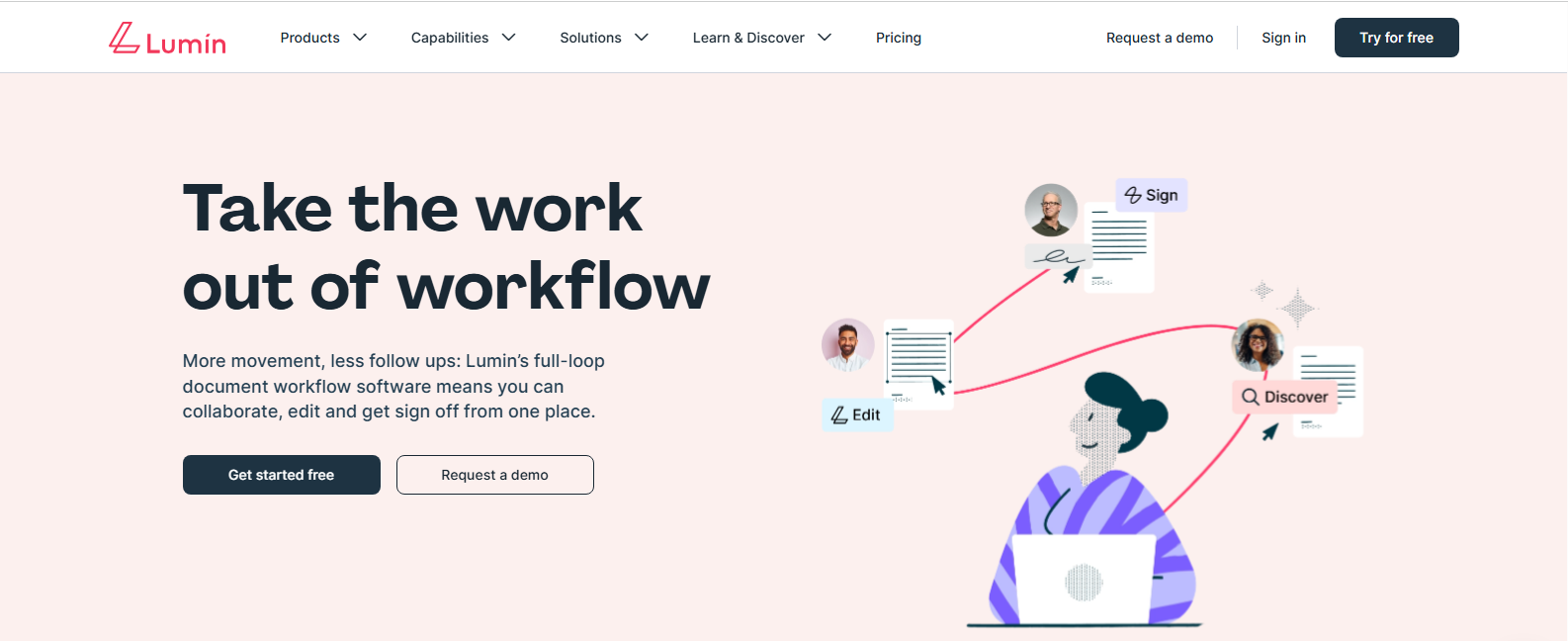
Overview of Lumin PDF AI
Lumin PDF AI is a powerful tool designed to simplify the management and editing of PDF documents. It addresses common challenges faced by professionals, such as the need for seamless collaboration, efficient editing, and effective document sharing. This tool is particularly beneficial for teams and individuals who frequently work with PDFs, providing unique capabilities that enhance productivity. With features that allow for real-time collaboration, annotation, and document conversion, Lumin PDF AI stands out in the crowded market of PDF tools. Its user-friendly interface and flexible pricing structure make it accessible for a wide range of users, from freelancers to large organizations. Practical use cases include editing contracts, collaborating on reports, and sharing presentations, all while ensuring that the integrity of the original document is maintained. The realistic benefits include time savings, improved team communication, and enhanced document security, making Lumin PDF AI a valuable asset for anyone dealing with PDF files.
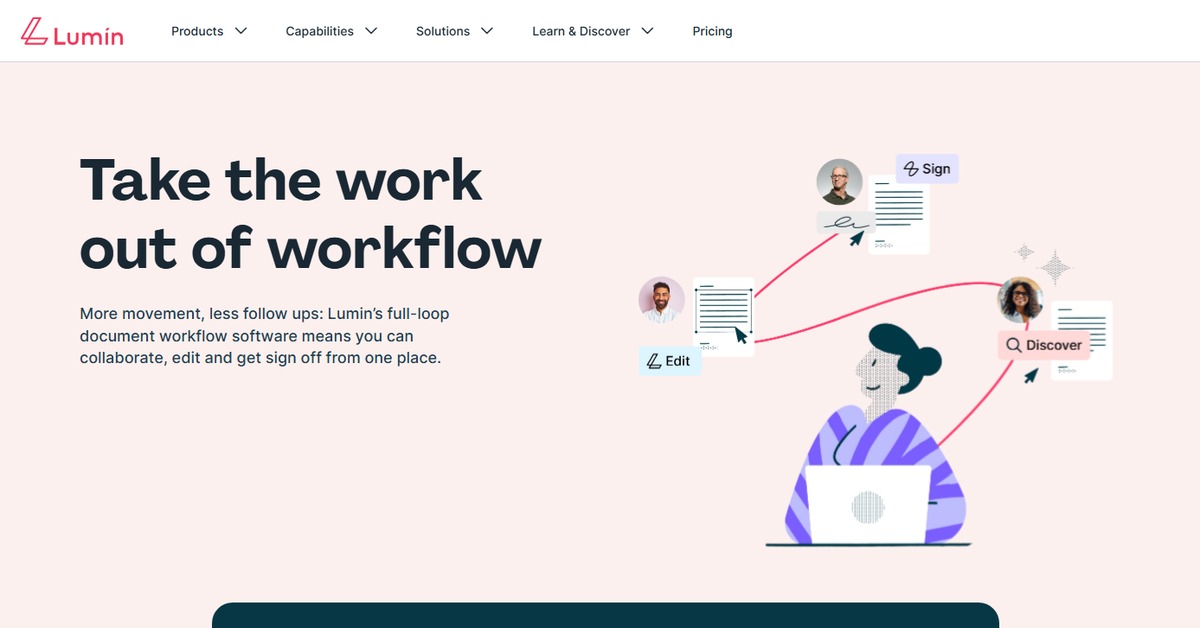
Key Features
- Real-time Collaboration: Work simultaneously with team members on the same document, enhancing productivity and communication.
- Advanced Editing Tools: Modify text, images, and layout within PDF files easily.
- Document Conversion: Convert PDFs to various formats such as Word, Excel, and more.
- Annotation Features: Add comments, highlights, and notes to documents for better clarity.
- Secure Sharing: Share documents securely with password protection and permissions.
Pros & Cons
Pros.
- User-friendly interface that simplifies PDF management.
- Robust collaboration features that facilitate teamwork.
- Flexible pricing options catering to different user needs.
- Comprehensive editing tools that rival traditional software.
- Strong security measures for document sharing.
Cons.
- Some advanced features may require a paid subscription.
- Limited offline capabilities compared to desktop alternatives.
- Occasional performance issues with large files.
- Learning curve for new users unfamiliar with PDF tools.
- Integration options may not cover all user needs.
How to Use (Quick Start)
- Visit the Lumin PDF AI website.
- Create an account or log in.
- Upload your PDF document.
- Edit or annotate the document as needed.
- Share the document with team members for collaboration.
- Download or export the edited document.
- Utilize integrations with other tools for enhanced functionality.
FAQs of Lumin PDF AI
What types of documents can I edit with Lumin PDF AI?
You can edit various document types, primarily focusing on PDF files.
Is there a mobile version of Lumin PDF AI?
Currently, Lumin PDF AI is primarily web-based, with no dedicated mobile app.
Can I collaborate with others in real-time?
Yes, Lumin PDF AI allows real-time collaboration on documents.
What are the pricing plans available?
Lumin PDF AI offers a freemium model, with a free version and a paid Pro version.
Is my data secure when using Lumin PDF AI?
Yes, Lumin PDF AI implements strong security measures to protect your data.
Can I convert PDFs to other formats?
Yes, the tool supports conversion of PDFs to formats like Word and Excel.
What support options are available?
Lumin PDF AI provides customer support through email and a help center.
Related AI Tools
No results found.