
- Company: Mouseflow
- Platforms: Web
- Updated on: February 23, 2026
- Status: Unverified
- Company: Mouseflow
- Updated At: February 23, 2026
- Editor Rating: 4.6
- Platform: Web
Mouseflow is a powerful tool for tracking user behavior on your website through session replay and heatmaps, helping businesses optimize their online presence.
- Analyzer, Assistant
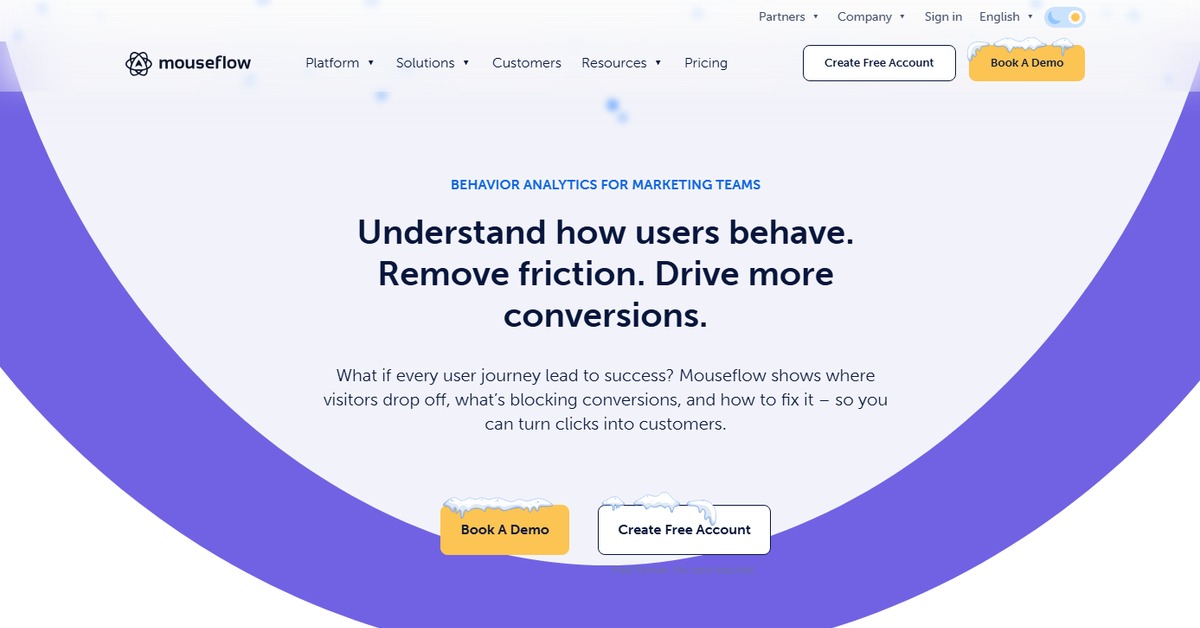
Overview of Mouseflow
Mouseflow is an advanced analytics tool designed to provide deep insights into user behavior on websites. By utilizing features such as session replay, heatmaps, and funnels, Mouseflow enables businesses to understand how users interact with their sites. This understanding is crucial for identifying pain points, optimizing user experience, and ultimately increasing conversion rates. The tool is particularly valuable for marketers, UX designers, and product managers who seek to enhance their website’s performance. With its unique capabilities, Mouseflow allows users to visualize user journeys, analyze form interactions, and track engagement metrics, making it an essential resource for data-driven decision-making. Practical use cases include improving landing pages, optimizing checkout processes, and enhancing content strategies. The realistic benefits of using Mouseflow include increased user satisfaction, higher conversion rates, and improved ROI on marketing efforts.
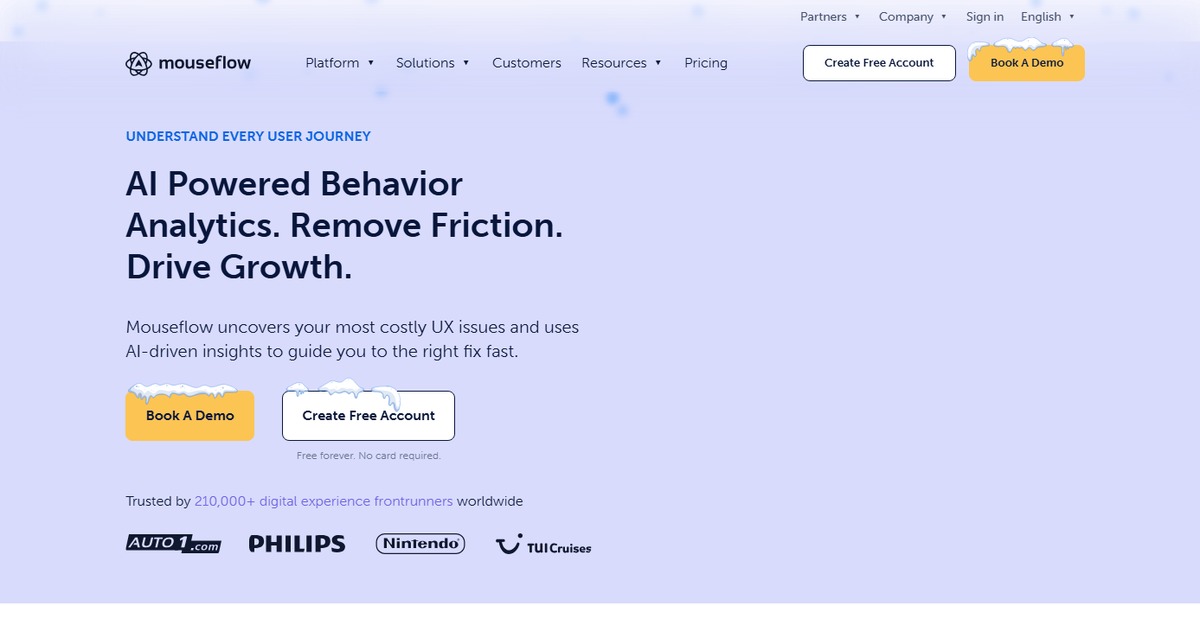
Key Features
- Session Replay: Allows you to watch recordings of user sessions to understand their interactions.
- Heatmaps: Visual representations of user clicks, scrolls, and movements on your site.
- Funnel Analysis: Track user paths through your site to identify drop-off points.
- Form Analytics: Analyze how users interact with forms to improve completion rates.
- User Feedback: Collect feedback directly from users to gain insights into their experiences.
Pros & Cons
Pros.
- Comprehensive user behavior tracking provides valuable insights.
- User-friendly interface makes navigation and data interpretation straightforward.
- Flexible pricing plans cater to different business needs.
- Integration with popular platforms enhances functionality.
- Real-time data collection allows for immediate analysis and action.
Cons.
- Advanced features may require a learning curve for new users.
- Some users report that the data can be overwhelming without proper analysis.
- Limited features in the free plan may not suffice for larger businesses.
- Occasional performance issues reported during high traffic periods.
- Customization options could be more extensive for advanced users.
How to Use (Quick Start)
- Sign up for a Mouseflow account on their website.
- Install the tracking code on your website.
- Configure your settings to define what data you want to collect.
- Start tracking user sessions and interactions.
- Access the dashboard to view heatmaps and session replays.
- Analyze the data to identify user behavior patterns.
- Implement changes based on insights gained from the analysis.
- Monitor the impact of changes over time.
FAQs of Mouseflow
What is Mouseflow used for?
Mouseflow is used for tracking user behavior on websites, providing insights through session replays, heatmaps, and funnels.
Is there a free version of Mouseflow?
Yes, Mouseflow offers a free plan with basic features for users to get started.
Can I integrate Mouseflow with other tools?
Yes, Mouseflow integrates with various platforms like WordPress, Zapier, and Google Analytics.
How does Mouseflow collect data?
Mouseflow collects data through a tracking code that you install on your website.
What types of reports can I generate with Mouseflow?
You can generate reports on user sessions, heatmaps, funnels, and form analytics.
Is Mouseflow suitable for small businesses?
Yes, Mouseflow's flexible pricing and features make it suitable for businesses of all sizes.
How can I improve my website using Mouseflow?
By analyzing user behavior data, you can identify areas for improvement and optimize user experience.
Related AI Tools
No results found.