
- Company: Munch
- Platforms: Web, Mac, Windows
- Updated on: February 4, 2026
- Status: Unverified
- Company: Munch
- Updated At: February 4, 2026
- Editor Rating: 4.6
- Platform: Web, Mac, Windows
Munch is an AI-powered tool designed for seamless video, audio, and image editing, streamlining content creation for professionals and enthusiasts alike.
- Generator, Assistant, Editor
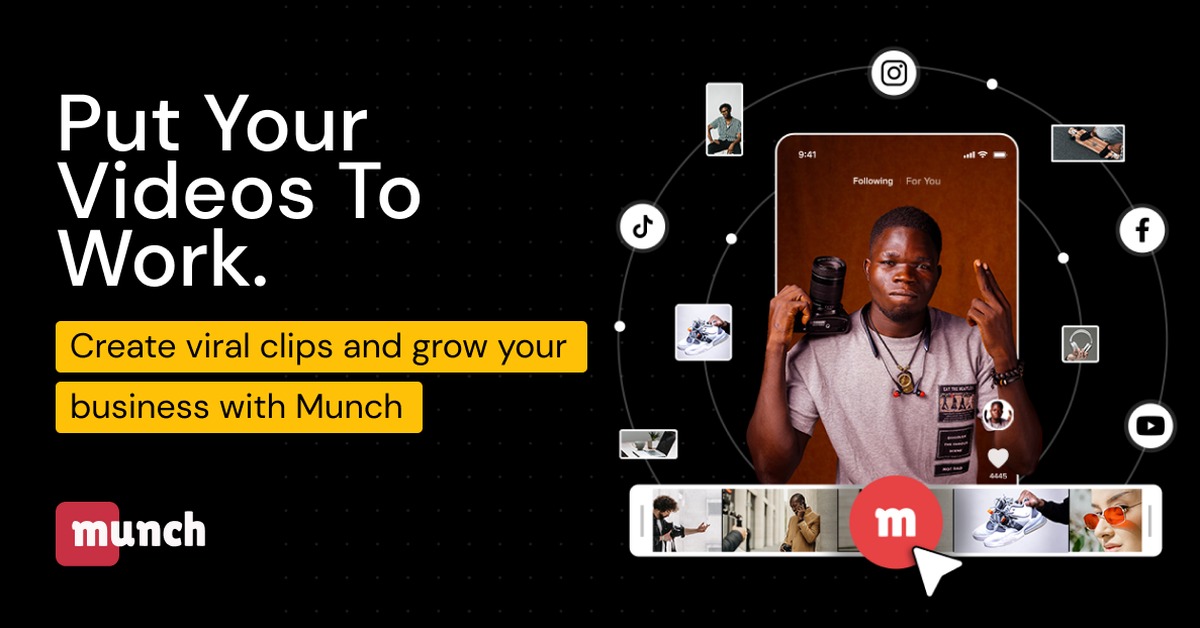
Overview of Munch
Munch is an innovative AI tool that revolutionizes the way content creators approach video, audio, and image editing. By harnessing advanced algorithms, Munch simplifies complex editing tasks, making it accessible for both beginners and seasoned professionals. This tool is essential for anyone looking to enhance their multimedia content without the steep learning curve typically associated with traditional editing software. Munch addresses common pain points such as time-consuming editing processes and the need for high-quality output. Its unique capabilities include automated editing suggestions, intuitive user interfaces, and integration with popular platforms like WordPress and Zapier. Practical use cases range from creating engaging social media videos to producing professional-grade presentations. The realistic benefits of using Munch include increased productivity, improved content quality, and a more streamlined workflow, allowing users to focus on creativity rather than technical details.
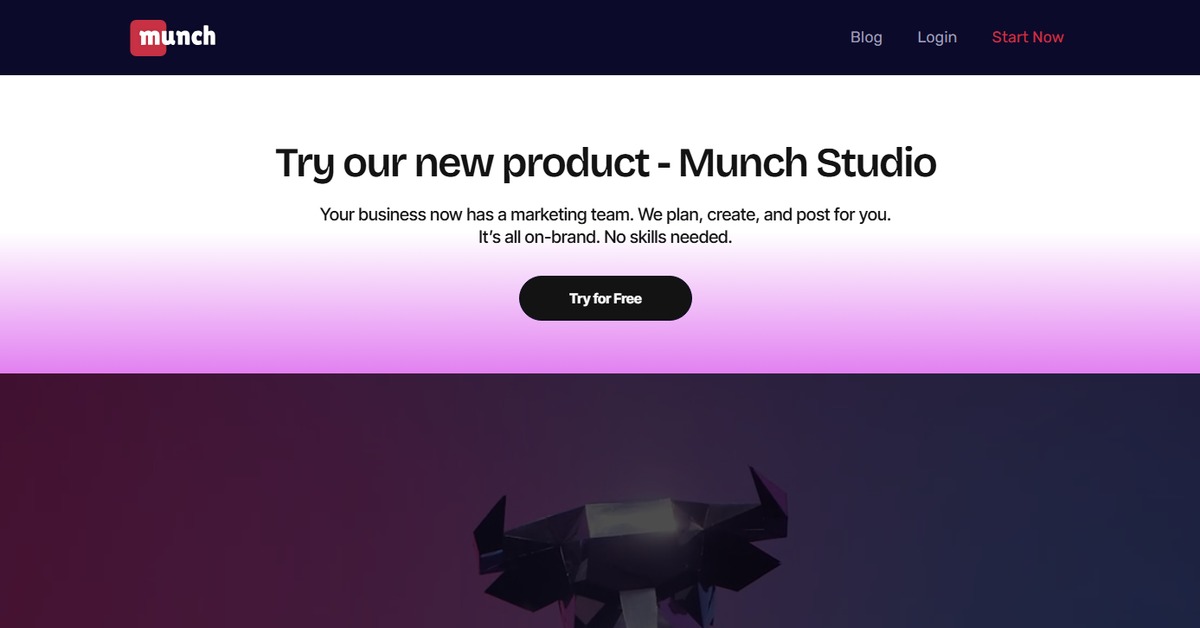
Key Features
- AI-Powered Editing: Munch leverages artificial intelligence to automate tedious editing tasks, allowing for faster content creation.
- Multi-Format Support: The tool supports various input formats including video, audio, and images, making it versatile for different projects.
- User-Friendly Interface: Munch features an intuitive design that simplifies the editing process, catering to users of all skill levels.
- Real-Time Collaboration: Users can collaborate in real-time, making it easier to work on projects with teams or clients.
- Integration Capabilities: Munch integrates seamlessly with popular platforms like WordPress and Zapier, enhancing its functionality.
Pros & Cons
Pros.
- Time Efficiency: Munch significantly reduces editing time through automation, allowing users to focus on creative aspects.
- High-Quality Output: The tool ensures that the final product meets professional standards, enhancing the overall quality of content.
- Flexible Pricing: With both free and paid plans, Munch accommodates different budgets and user needs.
- Cross-Platform Availability: Being accessible on web, mac, and windows expands its usability for various users.
- Strong Community Support: Munch has an active user community, providing valuable resources and support for new users.
Cons.
- Limited Advanced Features in Free Plan: The free version may lack some advanced features that professionals might require.
- Learning Curve for Advanced Tools: While user-friendly, some advanced features may require time to master.
- Occasional Performance Issues: Users have reported occasional slowdowns during high-demand editing tasks.
- Dependency on Internet Connection: As a web-based tool, Munch requires a stable internet connection for optimal performance.
- Limited Customization Options: Some users may find the customization options less flexible compared to traditional editing software.
How to Use (Quick Start)
- Sign up for an account on the Munch website.
- Select the type of content you want to create or edit.
- Upload your video, audio, or image files.
- Utilize the AI features for automatic enhancements.
- Make manual adjustments as needed using the intuitive interface.
- Preview your edits and make final adjustments.
- Export your finished content in the desired format.
- Share your content directly to social media or download it for later use.
FAQs of Munch
What types of content can I create with Munch?
Munch allows you to create and edit videos, audio files, and images.
Is there a free trial available?
Yes, Munch offers a free plan with basic features for users to try.
Can I collaborate with others using Munch?
Absolutely! Munch supports real-time collaboration for team projects.
What integrations does Munch offer?
Munch integrates with platforms like WordPress and Zapier for enhanced functionality.
Is Munch suitable for beginners?
Yes, Munch is designed with an intuitive interface that is user-friendly for beginners.
What are the system requirements for using Munch?
Munch is web-based and can be accessed from any device with an internet connection.
How can I export my finished projects?
You can export your projects in various formats suitable for different platforms.
Related AI Tools
No results found.