
- Company: Otter.ai
- Platforms: Web, Web Browser
- Updated on: December 30, 2025
- Status: Unverified
- Company: Otter.ai
- Updated At: December 30, 2025
- Editor Rating: 4.6
- Platform: Web, Web Browser
Otter.ai is an advanced transcription tool that converts speech to text, making note-taking and meeting summaries effortless.
- Analyzer, Assistant
Overview of Otter.ai
Otter.ai is a powerful AI-driven transcription tool designed to convert spoken language into written text seamlessly. This tool is essential for professionals, students, and anyone who needs to capture spoken content accurately and efficiently. It addresses common challenges such as missing important details during meetings or lectures by providing real-time transcription and insights. Otter.ai stands out with its unique capabilities, including speaker identification, collaborative features, and integration with various platforms. Users can leverage Otter.ai for diverse applications, from creating meeting notes to generating reports from interviews. The practical benefits include enhanced productivity, improved information retention, and streamlined workflows, making it an invaluable resource in today’s fast-paced environment.
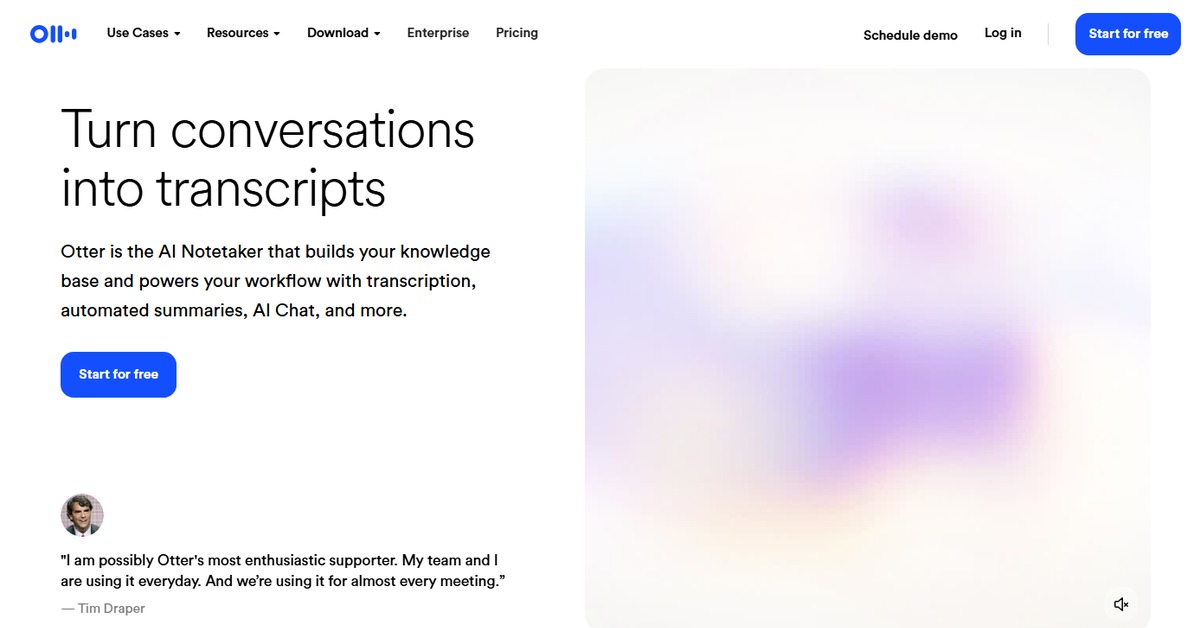
Key Features
- Real-time transcription: Capture spoken words instantly during meetings or lectures.
- Speaker identification: Distinguish between different speakers for clearer context.
- Collaboration tools: Share transcripts and notes with team members for enhanced teamwork.
- Integration capabilities: Connect with various platforms like Zoom and Google Calendar.
- Searchable transcripts: Easily find specific information within your notes.
Pros & Cons
Pros.
- Highly accurate transcription, reducing the need for manual corrections.
- User-friendly interface that simplifies the transcription process.
- Robust collaboration features that enhance team productivity.
- Flexible pricing plans catering to different user needs.
- Strong integration options that streamline workflows with other tools.
Cons.
- Limited features in the free version may not meet all user needs.
- Occasional inaccuracies in transcription, particularly with heavy accents.
- Requires a stable internet connection for optimal performance.
- Advanced features may be overwhelming for casual users.
- Export options could be more diverse for different file formats.
How to Use (Quick Start)
- Visit the Otter.ai website and create an account.
- Choose your preferred pricing plan.
- Log in to your account.
- Upload a document or connect via API for transcription.
- Review the generated transcript for accuracy.
- Utilize the insights and analysis features to enhance understanding.
- Export your notes or reports in your desired format.
FAQs of Otter.ai
What types of files can I upload to Otter.ai?
You can upload documents and CSV files, or use the API for direct integration.
Is there a mobile app for Otter.ai?
Currently, Otter.ai is primarily web-based, but it can be accessed via mobile browsers.
How does Otter.ai handle speaker identification?
Otter.ai uses AI algorithms to differentiate between speakers based on voice patterns.
Can I share my transcripts with others?
Yes, you can easily share your transcripts and collaborate with team members.
What is the pricing structure for Otter.ai?
Otter.ai offers a free plan with basic features and a Pro plan for advanced capabilities.
Does Otter.ai support multiple languages?
Currently, Otter.ai primarily supports English, with plans to expand to other languages.
What are the main use cases for Otter.ai?
Common use cases include meeting notes, lecture transcription, and interview summaries.
Related AI Tools
No results found.