
- Company: PDFgear
- Platforms: Web, Web Browser
- Updated on: December 31, 2025
- Status: Unverified
- Company: PDFgear
- Updated At: December 31, 2025
- Editor Rating: 4.6
- Platform: Web, Web Browser
PDFgear AI is a powerful tool designed to streamline PDF management and editing, making it essential for professionals and teams.
- Editor, Other
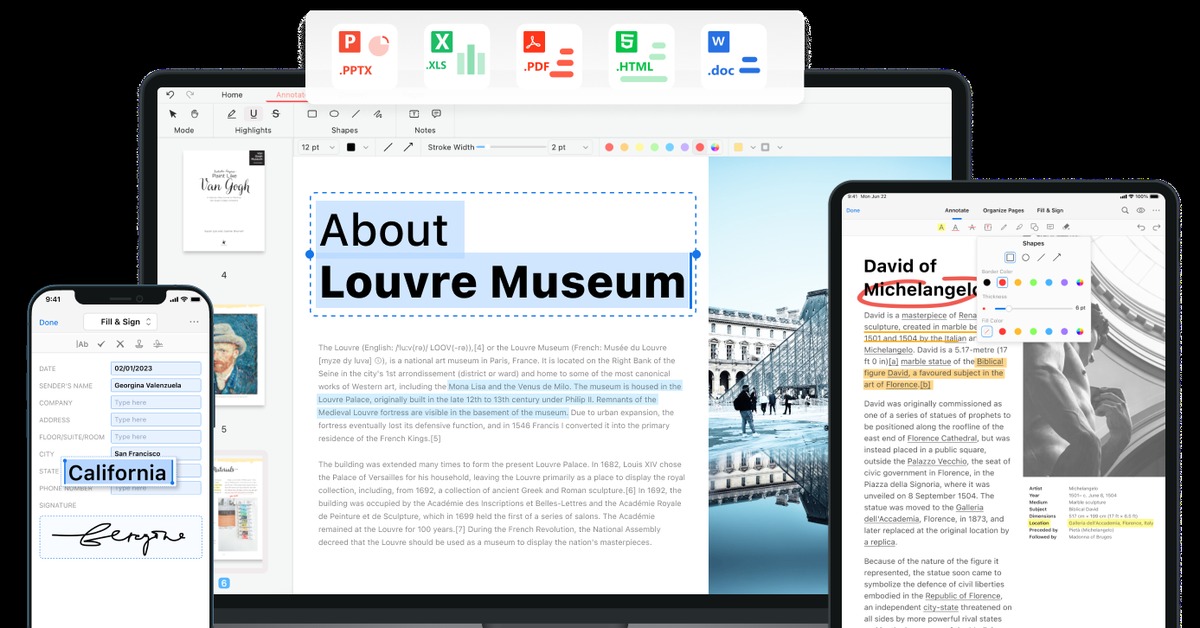
Overview of PDFgear AI
PDFgear AI is an innovative tool that revolutionizes the way users interact with PDF documents. By leveraging advanced AI capabilities, it simplifies tasks such as editing, annotating, and converting PDFs, making it an invaluable resource for professionals across various industries. This tool addresses common challenges faced by users, such as cumbersome editing processes and lack of collaboration features. PDFgear AI is tailored for individuals, teams, and organizations that require efficient document management solutions. Its unique capabilities include intelligent text recognition, seamless integration with popular platforms, and a user-friendly interface that enhances productivity. Practical use cases range from academic research to corporate documentation, ensuring that users can achieve their goals with ease. The realistic benefits of using PDFgear AI include time savings, improved accuracy, and enhanced collaboration, making it a must-have for anyone dealing with PDF files.
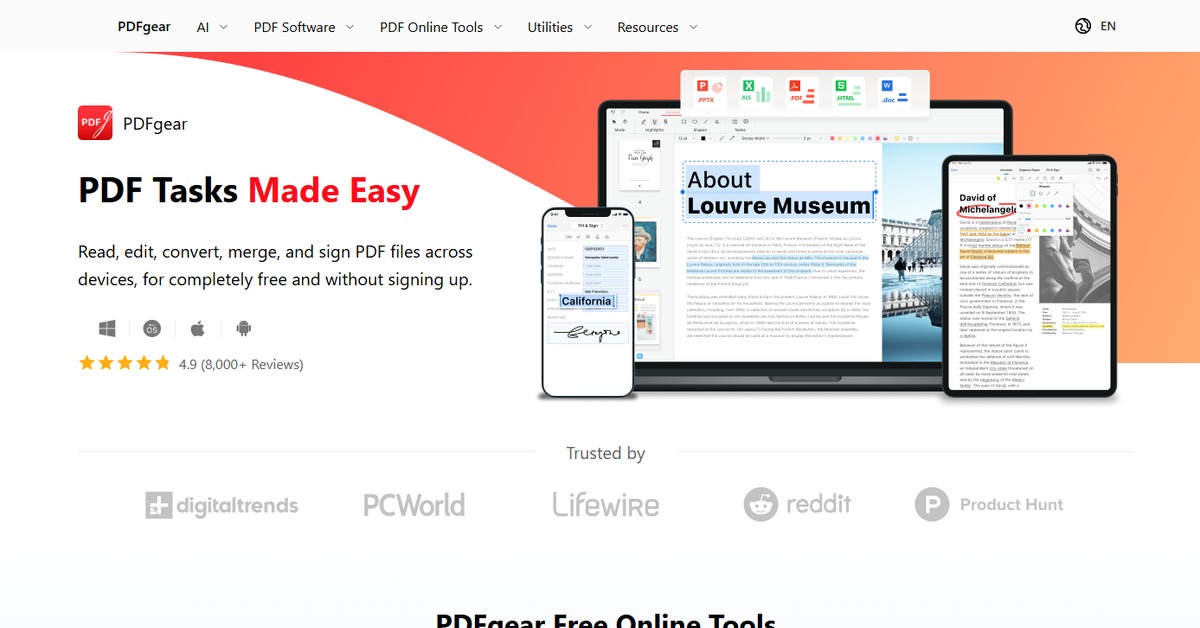
Key Features
- Intelligent Text Recognition: Automatically detects and extracts text from scanned documents.
- Seamless Collaboration: Share documents with team members for real-time editing and feedback.
- Comprehensive Editing Tools: Modify text, images, and annotations easily.
- Cloud Integration: Connect with popular cloud storage services for easy access.
- User-Friendly Interface: Designed for ease of use, minimizing the learning curve.
Pros & Cons
Pros.
- Highly efficient for managing large volumes of PDF documents.
- Offers a robust set of features that cater to diverse user needs.
- Regular updates ensure the tool stays relevant with new features.
- Strong community support and resources available for users.
- Flexible pricing options make it accessible for various budgets.
Cons.
- Some advanced features may require a paid subscription.
- Performance can vary based on document complexity.
- Limited offline functionality may hinder some users.
- Initial setup may take time for users unfamiliar with PDF tools.
- Integration with some third-party apps may be limited.
How to Use (Quick Start)
- Visit the PDFgear AI website.
- Sign up for a free account.
- Log in to your dashboard.
- Upload your PDF document.
- Utilize the editing tools to make changes.
- Save and export your edited document.
- Share your document with collaborators.
FAQs of PDFgear AI
What types of documents can I edit with PDFgear AI?
PDFgear AI allows users to edit various types of PDF documents, including scanned files and editable PDFs.
Is there a mobile version of PDFgear AI?
Currently, PDFgear AI is primarily web-based, but it can be accessed on mobile devices through a browser.
Can I collaborate with others using PDFgear AI?
Yes, PDFgear AI offers collaboration features that allow multiple users to work on the same document simultaneously.
What are the pricing options for PDFgear AI?
PDFgear AI offers a freemium model, with a free version that includes basic features and a paid version with advanced functionalities.
Is my data secure when using PDFgear AI?
PDFgear AI prioritizes user privacy and employs encryption to protect your documents.
How can I contact customer support?
You can reach customer support through the contact form on the PDFgear website or via email.
Does PDFgear AI support multiple languages?
Yes, PDFgear AI supports multiple languages, making it accessible to a global audience.
Related AI Tools
No results found.