
- Company: Plask
- Platforms: Web, Web Browser, Figma
- Updated on: February 4, 2026
- Status: Unverified
- Company: Plask
- Updated At: February 4, 2026
- Editor Rating: 4.6
- Platform: Web, Web Browser, Figma
Plask is an innovative AI design tool that simplifies image editing and collaboration for designers and teams.
- Editor
Overview of Plask
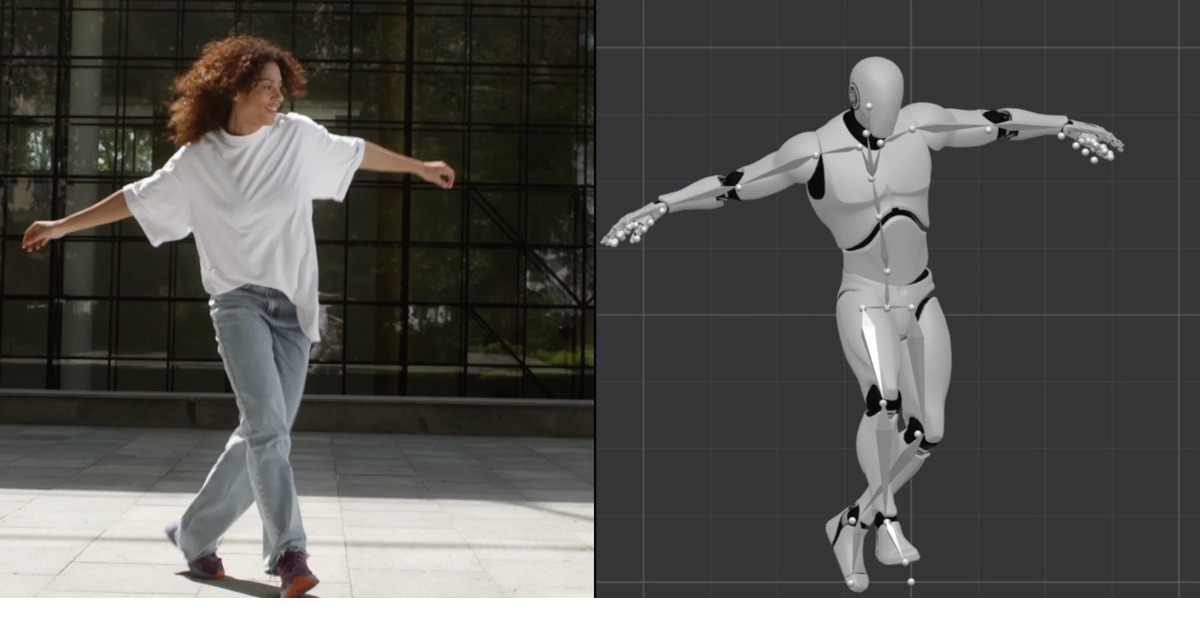
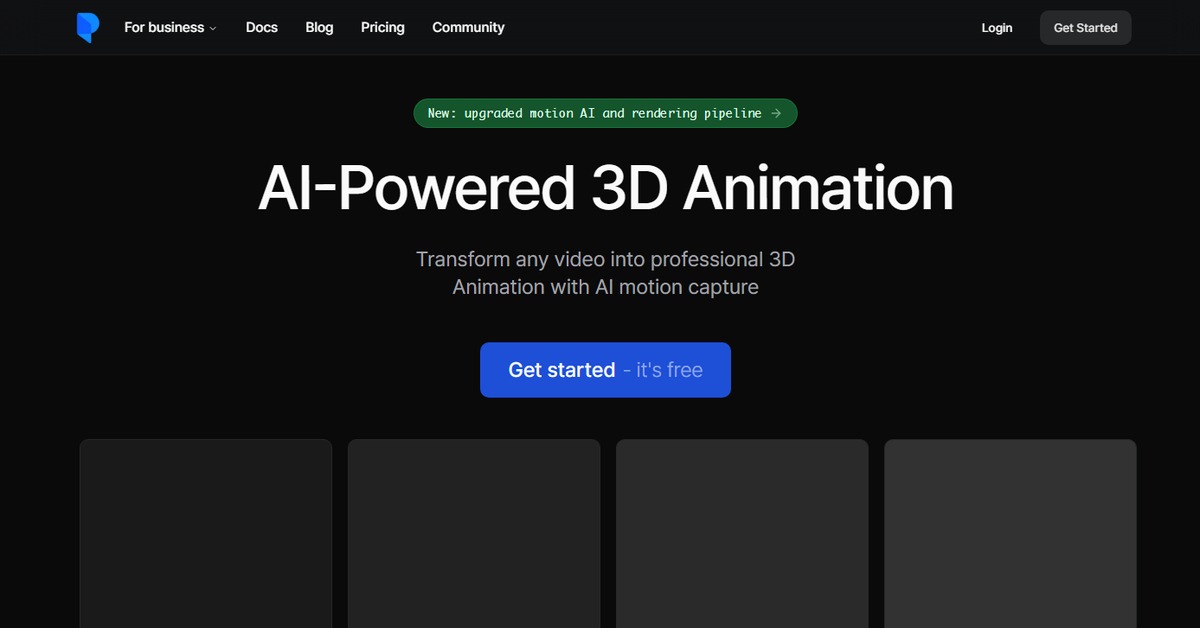
Plask is a powerful AI-driven design tool that enables users to create, edit, and collaborate on visual content seamlessly. It addresses the challenges of traditional design software by offering an intuitive interface that combines advanced AI capabilities with user-friendly features. This tool is particularly valuable for designers, marketers, and content creators who need to produce high-quality visuals quickly and efficiently. With Plask, users can easily manipulate images, generate creative prompts, and collaborate in real-time, making it an essential asset for any design workflow. The unique capabilities of Plask lie in its AI-enhanced editing tools, which allow for precise adjustments and creative enhancements, ensuring that every project meets professional standards. Practical use cases include designing marketing materials, social media graphics, and presentations, all while benefiting from the tool’s streamlined approach to design and collaboration. Users can expect realistic benefits such as improved productivity, enhanced creativity, and the ability to produce visually appealing content without the steep learning curve typically associated with traditional design software.
Key Features
- AI-Powered Image Editing: Leverage advanced AI tools to enhance images with precision and creativity.
- Real-Time Collaboration: Work alongside team members seamlessly, sharing edits and feedback instantly.
- User-Friendly Interface: Navigate through the design process with an intuitive layout that simplifies complex tasks.
- Diverse Template Library: Access a wide range of templates tailored for various design needs, from social media to presentations.
- Flexible Export Options: Save your designs in multiple formats, ensuring compatibility with various platforms.
Pros & Cons
Pros.
- Highly intuitive interface that reduces the learning curve for new users.
- Advanced AI features that enhance creativity and efficiency in design.
- Real-time collaboration tools that improve teamwork and project turnaround.
- A diverse range of templates that cater to different design needs.
- Flexible pricing plans that accommodate both casual users and professionals.
Cons.
- Some advanced features may require a paid subscription, limiting access for free users.
- Occasional performance lags during peak usage times.
- Limited offline capabilities, requiring an internet connection for full functionality.
- The learning curve for some advanced AI tools may still be steep for complete beginners.
- Integration with third-party tools may not cover all user needs.
How to Use (Quick Start)
- Visit the Plask website and create an account.
- Choose a design template or start from scratch.
- Upload your images or input text prompts.
- Utilize the AI editing tools to enhance your design.
- Collaborate with team members in real-time.
- Export your final design in the desired format.
FAQs of Plask
What is Plask used for?
Plask is used for creating and editing visual content, providing tools for designers, marketers, and content creators.
Is there a free version of Plask?
Yes, Plask offers a free version with basic features, suitable for casual users.
Can I collaborate with others using Plask?
Absolutely! Plask includes real-time collaboration features that allow multiple users to work on a project simultaneously.
What types of files can I export from Plask?
You can export your designs in various formats, including PNG, JPEG, and PDF.
Does Plask have a mobile app?
Currently, Plask is primarily a web-based tool, but it can be accessed through browsers on mobile devices.
How does Plask's AI enhance the design process?
Plask's AI tools assist in image editing, generating creative prompts, and suggesting design improvements.
What are the pricing options for Plask?
Plask offers a freemium model with a free version and a paid Pro version that unlocks advanced features.
Related AI Tools
No results found.