
- Company: Quizlet
- Platforms: Web, Web Browser, Figma
- Updated on: January 28, 2026
- Status: Unverified
- Company: Quizlet
- Updated At: January 28, 2026
- Editor Rating: 4.6
- Platform: Web, Web Browser, Figma
Quizlet Q-Chat is an innovative AI tool designed to enhance learning through interactive chat features, making studying more engaging and effective.
- Analyzer, Assistant
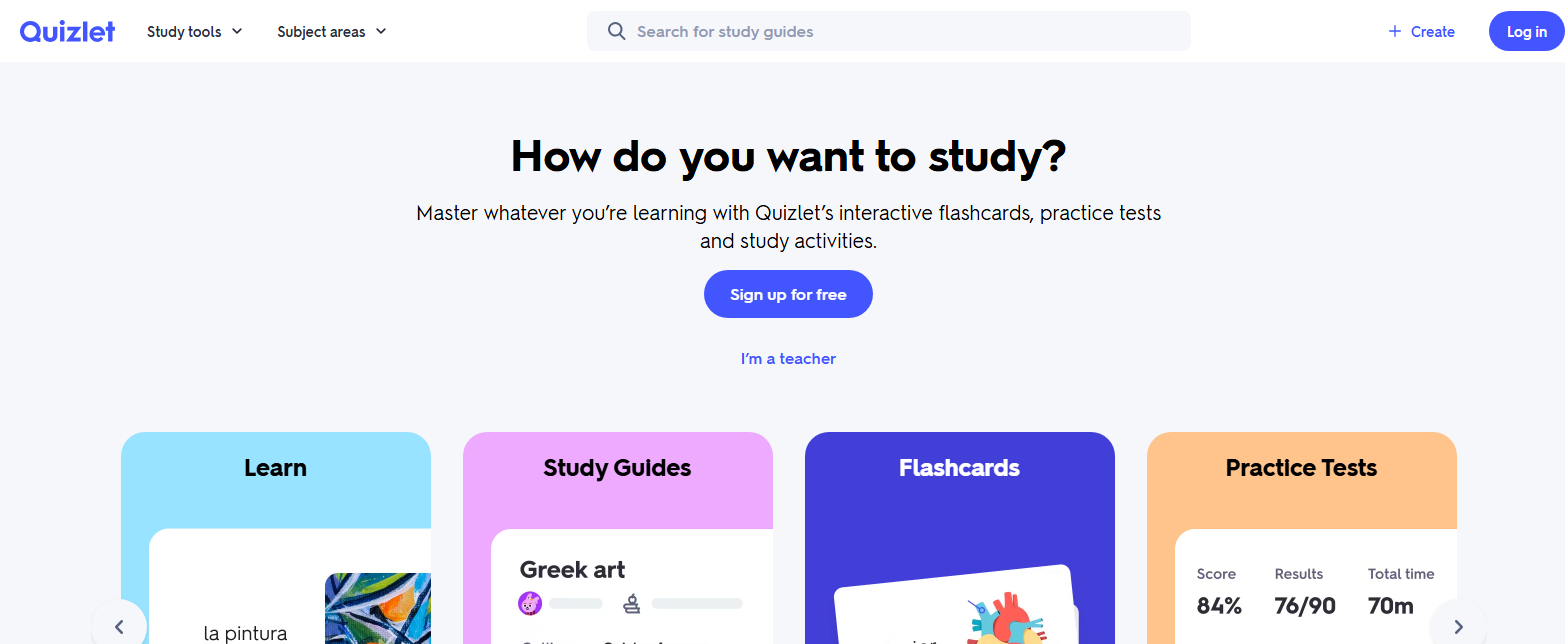
Overview of Quizlet Q-Chat
Quizlet Q-Chat is a cutting-edge AI tool that revolutionizes the way students and educators interact with study materials. By leveraging advanced AI technology, it allows users to engage in dynamic conversations about various subjects, enhancing understanding and retention. This tool is particularly valuable for students preparing for exams, educators looking to facilitate interactive learning, and anyone seeking to make study sessions more productive. Its unique capabilities include personalized study prompts, instant feedback on queries, and the ability to generate visual aids based on user input. The practical applications are vast, from creating tailored quizzes to fostering collaborative study groups. Ultimately, Quizlet Q-Chat addresses the common challenges of traditional studying by making it more interactive and responsive to individual learning needs.
Key Features
- Interactive Chat Interface: Engage in real-time discussions about study topics, allowing for a more dynamic learning experience.
- Personalized Study Prompts: Receive tailored questions and prompts based on your learning preferences and needs.
- Instant Feedback: Get immediate responses to your queries, helping clarify concepts and reinforce learning.
- Visual Aid Generation: Automatically create diagrams and images to support your understanding of complex topics.
- Collaborative Learning: Connect with peers for group study sessions, enhancing the learning process through shared knowledge.
Pros & Cons
Pros.
- Enhances engagement through interactive features that make studying more enjoyable.
- Offers personalized learning experiences that cater to individual needs.
- Facilitates quick understanding with instant feedback, reducing the time spent on unclear concepts.
- Supports collaborative study, allowing users to learn from each other in real-time.
- Integrates well with existing educational tools and platforms, providing a seamless user experience.
Cons.
- Some advanced features may require a paid subscription, limiting access for free users.
- The effectiveness of the tool can vary based on the user's input quality.
- May require a learning curve for users unfamiliar with AI-driven tools.
- Limited offline functionality, necessitating internet access for full use.
- Some users may find the chat interface less intuitive compared to traditional study methods.
How to Use (Quick Start)
- Visit the Quizlet Q-Chat website.
- Create an account or log in.
- Select a subject or topic to study.
- Input your questions or prompts into the chat interface.
- Receive instant feedback and visual aids.
- Engage in interactive discussions to deepen understanding.
- Utilize generated quizzes for practice.
- Review and track your progress over time.
FAQs of Quizlet Q-Chat
What is Quizlet Q-Chat?
Quizlet Q-Chat is an AI-powered tool that enhances learning through interactive chat features, allowing users to engage in discussions about study topics.
How does Quizlet Q-Chat improve studying?
It provides personalized prompts, instant feedback, and visual aids, making the study process more engaging and effective.
Is Quizlet Q-Chat free to use?
Yes, it offers a free version with basic features, while advanced functionalities are available through a paid subscription.
Can I use Quizlet Q-Chat for group studies?
Absolutely! It supports collaborative learning, enabling users to connect with peers for group study sessions.
What platforms can I access Quizlet Q-Chat on?
You can use Quizlet Q-Chat on web browsers and platforms like Figma.
Does Quizlet Q-Chat generate visual aids?
Yes, it can create diagrams and images based on the topics discussed, enhancing understanding.
How do I get started with Quizlet Q-Chat?
Simply visit the website, create an account, and start engaging with your study materials through the chat interface.
Related AI Tools
No results found.