
- Company: Remove.bg
- Platforms: Web, Web Browser, Figma
- Updated on: February 4, 2026
- Status: Unverified
- Company: Remove.bg
- Updated At: February 4, 2026
- Editor Rating: 4.6
- Platform: Web, Web Browser, Figma
Remove BG simplifies the process of removing backgrounds from images, making it ideal for designers and content creators.
- Generator, Assistant, Editor
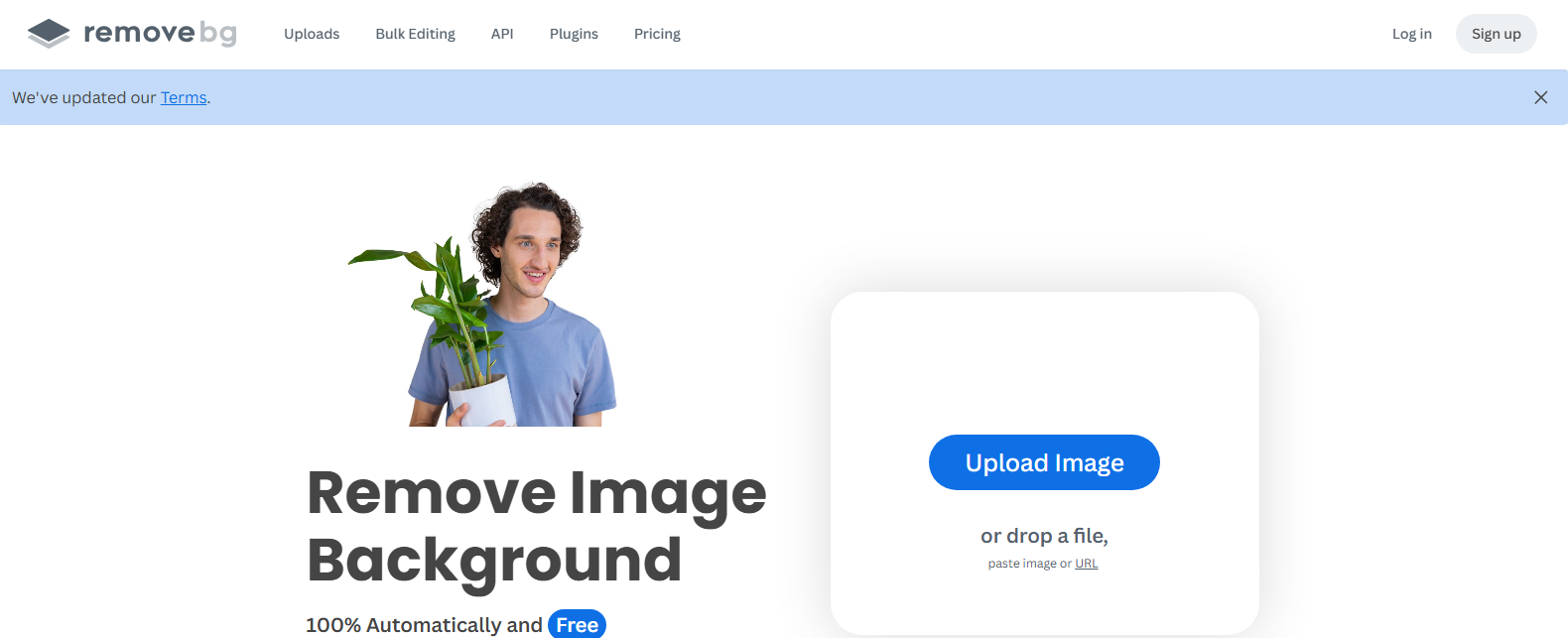
Overview of Remove BG
Remove BG is an innovative tool designed to streamline the process of removing backgrounds from images, particularly portraits. This tool is essential for graphic designers, marketers, and anyone who frequently works with images that require background removal. By leveraging advanced AI algorithms, Remove BG efficiently identifies and separates the subject from the background, saving users significant time and effort. The tool is particularly valuable for e-commerce businesses, social media managers, and content creators who need high-quality images without distractions. Its user-friendly interface allows for quick uploads and instant results, making it accessible even for those with minimal technical skills. Additionally, the tool supports various output formats, ensuring compatibility with different design platforms. With its powerful capabilities, Remove BG not only enhances productivity but also improves the overall quality of visual content.
Key Features
- AI-Powered Background Removal: Utilizes advanced algorithms to accurately remove backgrounds from images.
- User-Friendly Interface: Designed for ease of use, allowing anyone to edit images without technical skills.
- High-Quality Outputs: Ensures that images maintain their quality after background removal.
- Multiple Format Support: Offers various output formats to suit different design needs.
- Fast Processing: Delivers quick results, enabling users to work efficiently.
Pros & Cons
Pros.
- Highly accurate background removal, saving time on manual editing.
- Accessible for users of all skill levels, making it a versatile tool.
- Supports a wide range of image formats, enhancing compatibility.
- Regular updates and improvements based on user feedback.
- Cost-effective options available, including a free tier for basic use.
Cons.
- Limited advanced features in the free version, which may restrict some users.
- Occasional inaccuracies in complex images requiring manual adjustments.
- Dependence on internet connectivity for processing.
- May not support extremely high-resolution images in the free tier.
- Some users may find the interface too simplistic for advanced editing needs.
How to Use (Quick Start)
- Visit the Remove BG website.
- Upload your image by clicking the upload button.
- Allow the AI to process the image for background removal.
- Review the results and make any necessary adjustments.
- Download the edited image in your preferred format.
- Use the image in your projects as needed.
FAQs of Remove BG
What types of images can I upload?
You can upload various image formats, including JPEG and PNG.
Is there a limit to the number of images I can process?
The free version has limitations, while paid plans offer more flexibility.
Can I edit the images after background removal?
Yes, you can download the images and use them in your preferred editing software.
How accurate is the background removal?
The AI is designed to be highly accurate, but results may vary with complex backgrounds.
Do I need to create an account to use the tool?
You can use basic features without an account, but signing up unlocks additional benefits.
What are the pricing options available?
There are free and paid plans, with the paid plan offering advanced features.
Is there customer support available?
Yes, customer support is available for users who encounter issues.
Related AI Tools
No results found.