
- Company: Salesloft
- Platforms: Web, Web Browser
- Updated on: December 29, 2025
- Status: Unverified
- Company: Salesloft
- Updated At: December 29, 2025
- Editor Rating: 4.6
- Platform: Web, Web Browser
Salesloft AI offers powerful tools for sales automation, helping teams streamline their processes and gain valuable insights.
- Analyzer, Assistant, Framework
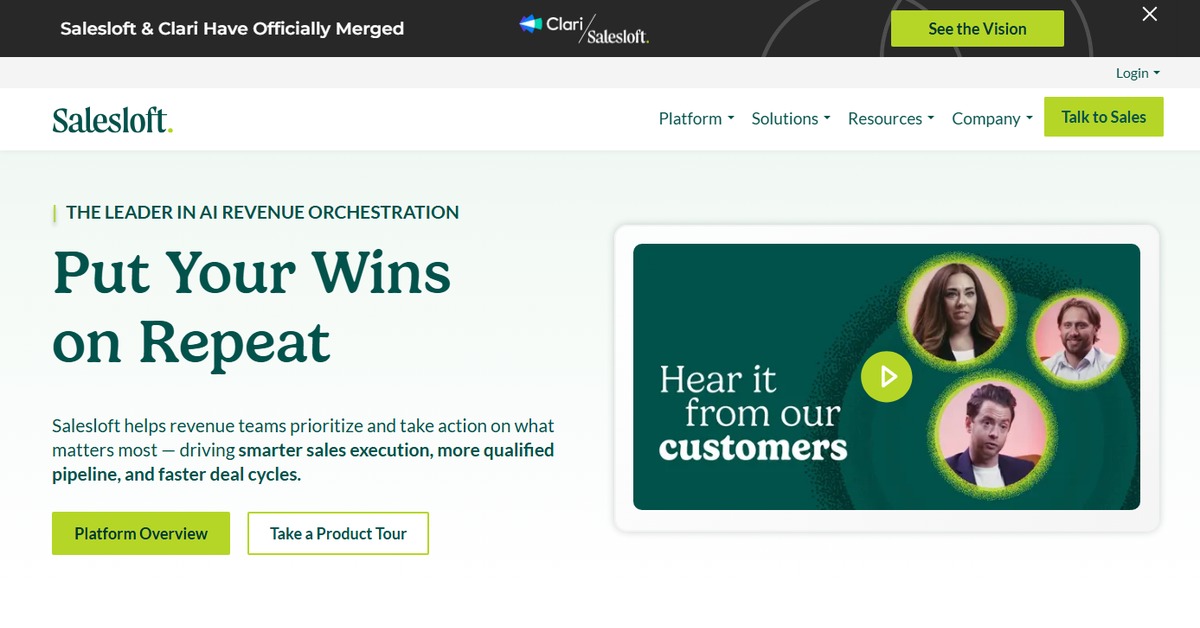
Overview of Salesloft
Salesloft is a sophisticated sales engagement platform designed to enhance the productivity of sales teams through automation and analytics. By integrating various inputs such as CSV files, documents, and APIs, it provides comprehensive analysis, insightful reports, and actionable insights tailored to the unique needs of sales professionals. The platform is particularly beneficial for sales teams looking to optimize their outreach strategies, manage leads effectively, and improve customer engagement. With its unique capabilities in automating repetitive tasks and providing data-driven insights, Salesloft addresses common challenges faced by sales teams, such as time management and lead prioritization. Its user-friendly web interface allows for seamless navigation, making it accessible for users of all skill levels. Practical use cases include automating follow-up emails, tracking engagement metrics, and generating detailed sales reports, all of which contribute to more informed decision-making and enhanced sales performance.
Key Features
- Automated Outreach: Streamline your communication with leads through automated email sequences and follow-ups.
- Analytics Dashboard: Gain insights into your sales performance with a comprehensive dashboard that tracks key metrics.
- Lead Management: Organize and prioritize leads effectively to ensure no opportunity is missed.
- Integration Capabilities: Connect with popular CRMs and tools like Salesforce and HubSpot for seamless data flow.
- Custom Reporting: Create tailored reports that provide specific insights into your sales processes and outcomes.
Pros & Cons
Pros.
- Robust automation features that save time and enhance productivity.
- User-friendly interface that simplifies complex sales processes.
- Comprehensive analytics that provide actionable insights.
- Strong integration capabilities with major CRM platforms.
- Flexible pricing plans that cater to different business sizes and needs.
Cons.
- May require a learning curve for new users unfamiliar with sales automation tools.
- Some advanced features may be limited to higher-tier pricing plans.
- Dependence on internet connectivity for optimal performance.
- Initial setup can be time-consuming depending on the complexity of integrations.
- Customer support response times can vary based on the volume of inquiries.
How to Use (Quick Start)
- Sign up for a Salesloft account on their website.
- Integrate your existing CRM or other tools via the API.
- Upload your CSV files or documents containing leads.
- Set up your outreach sequences and templates.
- Monitor engagement metrics through the dashboard.
- Generate reports to analyze sales performance.
- Adjust your strategies based on insights gained from the data.
FAQs of Salesloft
What types of inputs does Salesloft support?
Salesloft supports inputs such as CSV files, documents, and API integrations.
What outputs can I expect from using Salesloft?
You can generate analysis, reports, and insights from your sales data.
Is Salesloft suitable for small businesses?
Yes, Salesloft offers flexible pricing plans that cater to small businesses as well as larger enterprises.
Can I integrate Salesloft with my existing CRM?
Absolutely, Salesloft integrates seamlessly with popular CRMs like Salesforce and HubSpot.
What is the pricing model for Salesloft?
Salesloft operates on a subscription pricing model with various tiers based on features.
Does Salesloft provide customer support?
Yes, Salesloft offers customer support, including resources and assistance for users.
Can I customize reports in Salesloft?
Yes, Salesloft allows users to create custom reports tailored to their specific sales metrics.
Related AI Tools
No results found.