
- Company: SentinelOne
- Platforms: Web, Web Browser, Mac, Windows
- Updated on: December 28, 2025
- Status: Unverified
- Company: SentinelOne
- Updated At: December 28, 2025
- Editor Rating: 4.6
- Platform: Web, Web Browser, Mac, Windows
SentinelOne offers advanced automation for cybersecurity, providing real-time threat detection and response capabilities for businesses of all sizes.
- Generator, Analyzer, Automation
Overview of SentinelOne
SentinelOne is a cutting-edge cybersecurity platform that leverages AI-driven automation to protect organizations from a wide array of cyber threats. With its ability to detect, respond to, and remediate threats in real-time, SentinelOne is essential for businesses looking to safeguard their digital assets. The tool addresses critical challenges such as ransomware, malware, and advanced persistent threats, making it a vital resource for IT and security teams. Its unique capabilities include autonomous threat detection, comprehensive endpoint protection, and detailed reporting, which empower organizations to maintain robust security postures. Practical use cases range from small businesses to large enterprises, all benefiting from its scalable architecture and user-friendly interface. The realistic benefits include reduced response times, enhanced visibility into security incidents, and improved overall security hygiene, making SentinelOne a leader in the cybersecurity landscape.
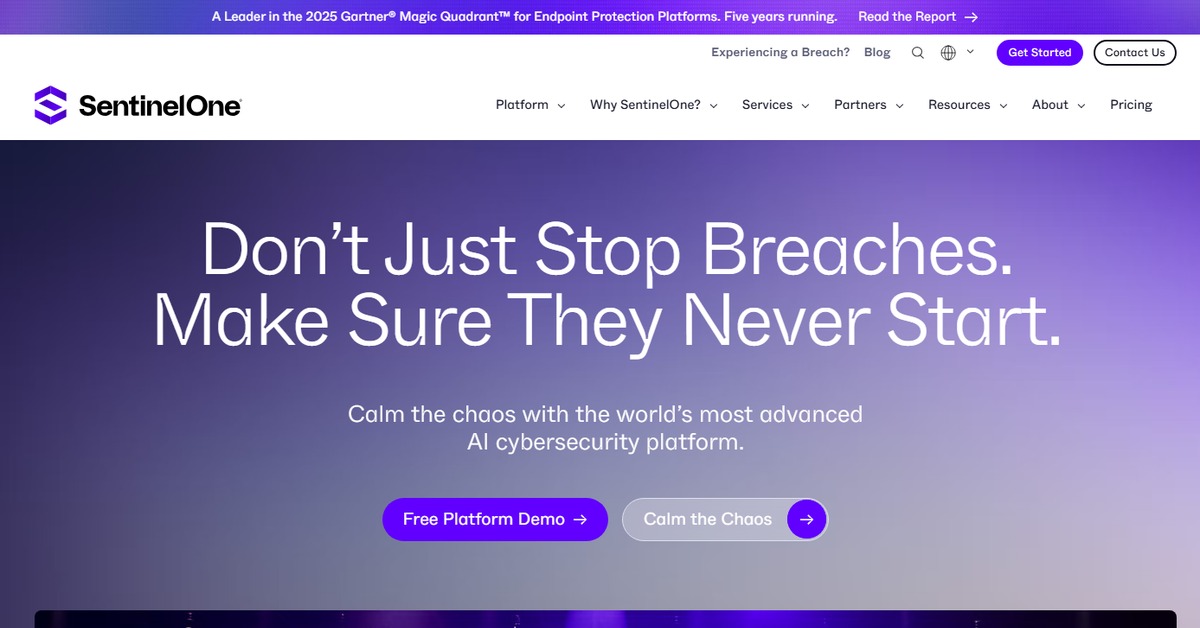
Key Features
- Autonomous Threat Detection: Uses AI to identify and neutralize threats without human intervention.
- Comprehensive Endpoint Protection: Secures all endpoints, including servers, desktops, and mobile devices.
- Real-Time Response: Enables immediate action against detected threats to minimize damage.
- Detailed Reporting: Provides in-depth analysis and insights into security incidents and trends.
- Scalable Architecture: Adapts to the needs of businesses of all sizes, from startups to enterprises.
Pros & Cons
Pros.
- Highly effective in detecting and responding to advanced threats.
- User-friendly interface that simplifies security management.
- Strong reporting capabilities that aid in compliance and audits.
- Regular updates ensure protection against the latest threats.
- Flexible pricing plans cater to various organizational needs.
Cons.
- Can be resource-intensive on lower-end devices.
- Some users report a learning curve for advanced features.
- Pricing may be higher compared to basic antivirus solutions.
- Limited free trial features may not showcase full capabilities.
- Integration with some legacy systems may require additional configuration.
How to Use (Quick Start)
- Visit the SentinelOne website and sign up for an account.
- Select a pricing plan that suits your needs.
- Download and install the SentinelOne agent on your devices.
- Configure the settings according to your organization’s security policies.
- Monitor the dashboard for real-time threat alerts.
- Utilize the reporting features to analyze security incidents.
- Regularly update the software to ensure optimal protection.
FAQs of SentinelOne
What is SentinelOne used for?
SentinelOne is used for advanced cybersecurity, providing threat detection, response, and remediation capabilities.
Is there a free trial available?
Yes, SentinelOne offers a free trial with limited features.
What platforms does SentinelOne support?
SentinelOne supports web, Windows, and Mac platforms.
How does SentinelOne detect threats?
It uses AI and machine learning algorithms to identify and respond to threats in real-time.
Can SentinelOne integrate with other tools?
Yes, it integrates with various tools like WordPress and Zapier.
What are the pricing options for SentinelOne?
SentinelOne offers subscription plans, including a free trial and a Pro plan.
Is SentinelOne suitable for small businesses?
Yes, SentinelOne is scalable and suitable for businesses of all sizes.
Related AI Tools
No results found.