
- Company: Shotstack
- Platforms: Web, Mac, Windows
- Updated on: February 4, 2026
- Status: Unverified
- Company: Shotstack
- Updated At: February 4, 2026
- Editor Rating: 4.6
- Platform: Web, Mac, Windows
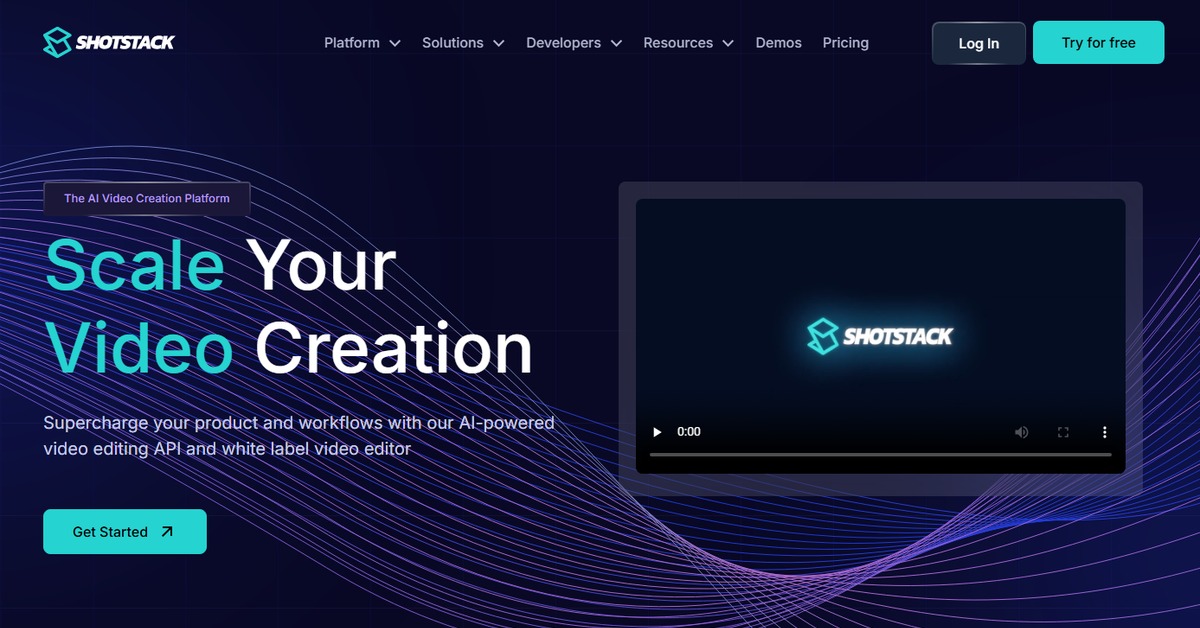
Shotstack AI is an innovative platform designed to streamline video creation and editing, making it accessible for everyone from marketers to content creators.
- Generator, Assistant, Editor, Automation
Overview of Shotstack AI
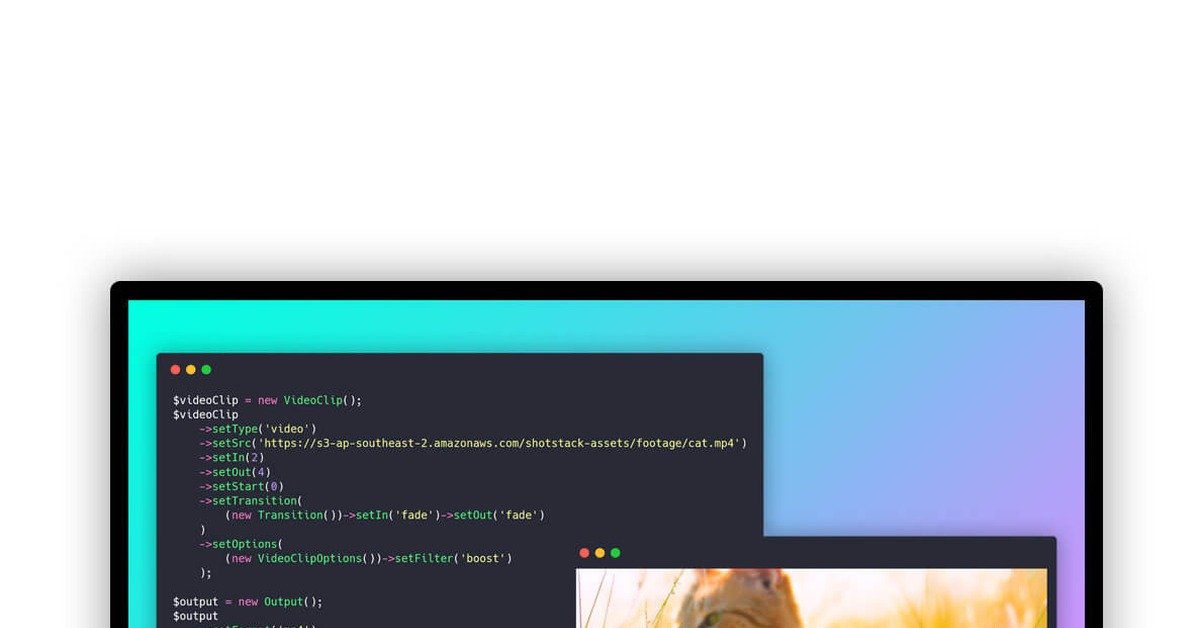
Shotstack AI is a cutting-edge video creation platform that leverages artificial intelligence to automate the video production process. It allows users to generate high-quality videos quickly and efficiently, addressing the growing demand for video content across various industries. The tool is designed for marketers, content creators, and businesses looking to enhance their visual storytelling without the need for extensive video editing skills. With its unique capabilities, Shotstack AI simplifies the video creation process by allowing users to input various media types, including video, audio, images, and text, which it then combines into polished final products. This approach not only saves time but also reduces the complexity often associated with video production. Practical use cases include creating promotional videos, social media content, and educational materials, all of which can be generated in a fraction of the time it would typically take. The realistic benefits of using Shotstack AI include increased productivity, cost savings, and the ability to produce engaging video content that resonates with audiences.
Key Features
- AI-Powered Video Generation: Automates the video creation process, allowing for quick assembly of video content.
- Multi-Input Support: Accepts various media types including video, audio, images, and text for versatile content creation.
- Customizable Templates: Offers a range of templates that can be tailored to fit specific branding and messaging needs.
- Real-Time Collaboration: Enables teams to work together on video projects, enhancing productivity and creativity.
- Seamless Integration: Works with popular platforms like WordPress and Zapier for streamlined workflows.
Pros & Cons
Pros.
- Time Efficiency: Significantly reduces the time required to create high-quality videos.
- User-Friendly Interface: Intuitive design that caters to users of all skill levels, from beginners to professionals.
- Cost-Effective Solution: Offers a freemium model that allows users to explore basic features without financial commitment.
- Versatile Applications: Suitable for a wide range of video projects, from marketing campaigns to educational content.
- Strong Community Support: Active user community and resources available for troubleshooting and tips.
Cons.
- Limited Free Features: The free version may not provide access to all advanced features.
- Rendering Time: Depending on project complexity, rendering times can vary and may be longer for intricate videos.
- Learning Curve: While user-friendly, some advanced features may require time to master.
- Internet Dependency: Requires a stable internet connection for optimal performance.
- Occasional Bugs: Users may encounter occasional glitches or bugs during the editing process.
How to Use (Quick Start)
- Visit the Shotstack website and create an account.
- Select the type of video project you want to create.
- Upload your media files, including video, audio, and images.
- Utilize the text input feature to add scripts or captions.
- Customize your video using the editing tools provided.
- Preview your video to ensure it meets your expectations.
- Render your final video and download it for use.
- Share your video directly to social media or embed it on your website.
FAQs of Shotstack AI
What types of videos can I create with Shotstack AI?
You can create a variety of videos including promotional content, social media clips, and educational videos.
Is there a free trial available?
Yes, Shotstack offers a free plan with basic features to get started.
Can I collaborate with others on video projects?
Absolutely, Shotstack supports real-time collaboration for teams.
What file formats does Shotstack support?
Shotstack supports various file formats for video, audio, and images.
How do I integrate Shotstack with other tools?
You can integrate Shotstack with platforms like WordPress and Zapier for enhanced functionality.
Is there customer support available?
Yes, Shotstack provides customer support and has a community forum for user assistance.
Can I use Shotstack for commercial projects?
Yes, Shotstack is suitable for both personal and commercial video projects.
Related AI Tools
No results found.