
- Company: Sourcegraph Inc.
- Platforms: Web, Chrome Extension, VS Code
- Updated on: January 20, 2026
- Status: Unverified
- Company: Sourcegraph Inc.
- Updated At: January 20, 2026
- Editor Rating: 4.6
- Platform: Web, Chrome Extension, VS Code
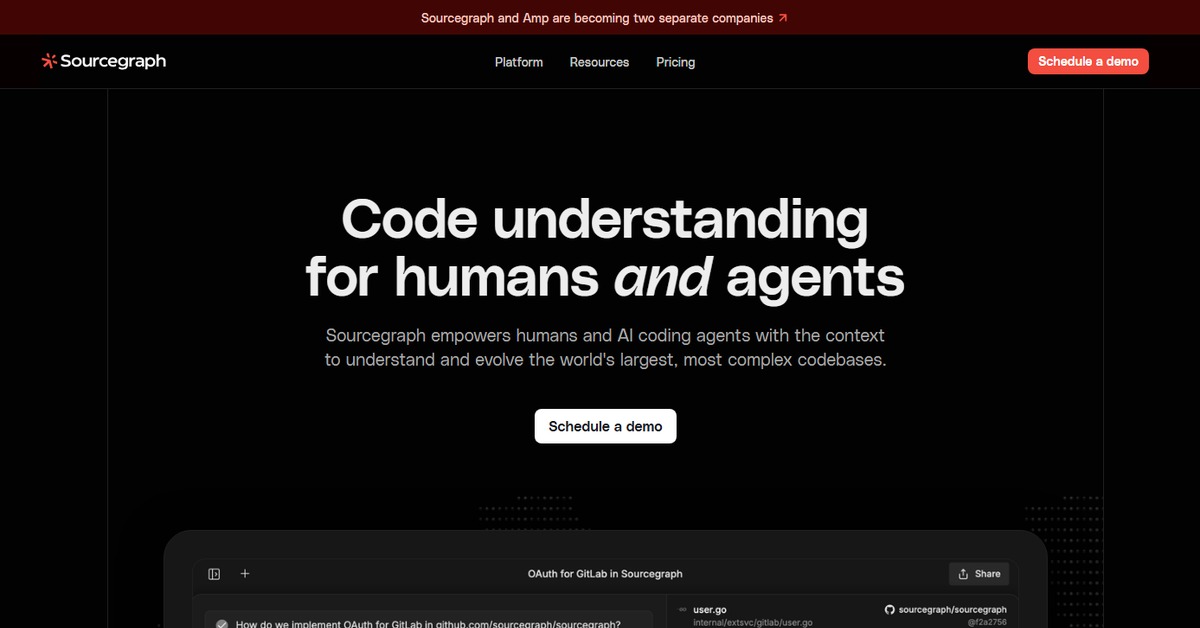
Sourcegraph is a robust code search and navigation tool designed to enhance developer productivity through powerful features and integrations.
- Analyzer, Assistant

Overview of Sourcegraph
Sourcegraph is a comprehensive code search and navigation tool that empowers developers to efficiently manage and understand large codebases. It is particularly valuable in environments where multiple repositories and languages are involved, allowing teams to find and navigate code quickly. This tool addresses common pain points such as code discoverability and collaboration across teams, making it essential for organizations aiming to enhance their development workflows. Sourcegraph’s unique capabilities include advanced search functionalities, code intelligence features, and seamless integration with popular development environments. It is designed for developers, team leads, and organizations looking to streamline their coding processes and improve code quality. Practical use cases include onboarding new developers, conducting code reviews, and maintaining documentation, all of which can lead to significant productivity gains and reduced time spent on code-related tasks.
Key Features
- Advanced Code Search: Quickly locate code across multiple repositories and languages with powerful search capabilities.
- Code Intelligence: Understand code dependencies and navigate complex codebases with ease.
- Integration with Development Tools: Seamlessly integrates with popular platforms like GitHub, GitLab, and Bitbucket.
- Collaboration Features: Share insights and comments directly within the code for better team collaboration.
- Documentation Generation: Automatically generate documentation from your codebase to keep it up-to-date.
Pros & Cons
Pros.
- Highly efficient search capabilities that save time and improve productivity.
- Robust integration options that enhance existing workflows without disruption.
- User-friendly interface that simplifies navigation and code exploration.
- Strong community support and continuous updates that ensure reliability.
- Flexible pricing plans that cater to both individual developers and large teams.
Cons.
- Some advanced features may require a learning curve for new users.
- Limited offline functionality which may affect users in low-connectivity environments.
- Pricing for advanced features may be a consideration for smaller teams.
- Dependence on third-party integrations which may not always be seamless.
- Initial setup can be time-consuming for large codebases.
How to Use (Quick Start)
- Visit the Sourcegraph website and sign up for an account.
- Integrate Sourcegraph with your code repositories.
- Explore the search functionality to find specific code snippets.
- Utilize code intelligence features to understand code dependencies.
- Collaborate with team members using annotations and comments.
- Generate documentation directly from the codebase.
FAQs of Sourcegraph
What is Sourcegraph used for?
Sourcegraph is used for code search and navigation, helping developers find and understand code across multiple repositories.
Is Sourcegraph free to use?
Sourcegraph offers a free plan with basic features, as well as paid plans with advanced functionalities.
Can Sourcegraph integrate with my existing tools?
Yes, Sourcegraph integrates with popular development tools like GitHub, GitLab, and Bitbucket.
How does Sourcegraph improve developer productivity?
By providing powerful search capabilities and code intelligence, Sourcegraph reduces the time spent on code navigation and understanding.
Is Sourcegraph suitable for large teams?
Yes, Sourcegraph is designed to support large teams and complex codebases, making it ideal for enterprise environments.
What platforms does Sourcegraph support?
Sourcegraph is available on web, Chrome, and VSCode.
How can I get support for Sourcegraph?
Sourcegraph offers community support and documentation, along with customer support for paid plans.
Related AI Tools
No results found.