
- Company: Testim
- Platforms: Web
- Updated on: January 20, 2026
- Status: Unverified
- Company: Testim
- Updated At: January 20, 2026
- Editor Rating: 4.6
- Platform: Web
Testim is an innovative test automation tool designed to streamline the testing process for software applications, enhancing efficiency and accuracy.
- Analyzer, Assistant, Automation
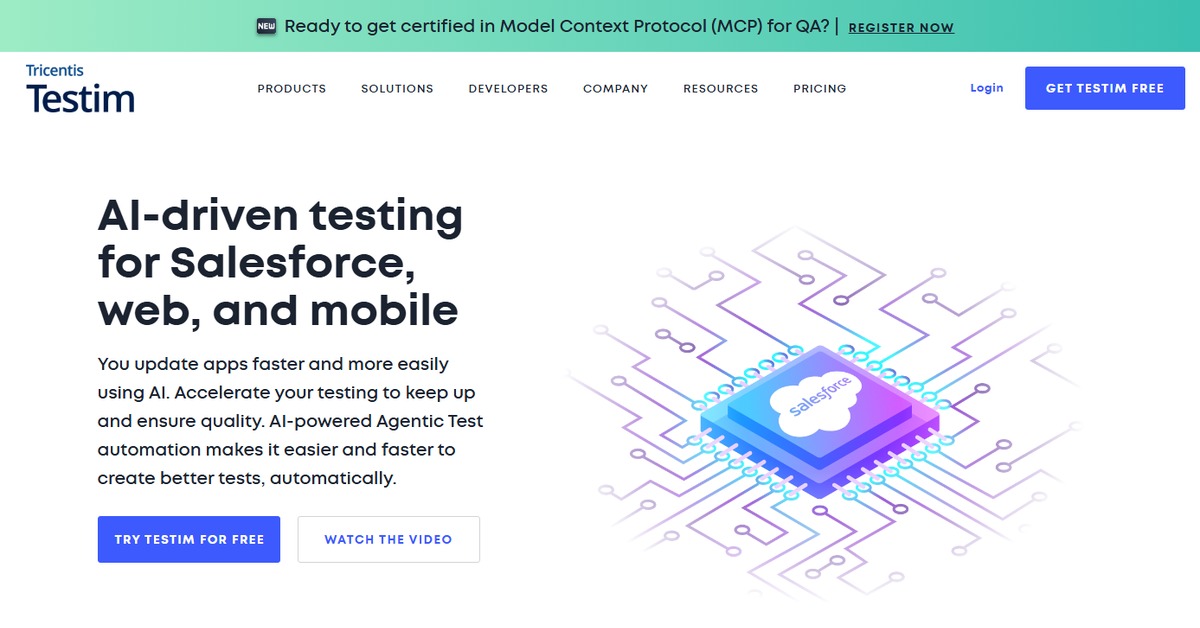
Overview of Testim
Testim is a cutting-edge test automation platform that empowers developers and QA teams to create, manage, and execute automated tests with remarkable ease. This tool is crucial in today’s fast-paced software development environment, where rapid deployment cycles demand robust testing solutions. Testim addresses common challenges faced by teams, such as the need for reliable test coverage and the ability to adapt to frequent changes in application code. It is particularly beneficial for organizations looking to enhance their testing efficiency without sacrificing quality. With unique capabilities like intelligent test creation and maintenance, Testim stands out by utilizing AI to optimize the testing process. Practical use cases include automating regression tests, validating user interfaces, and ensuring that new features do not introduce bugs. The realistic benefits of using Testim include reduced testing time, improved accuracy, and the ability to focus on critical development tasks, making it an essential tool for modern software development teams.
Key Features
- Intelligent Test Creation: Testim uses AI to help create tests that adapt to changes in your application, reducing maintenance time.
- Visual Test Editor: A user-friendly interface allows testers to create and edit tests without needing extensive coding knowledge.
- Cross-Browser Testing: Ensure your application works seamlessly across different browsers and devices.
- Integration with CI/CD: Easily integrate Testim into your continuous integration and deployment workflows.
- Detailed Reporting: Get comprehensive insights into test results, including logs and screenshots for easier debugging.
Pros & Cons
Pros.
- AI-driven test maintenance significantly reduces the time spent on updating tests.
- The visual editor makes it accessible for non-technical team members to contribute to test creation.
- Robust reporting features provide clear insights into test performance and application stability.
- Seamless integration with popular tools enhances workflow efficiency.
- Flexible pricing options cater to different team sizes and budgets.
Cons.
- Some advanced features may require a learning curve for new users.
- Limited offline capabilities can be a drawback for teams needing to work without internet access.
- The free plan may not include all features necessary for larger projects.
- Performance can vary depending on the complexity of the application being tested.
- Support response times may vary based on the plan selected.
How to Use (Quick Start)
- Sign up for a Testim account on their website.
- Log in to your Testim dashboard.
- Create a new test by selecting the application you want to test.
- Use the intuitive interface to record your test scenarios.
- Customize your tests with assertions and conditions as needed.
- Run your tests and analyze the results.
- Schedule tests to run automatically at specified intervals.
- Integrate with your CI/CD pipeline for seamless deployment.
FAQs of Testim
What types of tests can I automate with Testim?
Testim allows you to automate various types of tests, including functional, regression, and UI tests.
Is Testim suitable for non-technical users?
Yes, Testim's visual test editor is designed to be user-friendly, enabling non-technical users to create tests.
Can I integrate Testim with my existing CI/CD tools?
Absolutely! Testim offers integrations with popular CI/CD tools like Jenkins, CircleCI, and GitHub Actions.
What is the pricing structure for Testim?
Testim offers a freemium model with a free plan for basic features and a Pro plan with advanced capabilities.
How does Testim handle test maintenance?
Testim uses AI to automatically update tests when changes occur in your application, minimizing manual maintenance.
Is there a limit to the number of tests I can create on the free plan?
Yes, the free plan has limitations on the number of tests and features available.
What support options are available for Testim users?
Testim provides various support options, including documentation, community forums, and priority support for Pro users.
Related AI Tools
No results found.