
- Company: ThoughtSpot
- Platforms: Web, Web Browser
- Updated on: February 23, 2026
- Status: Unverified
- Company: ThoughtSpot
- Updated At: February 23, 2026
- Editor Rating: 4.6
- Platform: Web, Web Browser
ThoughtSpot AI empowers businesses with advanced analytics and insights through an intuitive platform, making data-driven decisions easier.
- Analyzer, Assistant, Framework
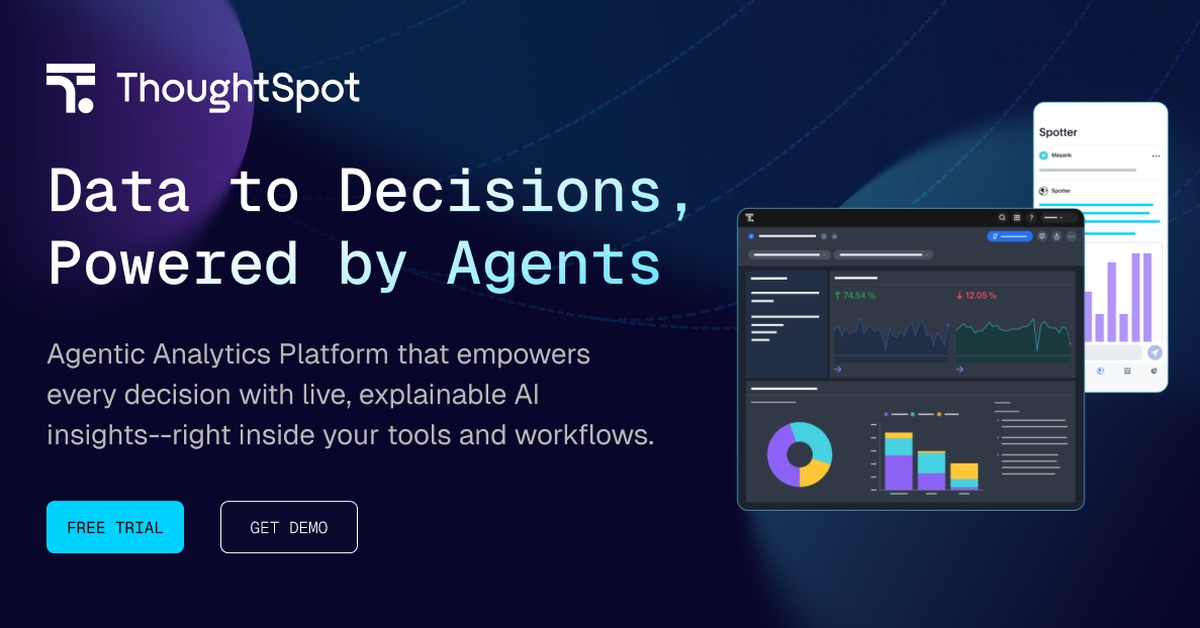
Overview of ThoughtSpot AI
ThoughtSpot AI is a powerful analytics platform designed to simplify data exploration and analysis for businesses of all sizes. By leveraging AI-driven insights, it enables users to transform complex data sets into actionable reports and analyses without needing extensive technical expertise. This tool is particularly valuable for organizations looking to enhance their decision-making processes, as it addresses common challenges such as data accessibility and interpretation. With its unique search-driven approach, ThoughtSpot allows users to query data using natural language, making it accessible to non-technical users. The platform is ideal for data analysts, business intelligence professionals, and decision-makers who require quick, reliable insights. Practical use cases include generating real-time reports, conducting trend analyses, and visualizing data patterns, all of which lead to more informed business strategies.
Key Features
- Natural Language Querying: Users can ask questions in plain English, making data exploration intuitive.
- Real-time Analytics: Provides instant insights from live data, enabling timely decision-making.
- Customizable Dashboards: Users can create tailored dashboards to visualize key metrics.
- Collaboration Tools: Facilitates sharing insights and reports among team members seamlessly.
- Robust Data Integration: Connects with various data sources, enhancing flexibility and usability.
Pros & Cons
Pros.
- User-friendly interface that simplifies complex data analysis.
- Powerful AI capabilities that enhance data insights and reporting.
- Flexible pricing plans that cater to different business needs.
- Strong community support and extensive documentation available.
- Ability to handle large data sets efficiently without performance issues.
Cons.
- Initial learning curve for users unfamiliar with analytics tools.
- Some advanced features may require additional training.
- Pricing can be high for smaller businesses if opting for premium features.
- Limited offline capabilities; primarily web-based.
- Integration with certain niche tools may not be available.
How to Use (Quick Start)
- Sign up for a ThoughtSpot account on their website.
- Upload your data files in CSV or connect via API.
- Utilize the search bar to query your data using natural language.
- Explore the generated insights and reports.
- Customize visualizations to suit your needs.
- Share reports with team members or stakeholders.
- Integrate with other tools for enhanced functionality.
FAQs of ThoughtSpot AI
What types of data can I input into ThoughtSpot AI?
You can input data through CSV files, documents, or via API connections.
Is ThoughtSpot AI suitable for small businesses?
Yes, ThoughtSpot offers flexible pricing plans that can accommodate small to large businesses.
Can I customize reports generated by ThoughtSpot AI?
Absolutely, users can customize reports and dashboards to fit their specific needs.
Does ThoughtSpot AI provide real-time analytics?
Yes, it offers real-time analytics to help businesses make timely decisions.
What kind of support does ThoughtSpot AI offer?
ThoughtSpot provides extensive documentation, community support, and customer service for users.
Can I integrate ThoughtSpot AI with other tools?
Yes, ThoughtSpot integrates with various platforms like Salesforce, Slack, and Google Sheets.
Is there a free trial available for ThoughtSpot AI?
Yes, ThoughtSpot offers a free plan with basic features for users to explore the tool.
Related AI Tools
No results found.