
- Company: Trello
- Platforms: Web, iOS, Android
- Updated on: December 30, 2025
- Status: Unverified
- Company: Trello
- Updated At: December 30, 2025
- Editor Rating: 4.6
- Platform: Web, iOS, Android
Trello AI enhances project management with intelligent automation, making team collaboration seamless and efficient.
- Assistant, Other
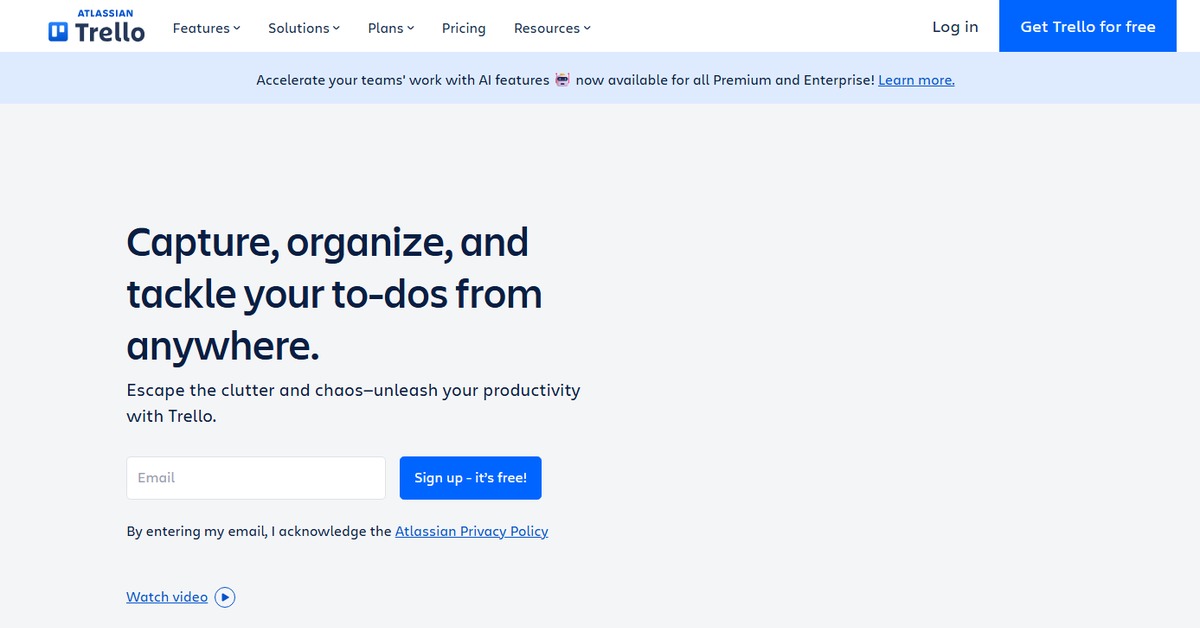
Overview of Trello AI
Trello AI is a powerful project management tool that leverages artificial intelligence to streamline workflows and enhance team collaboration. It allows users to create boards, lists, and cards to organize tasks effectively. The AI capabilities help in automating repetitive tasks, providing insights into project progress, and suggesting optimizations based on team performance. This tool is ideal for teams of all sizes looking to improve productivity and organization. With features like customizable workflows and integration with various applications, Trello AI stands out as a versatile solution for managing projects efficiently. Its user-friendly interface ensures that teams can adopt it quickly, making it a valuable asset in any collaborative environment.
Key Features
- AI-Powered Automation: Automate repetitive tasks to save time and reduce manual effort.
- Customizable Workflows: Tailor your project management process to fit your team's unique needs.
- Collaboration Tools: Facilitate communication and collaboration among team members in real-time.
- Visual Project Tracking: Use boards, lists, and cards to visualize project progress easily.
- Integration Capabilities: Connect with various applications to enhance functionality and streamline workflows.
Trello AI's Pricing
Free, Free Trial, Freemium, Subscription
Pros & Cons
Pros.
- Highly customizable, allowing teams to adapt the tool to their specific workflows.
- AI features significantly enhance productivity by automating routine tasks.
- User-friendly interface that is easy to navigate for all team members.
- Strong collaboration features that keep teams connected and informed.
- Robust integration options with popular tools enhance overall project management.
Cons.
- Some advanced features may require a paid subscription, limiting access for free users.
- The learning curve for new users can be steep without proper onboarding.
- AI suggestions may not always align with team preferences or project specifics.
- Limited offline functionality can hinder productivity in low-connectivity areas.
- Customization options, while extensive, can overwhelm users unfamiliar with project management tools.
How to Use (Quick Start)
- Sign up for a Trello account on the website.
- Create a new board for your project.
- Add lists to categorize tasks (e.g., To Do, In Progress, Done).
- Create cards for individual tasks and assign them to team members.
- Utilize AI features to automate task assignments and reminders.
- Monitor progress through visual indicators and analytics.
- Integrate with other tools like Slack or Google Drive for enhanced functionality.
- Regularly update tasks and communicate with your team through comments.
FAQs of Trello AI
What is Trello AI used for?
Trello AI is used for project management and team collaboration, utilizing AI to enhance productivity and streamline workflows.
Is Trello AI free to use?
Trello AI offers a freemium model, providing basic features for free and advanced features through paid plans.
Can I integrate Trello AI with other tools?
Yes, Trello AI supports integrations with various applications like WordPress and Zapier.
How does the AI automation work in Trello?
The AI automation in Trello helps in assigning tasks, sending reminders, and providing insights based on project data.
What are the main features of Trello AI?
Key features include AI-powered automation, customizable workflows, collaboration tools, visual project tracking, and integration capabilities.
Who can benefit from using Trello AI?
Trello AI is beneficial for teams of all sizes looking to improve their project management and collaboration efforts.
How can I get started with Trello AI?
You can get started by signing up on the Trello website and creating your first board to manage projects.
Related AI Tools
No results found.