
- Company: Doist
- Platforms: Web
- Updated on: January 21, 2026
- Status: Unverified
- Company: Doist
- Updated At: January 21, 2026
- Editor Rating: 4.6
- Platform: Web
Twist AI is a powerful tool designed for seamless team collaboration, enhancing communication and project management.
- Analyzer, Assistant
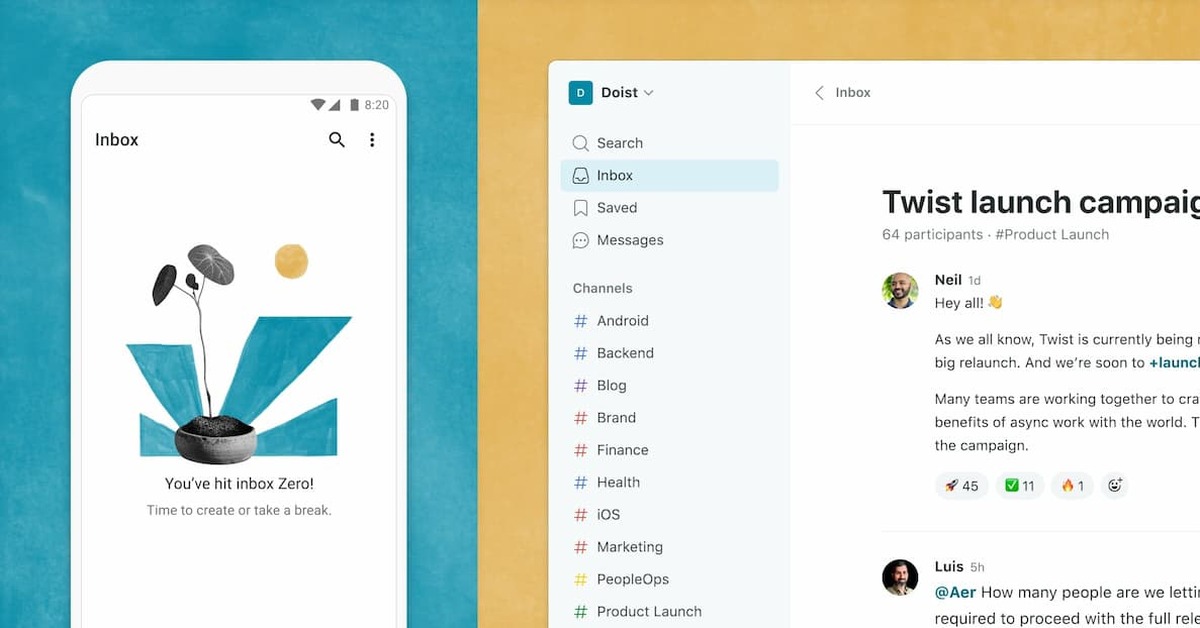
Overview of Twist AI
Twist AI is a sophisticated platform developed by Doist that aims to transform the way teams communicate and collaborate on projects. It addresses the common challenges faced by remote teams, such as information overload and disorganized conversations. By providing a structured environment for discussions, Twist AI allows teams to focus on what matters most, reducing distractions and improving productivity. The tool is particularly beneficial for remote teams, freelancers, and organizations looking to streamline their communication processes. Its unique capabilities include threaded conversations, integrations with popular tools, and a user-friendly interface that fosters engagement. Practical use cases range from managing project discussions to facilitating brainstorming sessions, ensuring that all team members are aligned and informed. The realistic benefits of using Twist AI include enhanced clarity in communication, improved project tracking, and a more organized workflow.
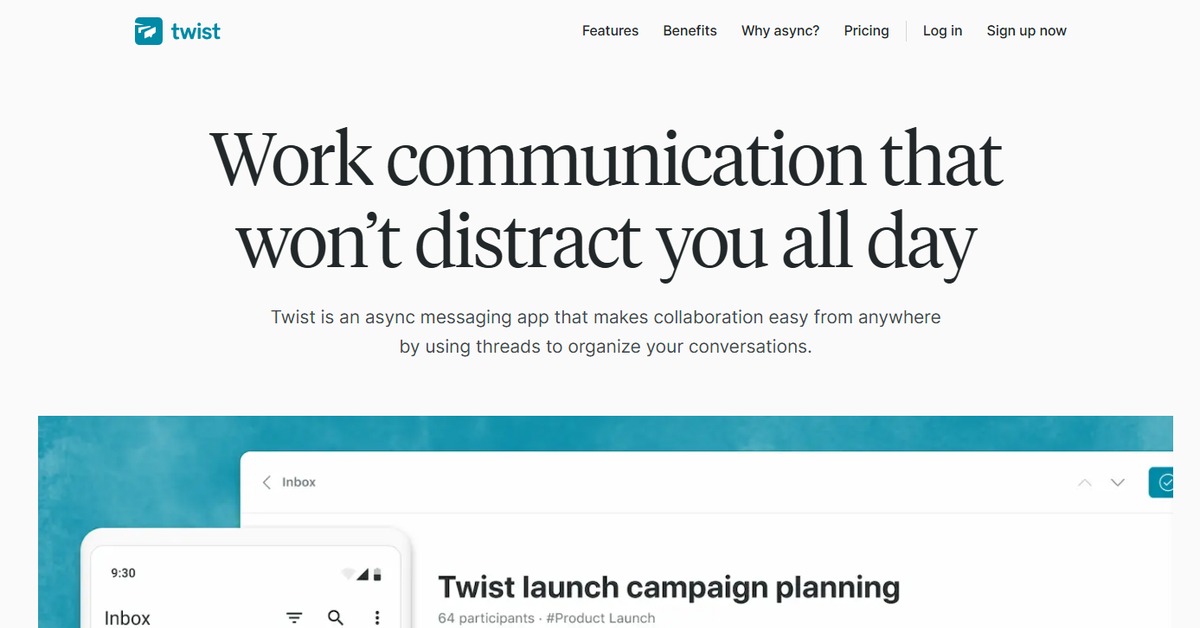
Key Features
- Threaded Conversations: Keep discussions organized by allowing team members to reply directly to specific messages.
- Integrations: Connect with popular tools like Google Drive and Zapier for enhanced workflow.
- Custom Notifications: Tailor notifications to reduce distractions and focus on important updates.
- Search Functionality: Easily find past discussions and files with a powerful search feature.
- User-Friendly Interface: Navigate the platform effortlessly with an intuitive design.
Pros & Cons
Pros.
- Promotes organized communication, reducing the chaos often associated with team chats.
- Highly customizable notifications help users manage their attention effectively.
- Integrations with other tools enhance productivity by centralizing workflows.
- The user interface is clean and intuitive, making it easy for new users to adapt.
- Offers a freemium model, allowing teams to start using the tool without initial investment.
Cons.
- Some advanced features are locked behind the Pro plan, which may limit functionality for free users.
- The learning curve may be steep for teams transitioning from traditional chat applications.
- Limited offline capabilities can hinder productivity when internet access is unavailable.
- Not as widely adopted as some competitors, which may affect integration options.
- The focus on threaded conversations may not suit all team dynamics.
How to Use (Quick Start)
- Visit the Twist AI website and sign up for an account.
- Choose a suitable pricing plan based on your needs.
- Create a new workspace for your team.
- Invite team members to join your workspace.
- Start creating channels for different projects or topics.
- Engage in threaded conversations to keep discussions organized.
- Utilize integrations to connect with other tools you use.
- Regularly check in on discussions and updates to stay informed.
FAQs of Twist AI
What is Twist AI used for?
Twist AI is used for enhancing team communication and collaboration, particularly in remote work environments.
Is there a free version of Twist AI?
Yes, Twist AI offers a free version with basic features suitable for small teams.
Can I integrate Twist AI with other tools?
Yes, Twist AI supports integrations with various tools like Google Drive and Zapier.
How does Twist AI improve team productivity?
By organizing conversations and reducing distractions, Twist AI helps teams focus on important tasks.
What types of teams can benefit from Twist AI?
Remote teams, freelancers, and organizations looking to streamline communication can benefit significantly.
Is Twist AI suitable for large organizations?
Yes, Twist AI can be scaled to accommodate large teams with its structured communication features.
How do I upgrade to the Pro version?
You can upgrade to the Pro version through your account settings on the Twist AI website.
Related AI Tools
No results found.