
- Company: UPDF
- Platforms: Web, Web Browser, Figma
- Updated on: December 31, 2025
- Status: Unverified
- Company: UPDF
- Updated At: December 31, 2025
- Editor Rating: 4.6
- Platform: Web, Web Browser, Figma
UPDF AI is a versatile design tool that streamlines document editing and image processing, making it ideal for professionals and creatives alike.
- Editor
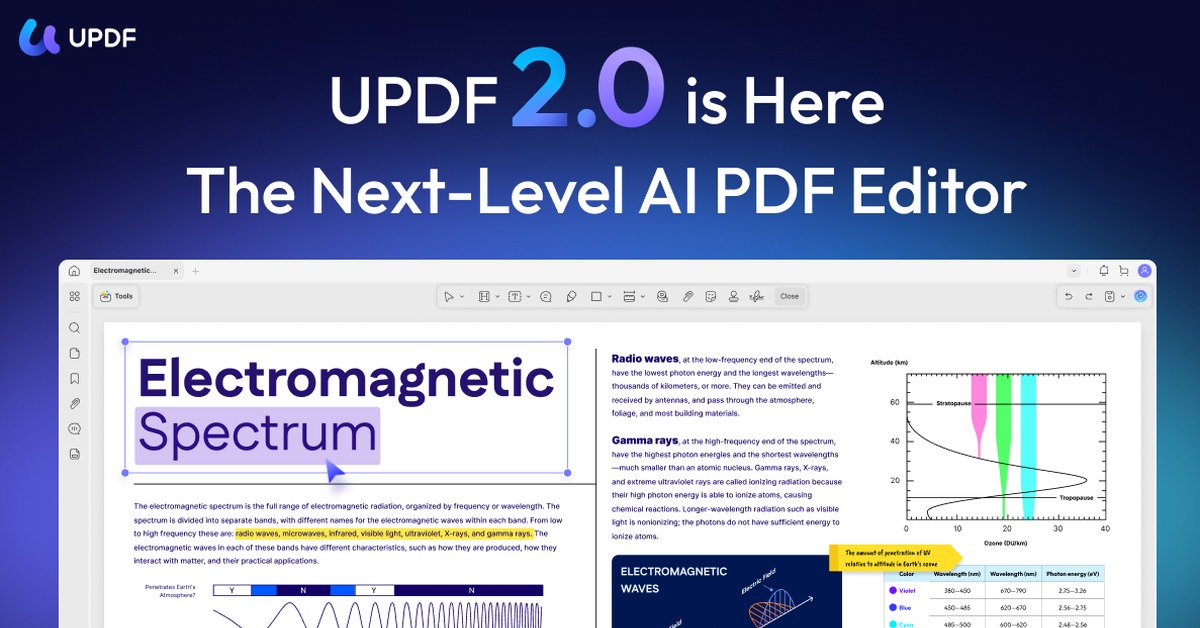
Overview of UPDF AI
UPDF AI is a cutting-edge design tool that empowers users to efficiently edit documents and process images with advanced AI capabilities. It addresses common challenges faced by designers and content creators, such as the need for seamless collaboration and quick access to editing tools. This tool is particularly beneficial for graphic designers, marketers, and anyone involved in content creation who requires a reliable solution for document management and image manipulation. With its unique features, UPDF AI simplifies complex tasks, allowing users to focus on creativity rather than technical hurdles. The tool’s intuitive interface and robust functionality make it a valuable asset in any professional toolkit, providing realistic benefits such as enhanced productivity and improved workflow efficiency.
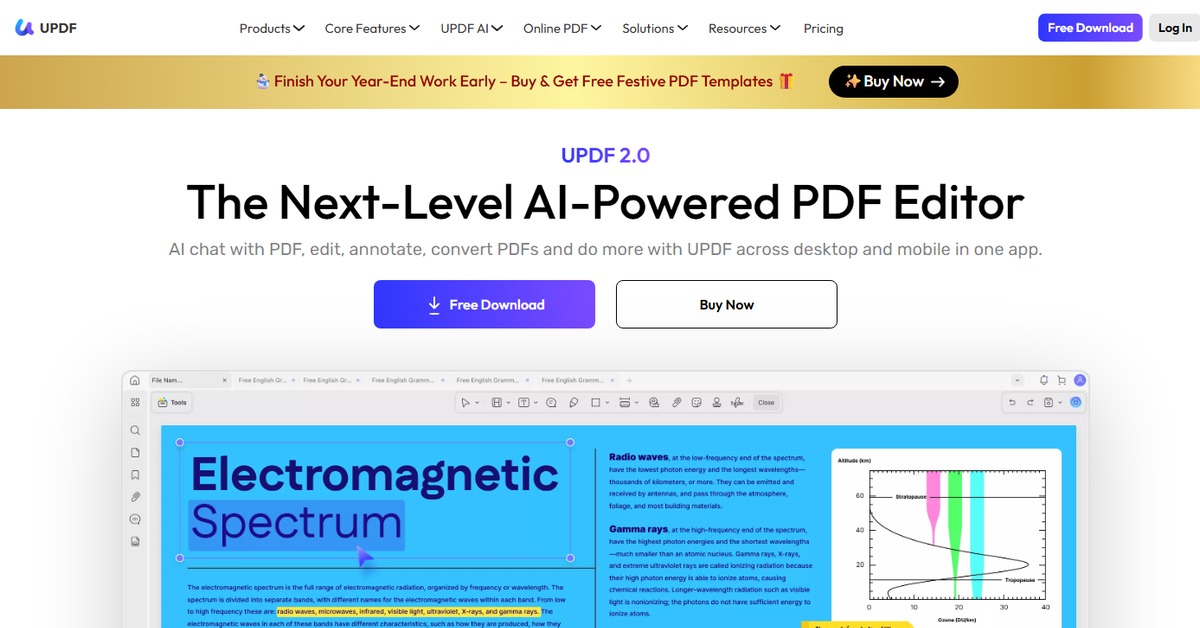
Key Features
- Advanced Document Editing: Offers a range of tools for editing text, images, and layouts within documents.
- Image Processing: Allows users to enhance and manipulate images with AI-driven features.
- Collaboration Tools: Facilitates real-time collaboration among team members for seamless project management.
- Cross-Platform Compatibility: Accessible on various platforms including web and Figma, ensuring flexibility.
- Customizable Templates: Provides a library of templates that can be tailored to specific project needs.
Pros & Cons
Pros.
- User-friendly interface that simplifies complex editing tasks.
- Robust features that cater to both basic and advanced editing needs.
- Strong collaboration capabilities that enhance teamwork.
- Regular updates and improvements based on user feedback.
- Flexible pricing model that accommodates different user requirements.
Cons.
- Some advanced features may require a paid subscription.
- Limited offline functionality; primarily web-based.
- Initial learning curve for users unfamiliar with design tools.
- Occasional performance issues with large files.
- Integration with third-party tools may be limited.
How to Use (Quick Start)
- Visit the UPDF AI website and sign up for an account.
- Select the type of document or image you wish to edit.
- Upload your file using the intuitive drag-and-drop interface.
- Utilize the editing tools to make necessary adjustments.
- Preview your changes to ensure everything looks perfect.
- Download the final version in your desired format.
- Share your edited files directly through integrated platforms.
FAQs of UPDF AI
What types of files can I edit with UPDF AI?
You can edit various file types, including PDF documents, images, and text files.
Is there a free trial available for UPDF AI?
Yes, UPDF AI offers a free plan with basic features for users to try.
Can I collaborate with others using UPDF AI?
Absolutely! UPDF AI includes collaboration tools for real-time teamwork.
What platforms does UPDF AI support?
UPDF AI is available on web browsers and integrates with Figma.
Are there any limitations to the free version?
Yes, the free version has limited features compared to the paid plans.
How do I upgrade to a paid plan?
You can upgrade directly through your account settings on the UPDF website.
Is customer support available for users?
Yes, UPDF AI provides customer support for all users, especially those on paid plans.
Related AI Tools
No results found.