
- Company: Veed.io
- Platforms: Web, Mac, Windows
- Updated on: December 30, 2025
- Status: Unverified
- Company: Veed.io
- Updated At: December 30, 2025
- Editor Rating: 4.6
- Platform: Web, Mac, Windows
Veed.io is a versatile online video editing tool that simplifies the video creation process with its user-friendly interface and robust features.
- Generator, Editor

Overview of Veed.io
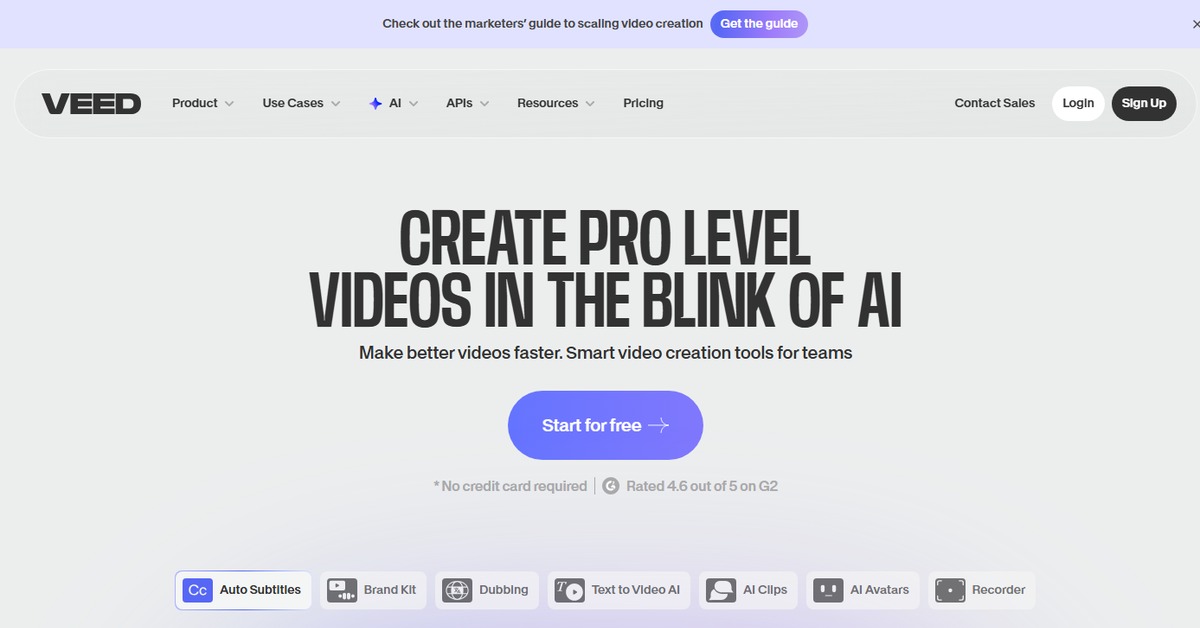
Veed.io is an innovative online video editing platform designed to empower creators by providing a suite of powerful tools for editing, enhancing, and sharing videos. This tool is particularly valuable for content creators, marketers, and businesses looking to produce high-quality video content without the steep learning curve associated with traditional editing software. Veed.io addresses common challenges in video production, such as accessibility, ease of use, and collaborative editing. With features like automatic subtitles, video trimming, and a library of templates, it streamlines the editing process. Its cloud-based approach allows users to work from anywhere, making it ideal for remote teams. Practical use cases include creating promotional videos, social media content, and educational materials, all while benefiting from a user-friendly interface that requires no prior editing experience. The realistic benefits of using Veed.io include saving time, enhancing video quality, and improving audience engagement through polished content.
Key Features
- Automatic Subtitles: Generate subtitles automatically for your videos, making them more accessible and engaging.
- Video Trimming and Cutting: Easily trim or cut sections of your video to create a polished final product.
- Templates and Effects: Access a library of templates and effects to enhance your videos and make them stand out.
- Collaboration Tools: Work with team members in real-time, allowing for seamless collaboration on video projects.
- Multi-Format Export: Export your videos in various formats, ensuring compatibility with different platforms.
Pros & Cons
Pros.
- User-Friendly Interface: The intuitive design makes it accessible for users of all skill levels.
- Cloud-Based: Work from anywhere without the need for powerful hardware.
- Rich Feature Set: Offers a comprehensive range of editing tools that cater to various needs.
- Collaborative Editing: Enables multiple users to work on a project simultaneously.
- Affordable Pricing: Flexible pricing plans that cater to different budgets and needs.
Cons.
- Limited Advanced Features: May not satisfy professional editors looking for in-depth tools.
- Internet Dependency: Requires a stable internet connection for optimal performance.
- Export Limitations on Free Plan: The free version has restrictions on export quality and features.
- Learning Curve for Advanced Features: Some features may require time to master.
- Occasional Performance Issues: Users may experience lag during heavy editing tasks.
How to Use (Quick Start)
- Visit the Veed.io website and sign up for an account.
- Select the type of project you want to create (video, audio, etc.).
- Upload your media files (video, audio, images).
- Utilize the editing tools to trim, cut, and enhance your content.
- Add text, subtitles, and effects as needed.
- Preview your project to ensure everything looks good.
- Export your final product in your desired format.
- Share or download your edited video.
FAQs of Veed.io
What types of media can I upload to Veed.io?
You can upload videos, audio files, images, and text to Veed.io.
Is Veed.io suitable for beginners?
Yes, Veed.io is designed with a user-friendly interface that is accessible for beginners.
Can I collaborate with others on my projects?
Absolutely, Veed.io offers collaborative editing features that allow multiple users to work on a project.
What formats can I export my videos in?
You can export your videos in various formats, including MP4, MOV, and more.
Does Veed.io offer a free trial?
Yes, Veed.io has a free plan with basic features available.
Are there any limitations on the free plan?
The free plan has limitations on export quality and available features.
How can I contact customer support?
You can reach customer support through the contact form on their website.
Related AI Tools
No results found.