
- Company: VisualPing
- Platforms: Web, Web Browser
- Updated on: January 21, 2026
- Status: Unverified
- Company: VisualPing
- Updated At: January 21, 2026
- Editor Rating: 4.6
- Platform: Web, Web Browser
VisualPing AI is a powerful tool designed for monitoring changes in web pages and documents, providing insightful analysis and reports.
- Analyzer, Automation
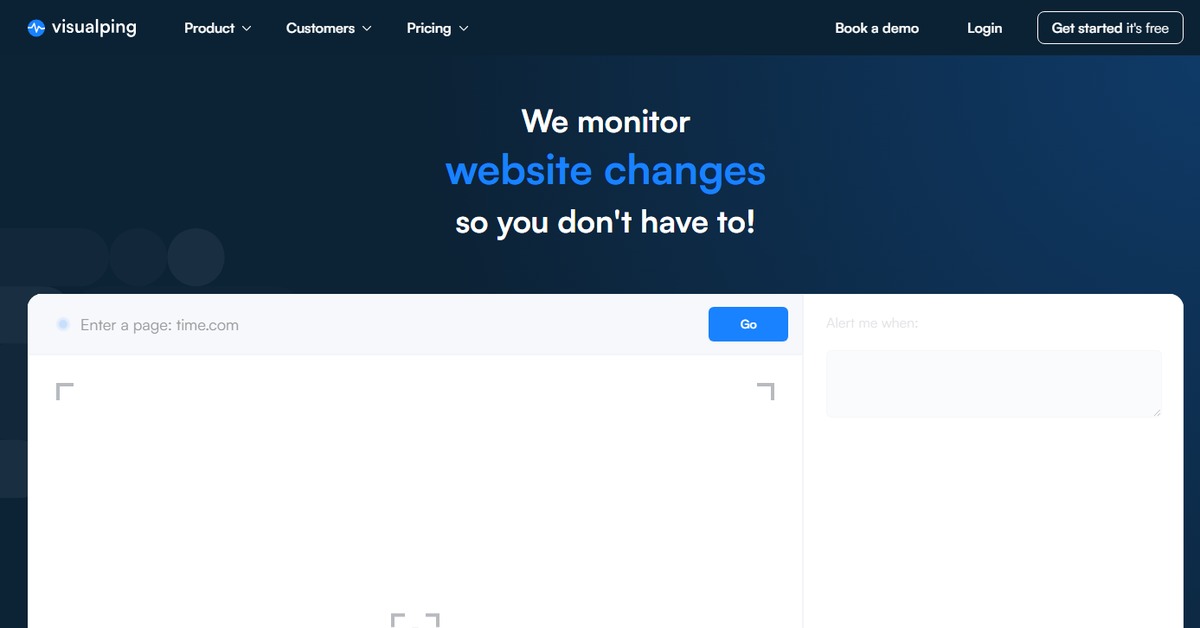
Overview of VisualPing AI
VisualPing AI is an advanced monitoring tool that allows users to track changes in web pages, documents, and other data sources. Its significance lies in its ability to automate the monitoring process, saving time and effort for businesses and individuals alike. By providing real-time alerts and comprehensive analysis, VisualPing AI addresses the challenges of manual monitoring, ensuring that users are always informed of critical changes. This tool is particularly beneficial for marketers, researchers, and anyone who needs to stay updated on specific content changes. Unique capabilities include customizable alerts, detailed reporting, and integration with various platforms, making it a versatile solution for diverse monitoring needs. Practical use cases range from tracking competitor website changes to monitoring product availability, ultimately leading to informed decision-making and strategic planning.

Key Features
- Real-time Monitoring: Automatically tracks changes in specified web pages or documents, ensuring you never miss important updates.
- Custom Alerts: Set personalized notifications to be alerted immediately when changes occur, allowing for timely responses.
- Detailed Reporting: Generate comprehensive reports that summarize changes over time, providing valuable insights for analysis.
- User-Friendly Interface: Navigate through the platform easily, making it accessible for both beginners and advanced users.
- Integration Capabilities: Seamlessly connect with other tools like WordPress and Zapier to enhance functionality and streamline workflows.
Pros & Cons
Pros.
- Highly customizable alerts that cater to specific monitoring needs.
- Robust reporting features that provide actionable insights.
- User-friendly design that simplifies the monitoring process.
- Flexible pricing plans that accommodate different user requirements.
- Strong integration options that enhance overall productivity.
Cons.
- Some advanced features may require a paid subscription.
- Initial setup may take time for users unfamiliar with monitoring tools.
- Limited free plan features may not suffice for extensive monitoring needs.
- Occasional delays in alert notifications reported by some users.
- Not all document types are supported for monitoring.
How to Use (Quick Start)
- Visit the VisualPing website and sign up for an account.
- Select the type of content you want to monitor (web page, document, etc.).
- Input the URL or upload the document you wish to track.
- Set your monitoring preferences, including frequency and alert types.
- Save your settings and start monitoring.
- Review the analysis and reports generated based on the changes detected.
- Adjust your monitoring settings as needed based on the insights received.
FAQs of VisualPing AI
What types of content can I monitor with VisualPing AI?
You can monitor web pages, documents, and other data sources using VisualPing AI.
How does VisualPing AI notify me of changes?
VisualPing AI sends alerts via email or through the platform based on your notification preferences.
Is there a free trial available for VisualPing AI?
Yes, VisualPing AI offers a free plan with basic features for users to try out.
Can I integrate VisualPing AI with other tools?
Yes, VisualPing AI integrates with platforms like WordPress and Zapier for enhanced functionality.
What kind of reports does VisualPing AI generate?
VisualPing AI provides detailed reports summarizing changes detected over time.
Is VisualPing AI suitable for businesses?
Absolutely, VisualPing AI is designed for both individuals and businesses needing effective monitoring solutions.
How often can I set the monitoring frequency?
You can customize the monitoring frequency according to your needs, ranging from minutes to days.
Related AI Tools
No results found.