
- Company: Wisecut
- Platforms: Web, Mac, Windows
- Updated on: February 28, 2026
- Status: Unverified
- Company: Wisecut
- Updated At: February 28, 2026
- Editor Rating: 4.6
- Platform: Web, Mac, Windows
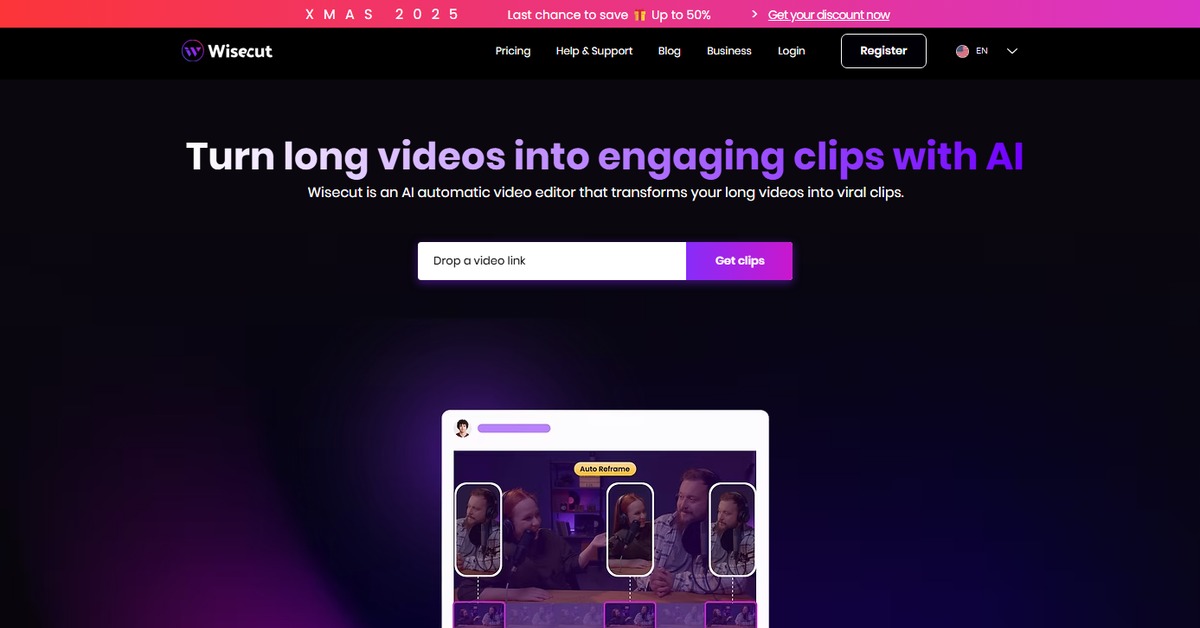
Wisecut is an AI-driven video editing tool designed to streamline the video creation process, making it accessible for everyone.
- Generator, Editor

Overview of Wisecut
Wisecut is an innovative AI video editing tool that leverages artificial intelligence to simplify the video editing process. It is designed for content creators, marketers, and anyone who needs to produce high-quality videos quickly and efficiently. By automating tedious tasks such as cutting, trimming, and enhancing audio, Wisecut allows users to focus on the creative aspects of their projects. The tool addresses common challenges faced by video editors, such as time constraints and technical complexities, making it a valuable asset for both beginners and professionals. With unique capabilities like automatic scene detection and audio leveling, Wisecut stands out in the crowded video editing market. Practical use cases include creating promotional videos, social media content, and educational materials, all while enjoying the realistic benefits of reduced editing time and improved video quality.
Key Features
- AI-Powered Editing: Wisecut uses advanced algorithms to automate the editing process, saving users significant time.
- Scene Detection: The tool intelligently identifies key scenes in your video, allowing for seamless transitions.
- Audio Enhancement: Automatic audio leveling ensures that sound quality is consistent and professional.
- User-Friendly Interface: Designed for ease of use, making it accessible for both beginners and experienced editors.
- Flexible Export Options: Users can download videos in various formats suitable for different platforms.
Pros & Cons
Pros.
- Time-Saving Automation: The AI features significantly reduce the time spent on manual editing tasks.
- High-Quality Output: The tool ensures that the final videos are polished and professional.
- Accessibility: Suitable for users with varying levels of editing experience.
- Cost-Effective: The freemium model allows users to access basic features without any financial commitment.
- Regular Updates: Wisecut frequently adds new features and improvements based on user feedback.
Cons.
- Limited Free Features: The free version may not include all advanced functionalities.
- Learning Curve: Some users may require time to fully understand all features.
- Internet Dependency: As a web-based tool, it requires a stable internet connection for optimal performance.
- Occasional Bugs: Users may encounter minor glitches, especially during peak usage times.
- Export Limitations: The free version may restrict the number of videos that can be exported.
How to Use (Quick Start)
- Sign up for an account on the Wisecut website.
- Upload your video and audio files to the platform.
- Select the editing features you wish to apply.
- Use the AI tools to enhance your video automatically.
- Preview the edited video to ensure it meets your expectations.
- Download the final video in your desired format.
- Share your video directly to social media or other platforms.
FAQs of Wisecut
What types of files can I upload to Wisecut?
You can upload video and audio files to Wisecut for editing.
Is there a mobile version of Wisecut?
Currently, Wisecut is available as a web application, optimized for desktop use.
Can I use Wisecut for free?
Yes, Wisecut offers a freemium model where basic features are available at no cost.
What formats can I export my videos in?
Wisecut allows you to export videos in various formats suitable for different platforms.
How does the AI editing feature work?
The AI analyzes your video content and automatically applies edits to enhance quality and flow.
Is customer support available?
Yes, Wisecut provides customer support for users, especially those on paid plans.
Can I integrate Wisecut with other tools?
Yes, Wisecut integrates with platforms like WordPress and Zapier for enhanced functionality.
Related AI Tools
No results found.